When you type the printed barcode in the barcode box in MB it will actually tell you the check digit is missing. And calculate if for you.
If you want to be geeky, you take your photo of your back cover and show it to this website: https://online-barcode-reader.inliteresearch.com/ and it will read the barcode for you. Sometimes you need to crop the image a bit to make it easier to read\identify
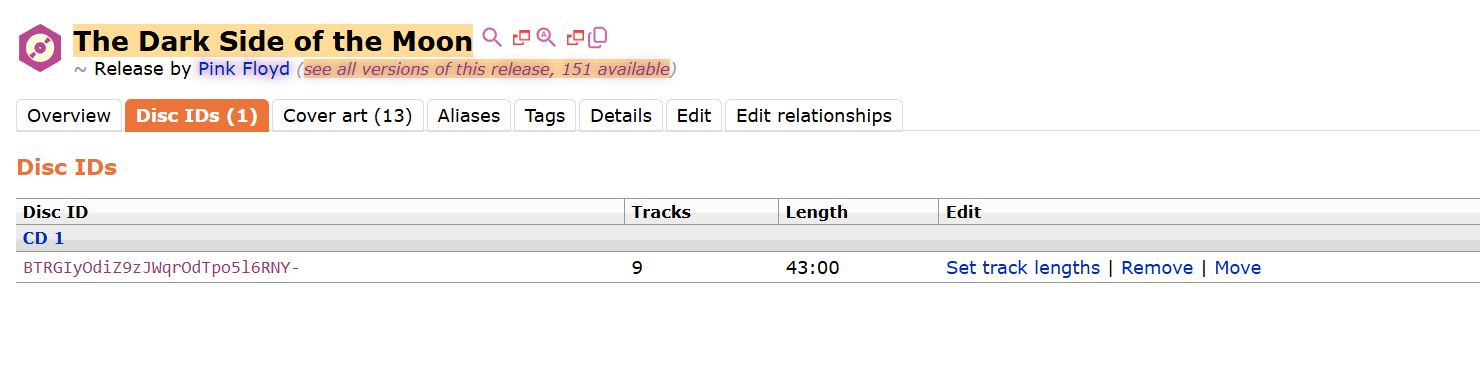
Now go back to the DiscID tab and click “Set Track Lengths”
I managed and got to ‘play/learn’ the user-scripts to import from Discogs. Hit a snag, so seeking help please. (Working nicely in a separate Firefox profile).
The barcode actually matched an entry already in MB, but listed as digital media.
The script worked remarkably well creating all the fields etc.. Apart from the track list.
The scripts add the DVD as the the final track 14, (its in fact a DVD), its not part of the CD disk 1. In my mind if the track number doesn’t match the TOC (13) I will not be able to attach the DiscID.
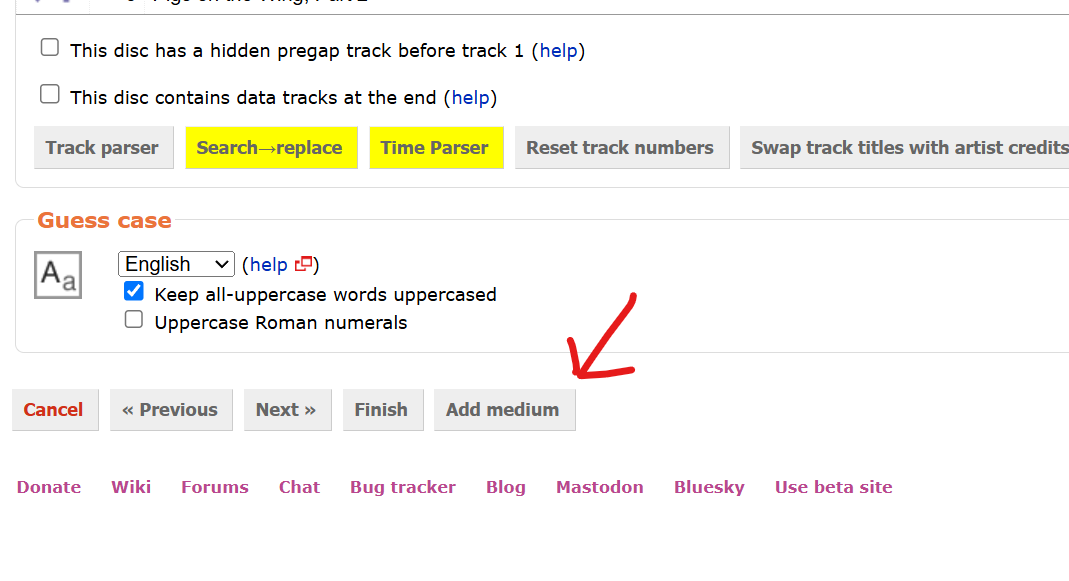
How do I split and create additional media for the DVD?
Managed to add the Toto - Tambu release. I also need to go back on the thread, I remember you got the cover artwork from somewhere for the Pink Floyd release.
I also need to wrap my head around the relationship between Track Names and Recording names.
As I have gone through a few dozen CD’s often there is a mismatch, often simply capitalisation..
The Cyanrip developers have recently made a development change in 0.9.4 RC 2 that now reads the ‘Track Title’ rather than earlier versions reading the Release title..
Seems most software even Picard reads the ‘Track Title’.
Fairly easy. The “Track Name” is what you see on the “Tracklist” page. This is what is written on your CD that you hold in your hand.
On the Tambu CD you have looked at your rear cover of the CD, and written down the tracks as listed on the paperwork.
Next you step to the “Recordings” page. Now you link to the thing you hear. The actual recording as committed to tape in the studio. This Recording is common to many Releases. Every release of Tambu on different media shares those Recordings. The same Recordings also appear on compilations and singles.
This is why the naming and exact text of a “Recording” is often dictated by a release other than the one you whole. Click on a Recording and you’ll see all the other places that Recording is used. A Recording is on many Releases.
Whereas the Tracklist only appears on one specific Release. The one in your hand.
On a compilation you may have a Track called “My Song (7” single version)" and the title on the track list will use text with the added ETI (Extra Title Information). But you’ll point at a recording that is named just “My Song” as that is the real name of the Recording as it appeared on that original single.
Ah, I see.. Therefore for each MBID entry, when softwares (EAC, dbPowerAmp, Whipper, and the like) read the MB information for a particular release, the track title is a better option, as it’s specific for that particular CD or release.
Yep. That is it. Especially relevant to a compilation. Something like an artist’s singles compilation release would do this. Then you can note (album version), (radio edit) or (12" version) in the track list.
You’ll also see it with live tracks where (live, 1999, Wembley Stadium) might be on the track list, but the recording will have move this to the Disambig field.
When you get a few mins, please can you check out MBID: 491e413c-3708-4606-b682-8334b20a487f
Used the import script from Discogs, then split to a DVD for the second medium following instructions.. (I didn’t get the two yellow buttons for the ‘Search ->Replace’ & ‘Time Parser’ are those specific to you?)
Release looks okay. I will point to the DVD Recording should be a “video” I assume. Click through to that recording, edit the recording, and you’ll find the box you can tick to mark it a video.
Also when adding a new release it is a good idea to point at the recordings from the other release in the same release group. If tracks look same length, then they are likely the same recordings as other releases of same era. (I have setup some recording merges to all that to happen now).
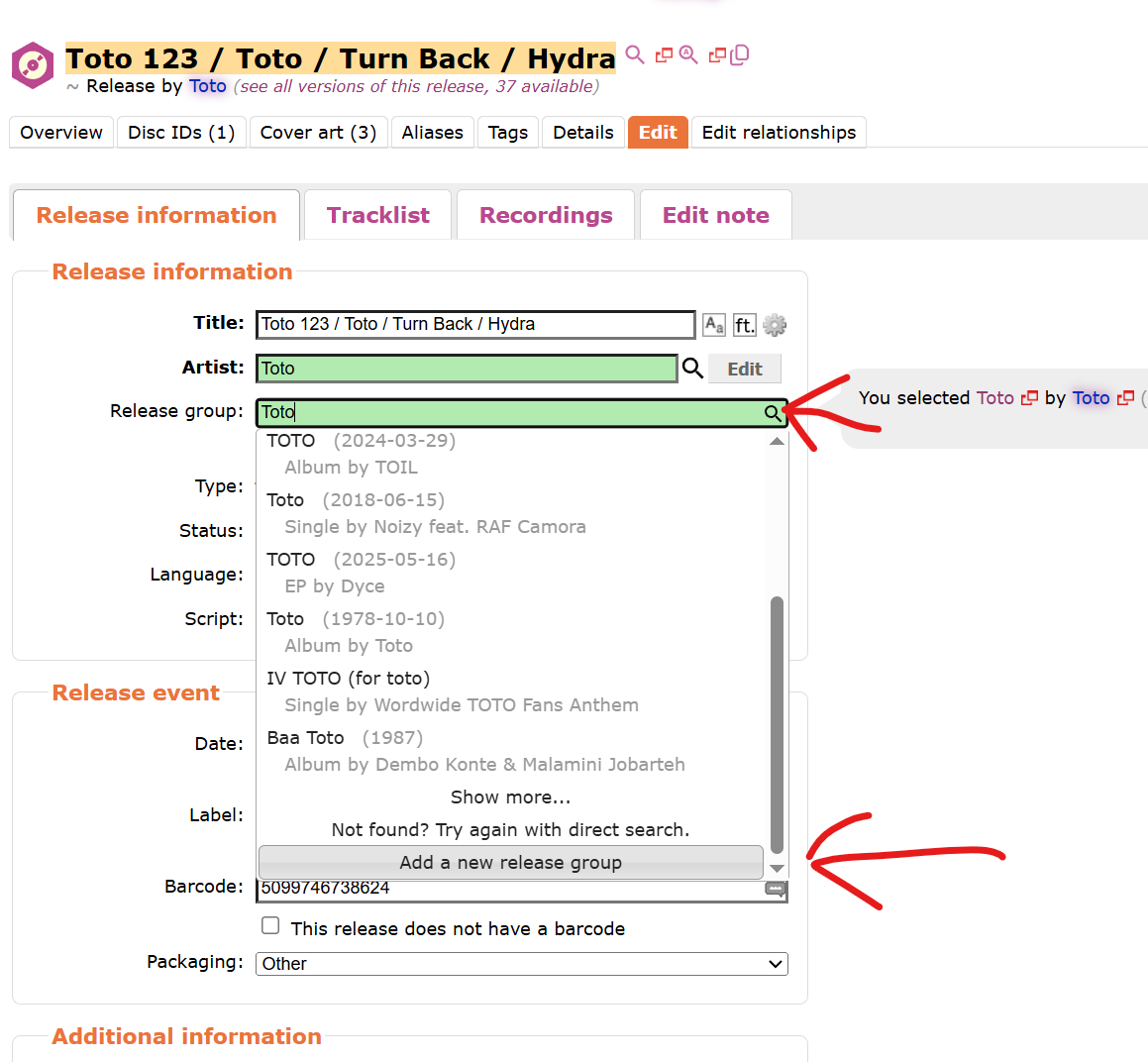
This Release will have the same Recordings on the CD as the other releases in the same Release Group. So you would reuse their recording instead of making new ones.
From some script or other. Forget which. Get so used to scripts adding parts to the GUI that I forget what vanilla is.
Noted.. Thanks for taking the time to review and the tutorials, its appreciated.
There are tick boxes presented in the GUI, that without the deep understanding of the MB schema or a long time reading the MB help pages, can be difficult to decided whether to use or not.
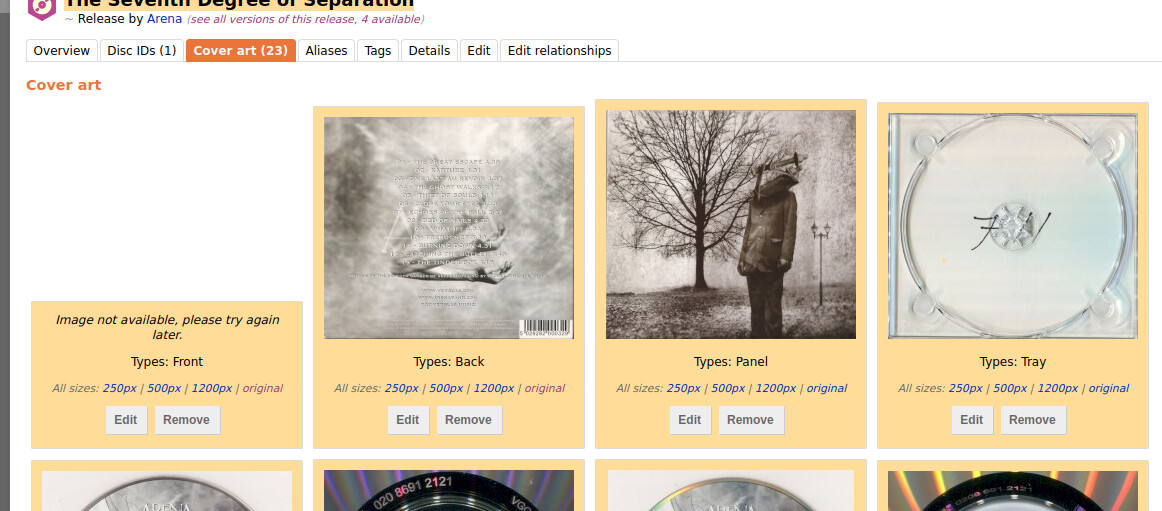
A lot of this hobby can involve patience. With the Cover Art Archive it can get busy and finally catches up after a few minutes. As your artwork uploads sit on a seven day queue it will eventually catchup.
However, had an issue with Hydra, 3rd Disc, Track 3. For the release information, there was no recording for this track that matched ‘Hydra’ all other tracks on the Hydra CD did. Assume its a new release? Its ODD, the Hydra CD is from 1978 so would have thought the release should be there as the others were?
Hopefully, I haven’t made a ‘dogs dinner’ of this addition. The cover art is not correct on the link above.
Search sometimes is a bit naff and it is quicker to copy\paste an actual link into the window. So copy\past that link from above. (Or go to the Hydra album page, find track three on a release, and copy the link direct from there)
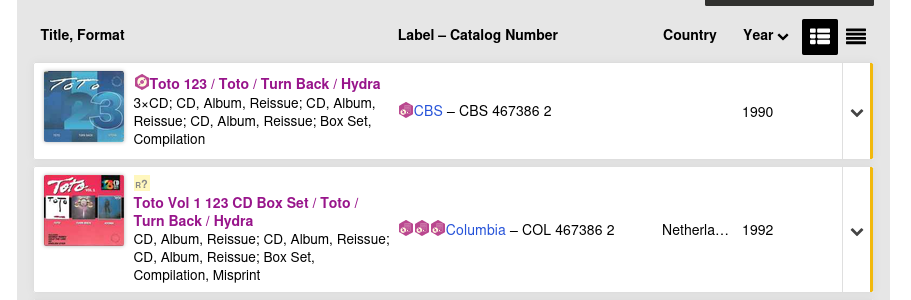
3\ I would call this “Toto 123: Toto / Turn Back / Hydra” to separate the name of the box from the contents.
4\ As you add more DiscIDs, you’ll set more of the track times.
Generally things are looking good so far. Releases like this are good for learning and making mistakes on. The more mistakes, the more you learn.
And everything you spot in the next 24 hours you can fix now without having to wait for votes.
(More notes will follow… edits done now should be within the 24 hour window and should get applied now)