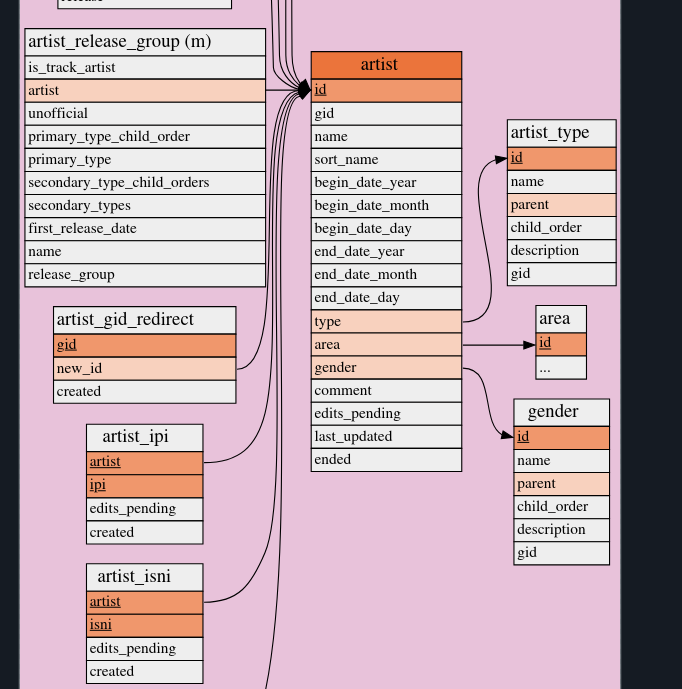
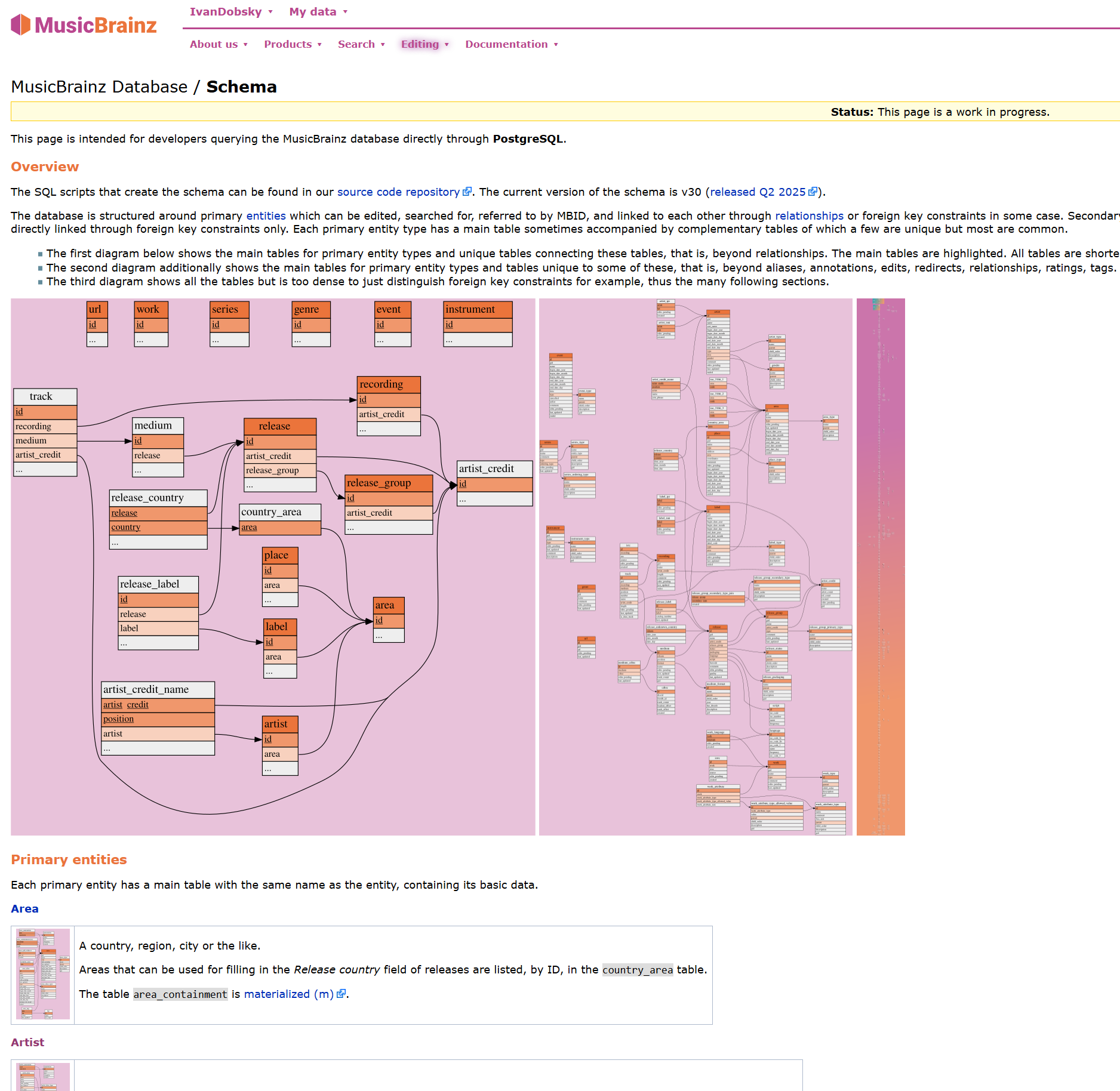
I’m looking at the schema here:
wanting to see the individual field names in the artists table. If I try any of the svg files there, they all scale as garbage:
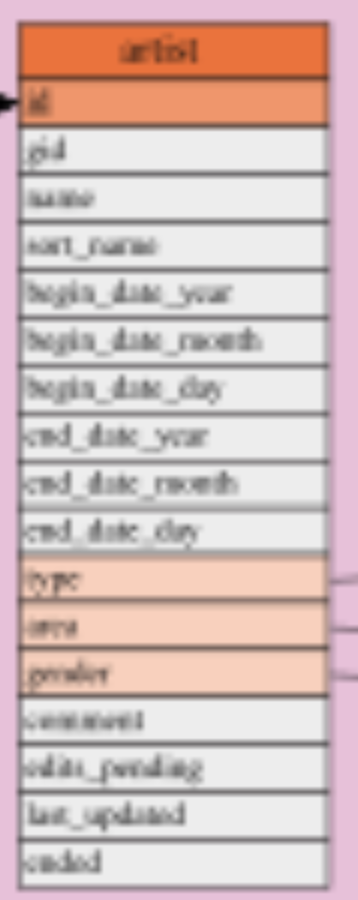
There a place I can see the schema visuals in legible form?
I’m looking at the schema here:
wanting to see the individual field names in the artists table. If I try any of the svg files there, they all scale as garbage:
There a place I can see the schema visuals in legible form?
For others that may want similar things:
Likely an issue on your side, here how those same SVGs are displayed in Firefox on my system (Linux)
Maybe it is a Windows thing. I also can’t work out how to make those images legible. They are stuck at a fixed size. Firefox \ Edge \ Vivaldi just presents thumbnails that can’t change size.
Brave can’t even load the thumbnails and shows lots of missing image logos.
Weird, you used to be able to click them on the doc page and view the full svg’s half a year ago. Removing /thumb and /–px-filename.svg.png works though
It’s the anti-bot feature that can randomly block lots of images when their subdomain is different than the page (layout images on the wiki, for example, but not those schema images, though)
I tried Android Firefox and Windows Vivaldi, and I see them blurred, like the OP, in the doc page and in the wiki page.
Yes, and it seems there’s a redirect with a PNG first and then the real SVG, so if only the second one is blocked it shows a blurred image, that’s a kind of “progressive” SVGs display.
@julian45 can you have a look when you have time? It seems related to Anubis (or the wiki itself, not sure what’s happening exactly).
Thanks for the ping. It was most likely an Anubis rule on the wiki server: after verifying that the wiki server was sending back an Anubis challenge in response to requests for images (which browsers would rightly refuse to handle), I found a rule that applied to (among other things) requests for images coming from within MB docs pages and noticed that it was too specific vs the actual real requests for the images.
After generalizing the rule and restarting Anubis, it appears the issue is fixed. @jesus2099, @IvanDobsky et al: could you please try again and confirm?
I tried the following two URL in Android Firefox then in Windows:
For both browsers:
Just like @jesus2099 I have no change in multiple browsers. Just a static image with no ability to click for bigger. Or any hint how to get a larger image.
What you see in the images in my above post is it. Literally stuck at size, and zooming in still has that original fixed image without scaling.
I also get the odd child error code image on that second link for the wiki ( MusicBrainz Database/Schema - MusicBrainz Wiki ).
I haven’t had this feature either in MB docs, and when I look at the requests my browser is making, it always seems to go to .svg.png thumbnail files, never the actual .svgs. That said, the SVGs are available in the source repo, which is linked near the top of the page.
The wiki server automatically applied some software updates last night, and I suspect nginx was updated in a manner that didn’t play well with the existing Anubis config. After some trial and error, I was able to reach a desirable working state this morning. Please give it another shot and let me know how it goes.
Original link is same as it was. Those fixed unreadable images.
The second link, MusicBrainz Database/Schema - MusicBrainz Wiki , now does load up. Image viewer is not very controllable on that huge one… but it is now accessible.
The image viewer is very strange. It seems to have two states - shrink to fit, or full size. But as the images can be downloaded now they are at least useable.