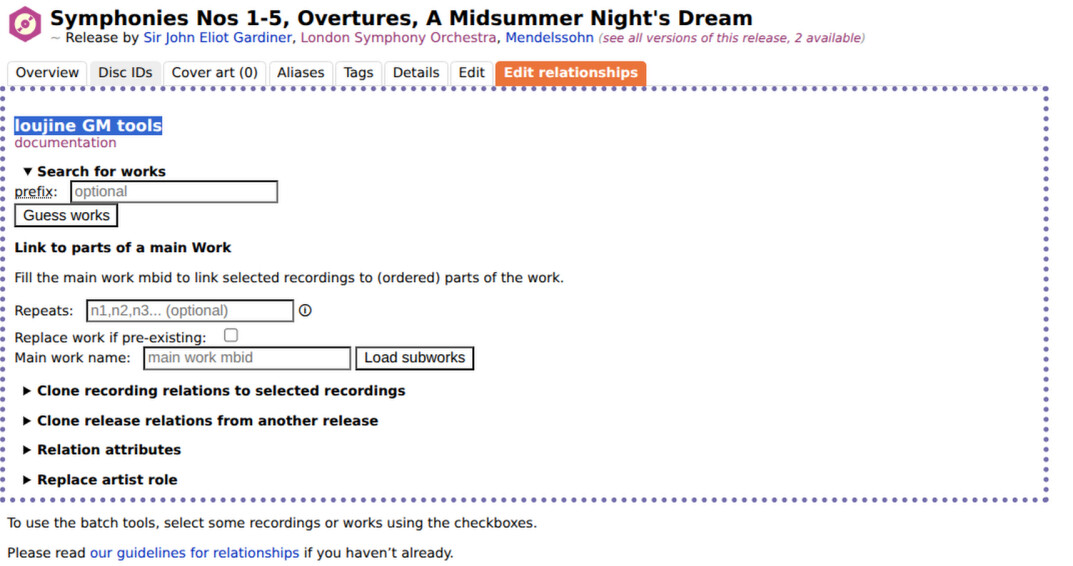
3. However no matter what recordings are selected, the “apply” button is inert. For example, attempting to use “Clone recording relations”, I paste the source MBID into the box and select those I want to clone to. But clicking “apply” has no effect at all.
4. Clearly the scripts load, and are partially active - the MBID entry under “Clone Recordings” appears to work.
5. “Replace Artists” from a “Release” page is active and working, so there isn’t a fundamental issue with my configuration.
6. The same behaviour happens in other broswers - I last tried Chromium as a check but the behaviour is identical.
This has me completely stumped. Is this a bug, a compatiblity issue or just user error? I would appreciate some advice.
I just updated and there is no change in behaviour. Just to emphasize - none of the scripts I have installed appear to do anything from the relationship editor page. (Although tampermonkey certainly thinks they are active).
Aha. After reinstalling from that new version of the github repo, the “clone recording relations” script now seems to be working! Though I need to specify the source using its MBID - the numeric index specification still does nothing.
Anyhow, thank you very much for the help. Hopefully this can be documented somewhere.
The index is for the destination of the mbid out of the selected recordings.
Index is actually misleading here because it doesn’t start on 0, but on 1.
The index just specifies which of the tracks out of the ones you currently have selected to paste the copied relationships into.
Greasemonkey is considered inferior. Use Violentmonkey or Tampermonkey.
Check the console for errors. Also make sure there is no old version of the script running.