Hi everyone,
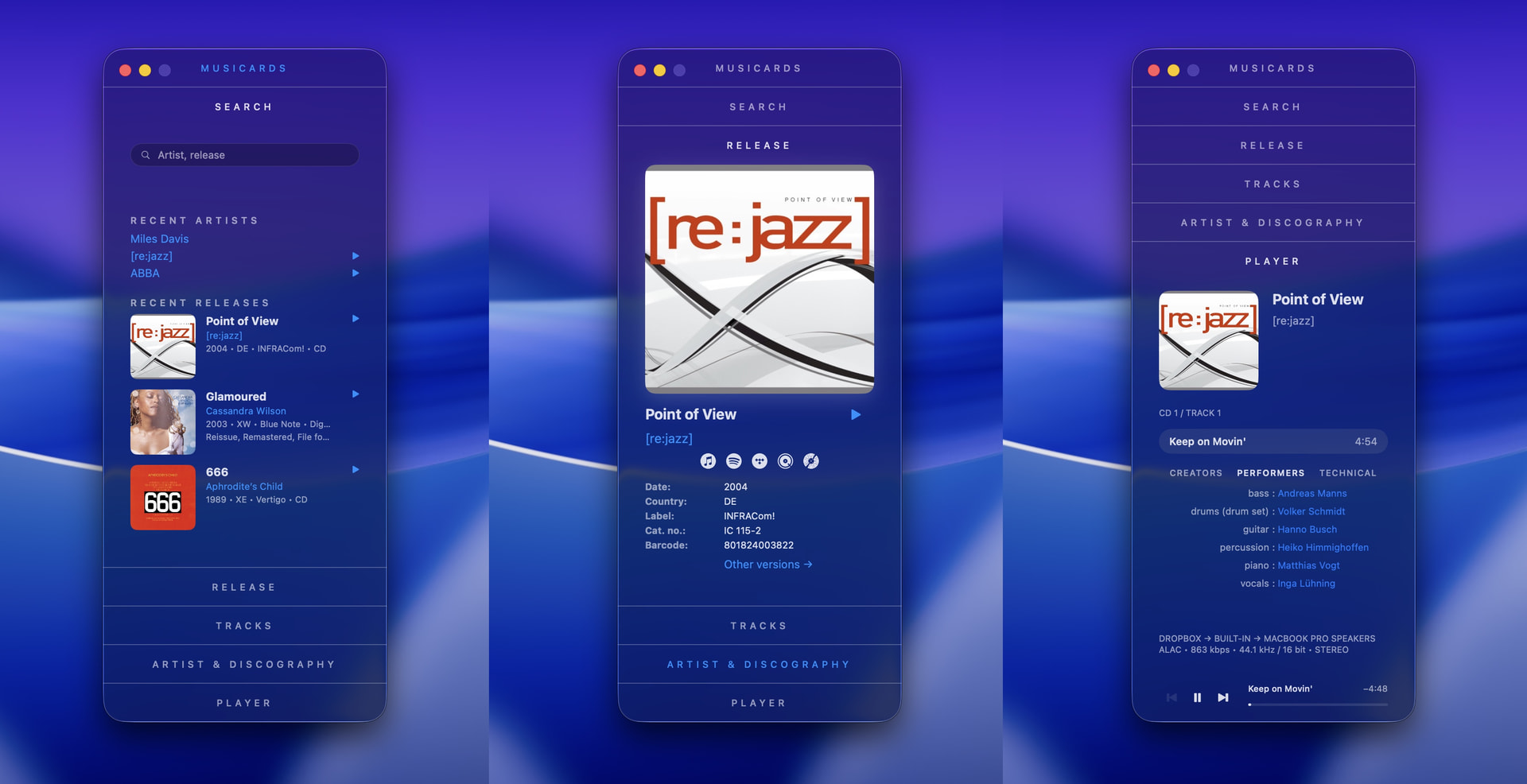
I’m happy to share MusiCards 2.0, now available for macOS, iPhone and iPad.
MusiCards originally grew out of my web-based MusicBrainz Release Viewer, followed by the first iPhone version and later the Mac app.
Until now, it was a visual browser for exploring MusicBrainz releases, credits, artists and discographies.
With version 2.0, the four original cards have been joined by a fifth one:
PLAYER
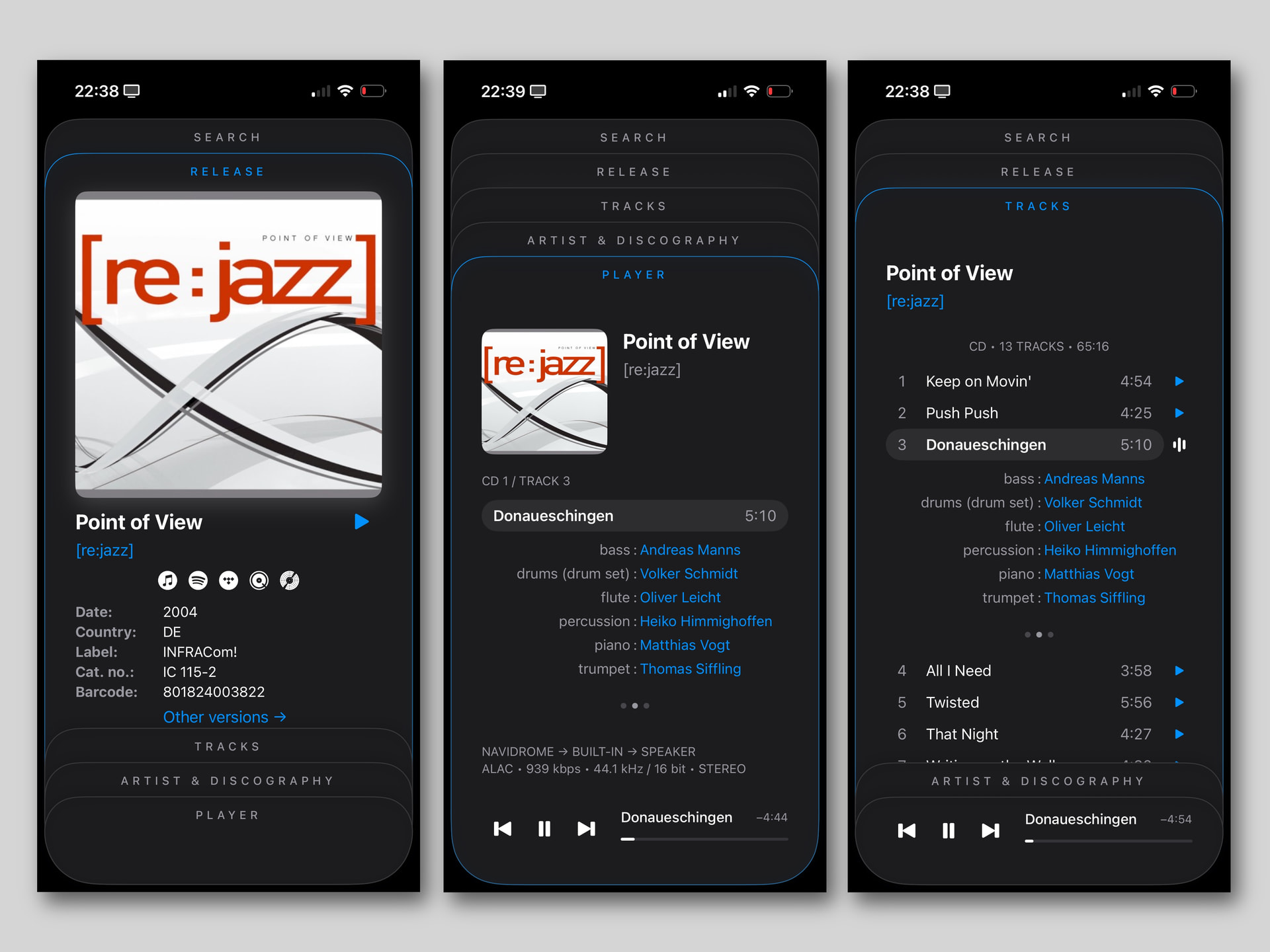
MusiCards can now play music from your own collection while keeping the MusicBrainz release and credit information directly beside it.
The player currently supports:
-
indexed personal music libraries
-
playback from local files
-
optional connection to your own Navidrome server
-
background playback on iPhone and iPad
-
system Now Playing and lock-screen controls
-
album artwork and audio information such as codec, bitrate, sample rate and bit depth
-
navigation between the currently playing release, its tracks, artist, discography and detailed MusicBrainz credits
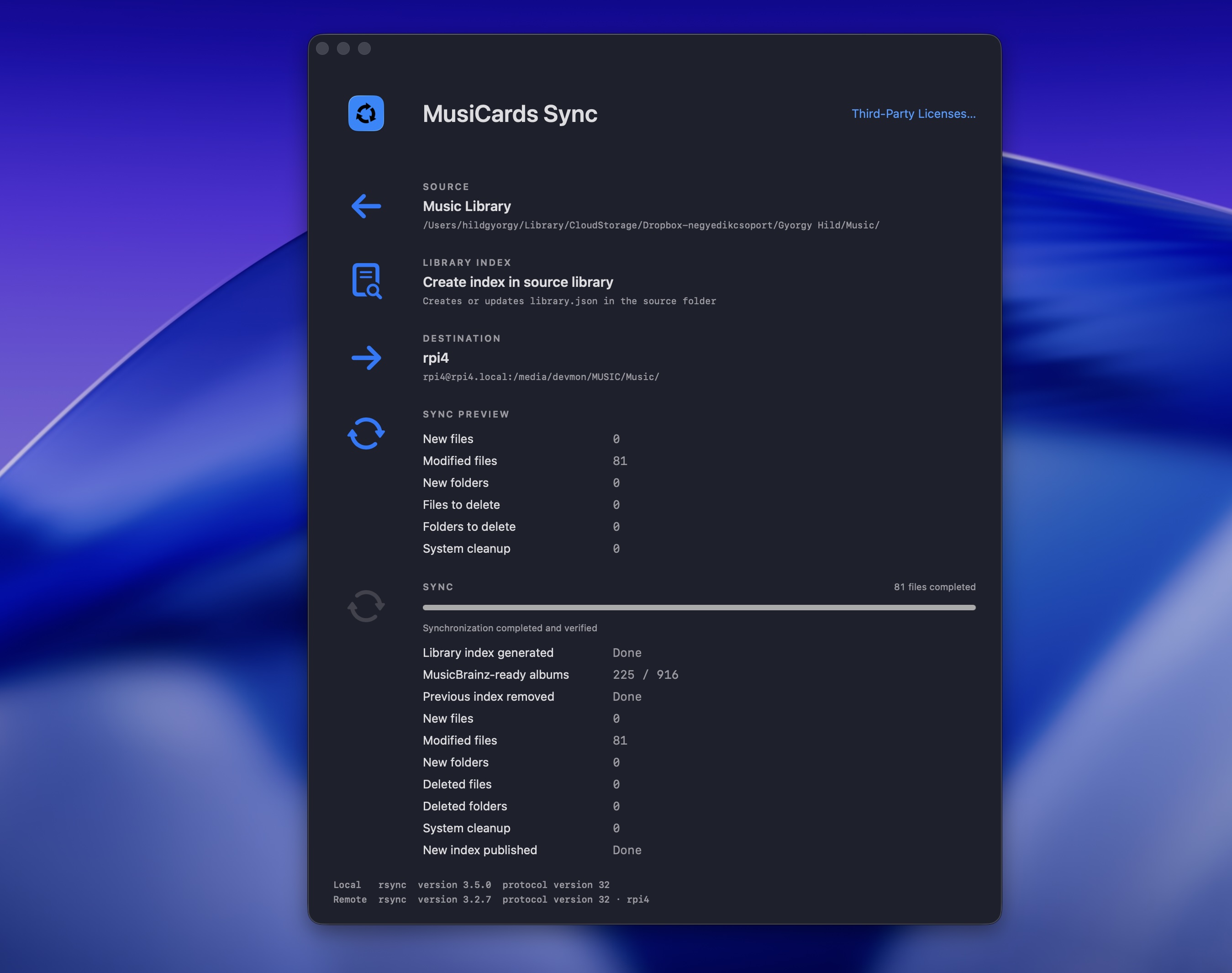
For local libraries, the macOS version creates a lightweight library.json index that allows MusiCards to connect the user’s own audio files with the corresponding releases in the app.
There is one deliberate requirement: only releases tagged with MusicBrainz Picard (and therefore containing a MusicBrainz Release ID in their file metadata) are playable. Files without this MusicBrainz identifier are not treated as playable releases.
This is intentional rather than a technical fallback or an attempt to recognise albums from filenames. I wanted playback in MusiCards to retain a strong and unambiguous connection to MusicBrainz releases.
Throughout the interface, a small blue play arrow clearly indicates that the selected release has been found in the personal library and is available for playback.
Navidrome support is entirely optional.
The existing MusicBrainz release and artis browser functions are still fully available:
-
artist, release and track search
-
MusicBrainz release URL and MBID lookup
-
CD barcode scanning
-
Shazam recognition
-
Apple Music Now Playing release identification
-
release details and alternative versions
-
classical-friendly work and movement structure
-
performer, writer and technical credits
-
categorised artist discographies
-
Wikipedia artist summaries when available
The underlying idea has not changed: MusiCards remains deliberately “MusicBrainz-minded”. It presents the available data as clearly as possible without inventing missing information or silently filling gaps.
The interface has also received many refinements for version 2.0, particularly in dark mode and on iPad, while keeping the stacked-card design of the original viewer.
This remains a personal, experimental project. I created the concept, workflow and visual design, while much of the Swift implementation was developed through AI-assisted coding with ChatGPT and Claude.
MusiCards is free and powered by MusicBrainz and the Cover Art Archive.
Feedback is very welcome — especially about unusual releases, metadata edge cases, classical track structures, and how well personal libraries match their MusicBrainz releases.
Best,
György