Hi
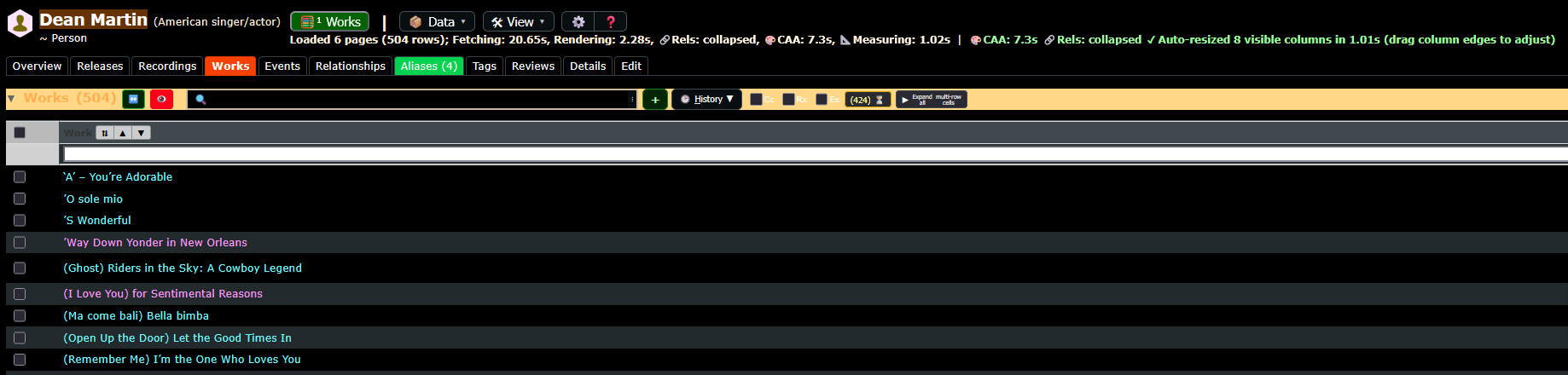
I got an update of your user script and I seem to have lost all my columns. Can you explain how I can get them back?
Hi
I got an update of your user script and I seem to have lost all my columns. Can you explain how I can get them back?
Please try to post your question in the related userscript topic.
If I knew how I would
See what userscripts are running on this page, then disable one, reload, disable another one, reload.
When you identify which userscript erased “your columns”, then search this userscript topic in the forum and you can post there.
I think it’s this one: VZ: MusicBrainz - Show All Entity Data In A Consolidated View With Filtering And Multi-Sorting Capabilities
Still dont understand how to get in the right post thingie
Problem solved, just keep clicking buttons till you find the right one pffffff
Easy 
ty Jees, have a nice day
Is it working now? Which version, I just posted a new one
Hi Vzell, Yes I downloaded the latest version and lost all my columns. I could only see the song titles. Panic… but finaly I found the button to put them back. Thank you for the update looks NICEEE
The only problem I still have is when I fire up the user script for a new artist or another selection my columns are gone again and the I need to push this button again
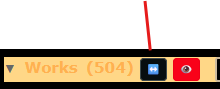
I never had this problem, Enable debug logging, create an issue on the github page and upload
Now you lost me… Where can I find “Debug logging”
I created an issue for you at
Please follow up over there…
Thank you VZell. Have a nice day