I just wanted to share how much enjoyment I am having with Navidrome, I wish I had known of it sooner!
For years I have been searching for music library server software with a low overhead, doesn’t fiddle about with my library too much (use MY tags don’t scrape and get it wrong) and generally just works.
I’ve got my Navidrome running in a container within Proxmox, running on a cheap “micro” Lenovo PC, exposing a 5TB drive (which is mirrored in other places) directly to the container.
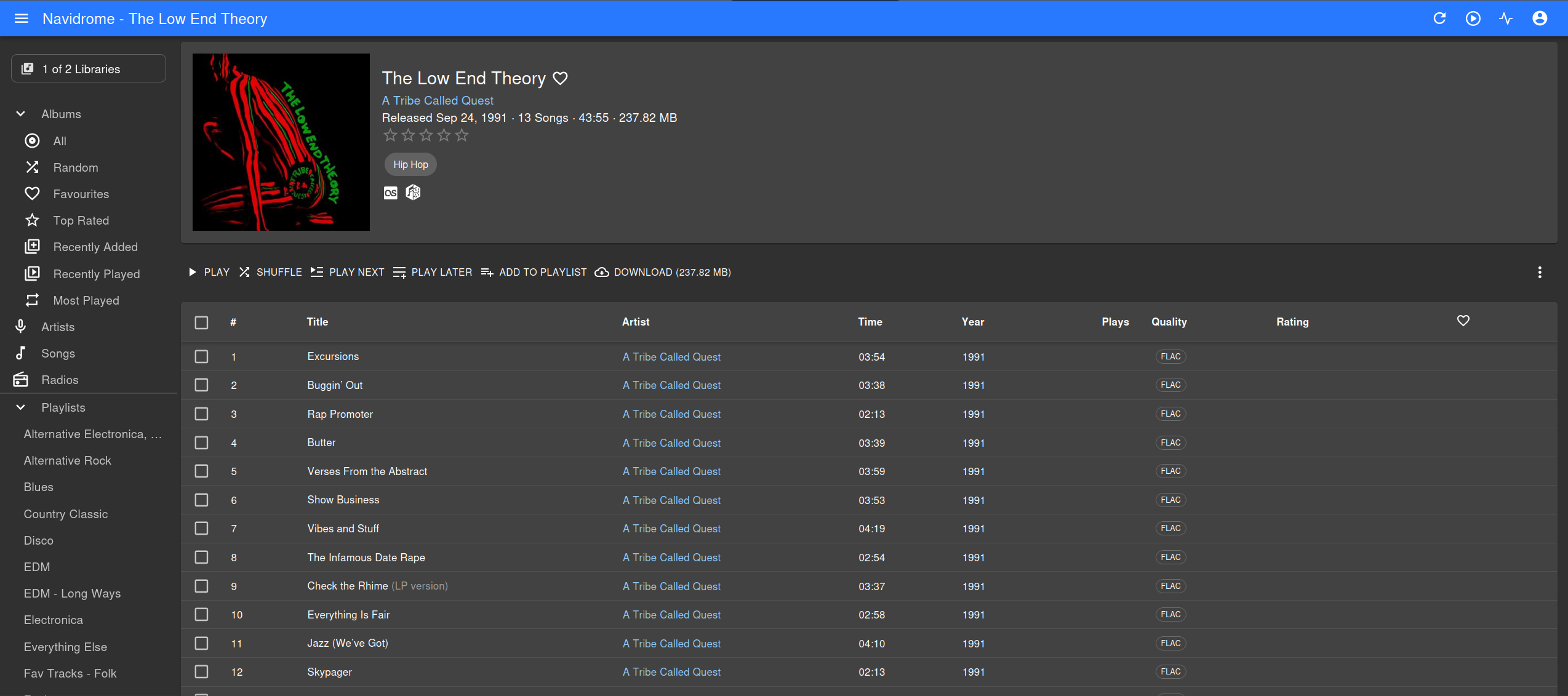
It’s read all my tags, and lays things out great. There’s a wealth of clients as well you can get for all platforms that just “plug into” your existing server, bringing all playlists, ratings, loves and so on with it.
This is so great, and I get to use it remotely over a WireGuard VPN setup on my router.
I know that people live and die by Plexamp and Jellyfin, but if you want something that does what it says on the tin Navidrome’s the one.
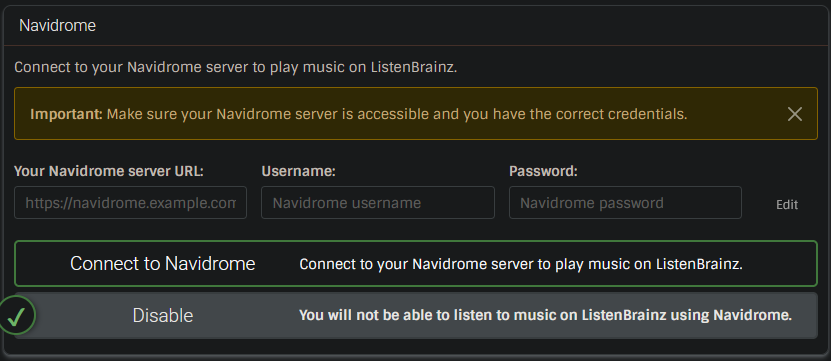
Don’t forget, Navidrome can connect to ListenBrainz as a player! I have Navidrome on my miniPC server as a backup for if my main server is down for some reason.
The last time I checked Navidrome, I found that there were two major issues:
It does not read and display embedded Lyrics from UNSYNCHEDLYRICS tag.
It does not read and display alphanumerical TRACK numbers like they exist for Vinyl releases. It converts them to zero, which results in the track order being incorrect.
(example Waterloo from ABBA)
(Please let me know if this has changed recently.)
One of Navidrome’s main advantages over many other solutions is: You can set it up as a read-only environment. This way, your precious collection will never be changed or “enhanced” by some kind of “clever automatism” or unwanted external sources.
Looks interesting. I use KODI with a VPN in a similar way. Does it handle single FLAC with a CUE file okay? I notice it is nice and flexible as to how I can store my Artist images. Something that has put me off other media players in the past.
May chuck this in in parallel to KODI and run it side by side. Thanks for sharing the madness.
I’ve been using Navidrome for almost a year now (after using Airsonic Advanced for years), and it works great. It was also how I learned about MusicBrainz and really got into the little details of metadata.
It does not read and display embedded Lyrics from UNSYNCHEDLYRICS tag.
It’s worked for me as long as I’ve used Navidrome, it can read UNSYNCEDLYRICS and SYNCEDLYRICS, alongside .txt/.lrc files.
It does not read and display alphanumerical TRACK numbers like they exist for Vinyl releases. It converts them to zero, which results in the track order being incorrect.
(example Waterloo from ABBA)
This is still an issue, but it’s being tracked here
Definitely recommend Navidrome, especially since it taps into the extensive ecosystem of OpenSubsonic compatible apps.
yeah thats what i did was run things in parallel to find out what everything was like and enjoyed it and have ultimately decided this is the one i like the most
But can the Navidrome player also display these UNSYNCEDLYRICS?
The SYNCEDLYRICS (the ones with a timecode at the start of the text) seem to be readable/displayable. In my last attempt, the UNSYNCEDLYRICS were not.
Has there been any progress on this matter?
The developer “deluan” currently holds that attitude too
November 2022: Thanks for reporting. I also have albums like this, my workaround is simply change the tracks to a numeric sequence (1, 2, 3,…) I may take a look at this later, but it is not a priority for now.
However, I don’t want to change my collection based on the capabilities of the software.
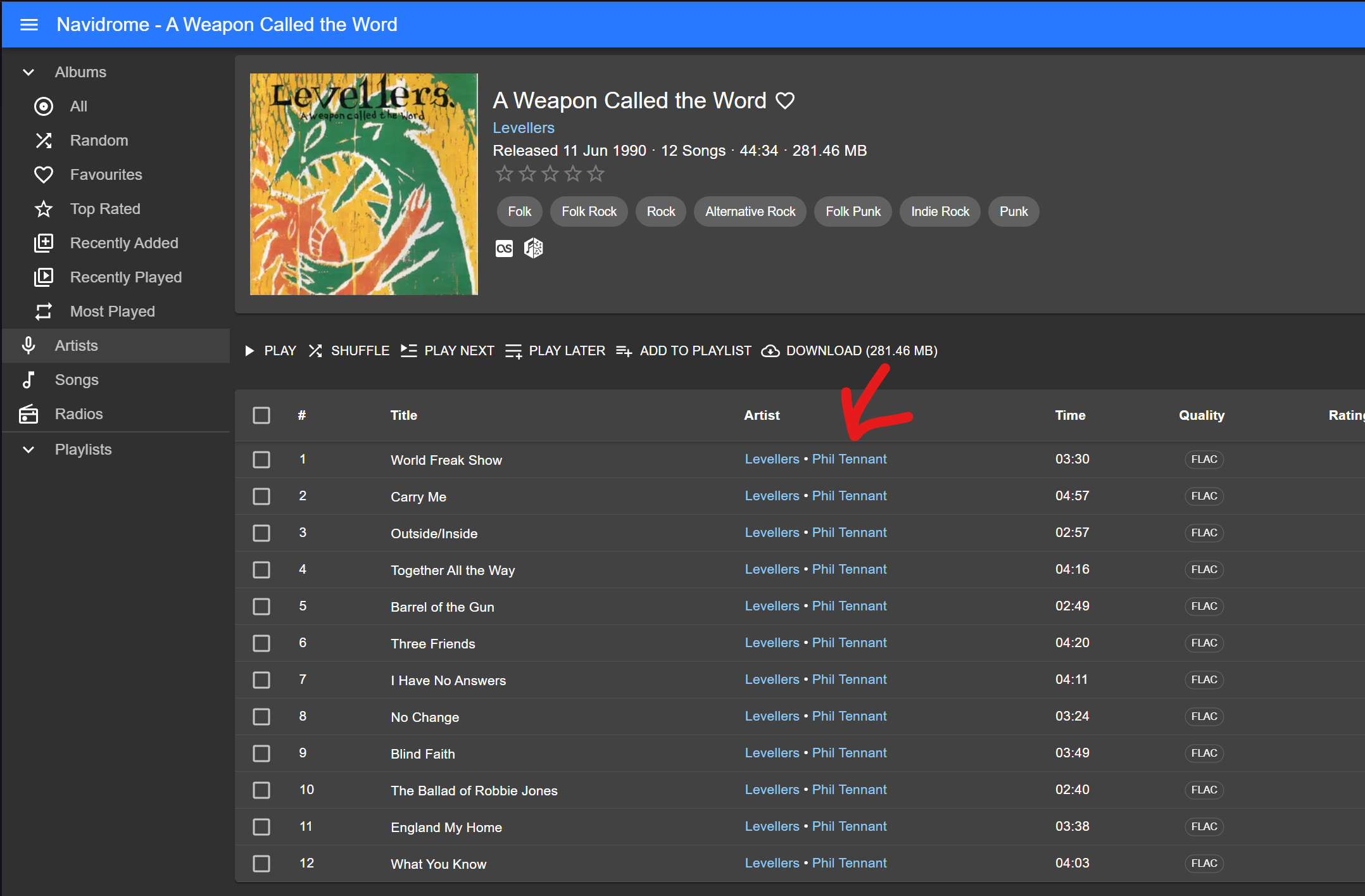
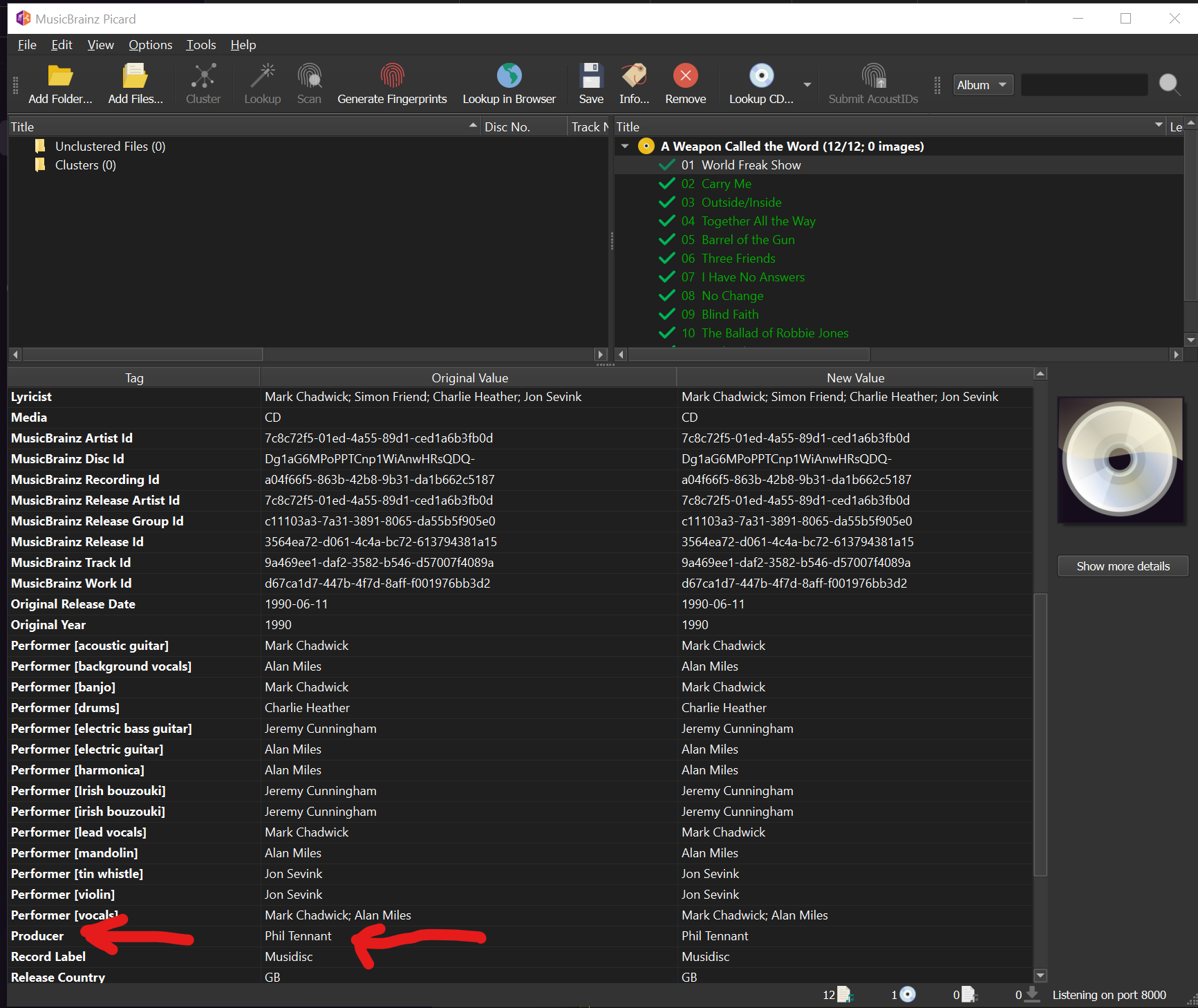
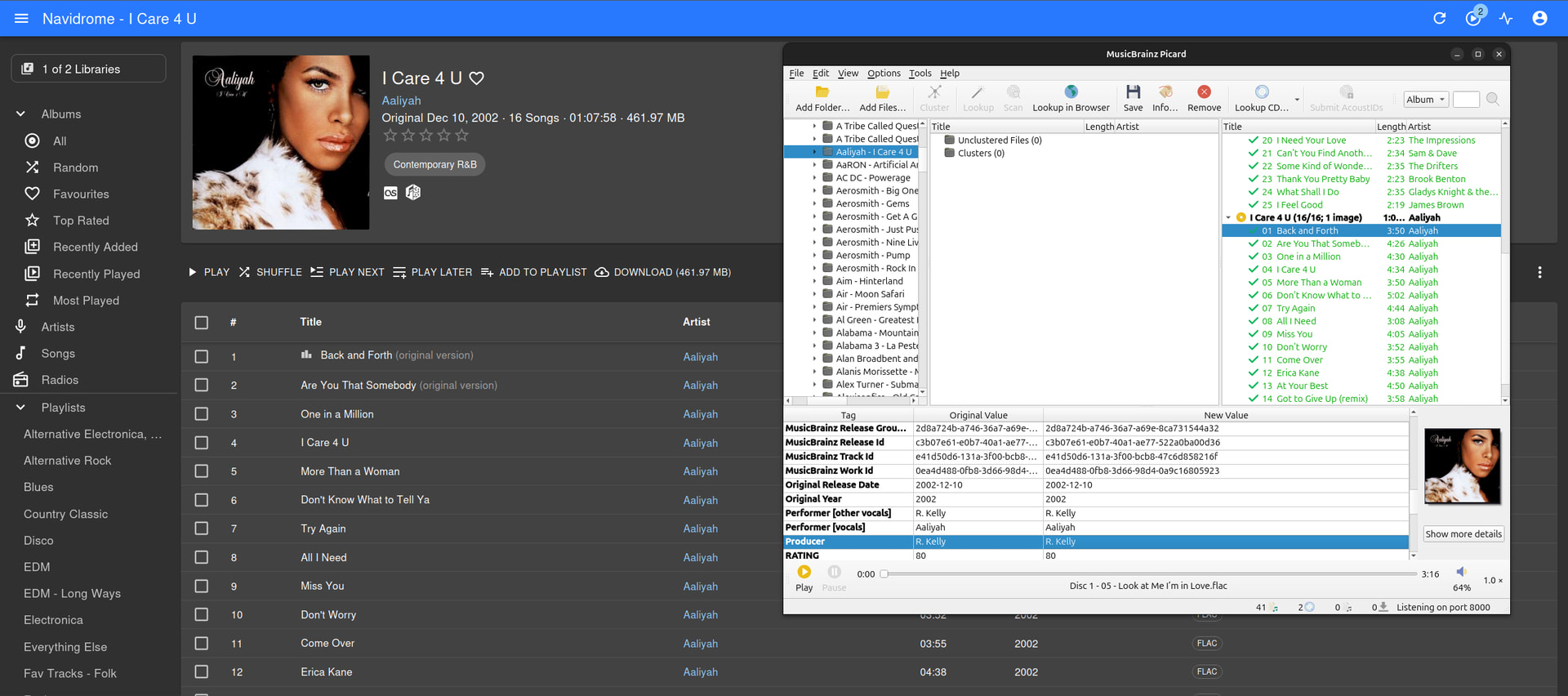
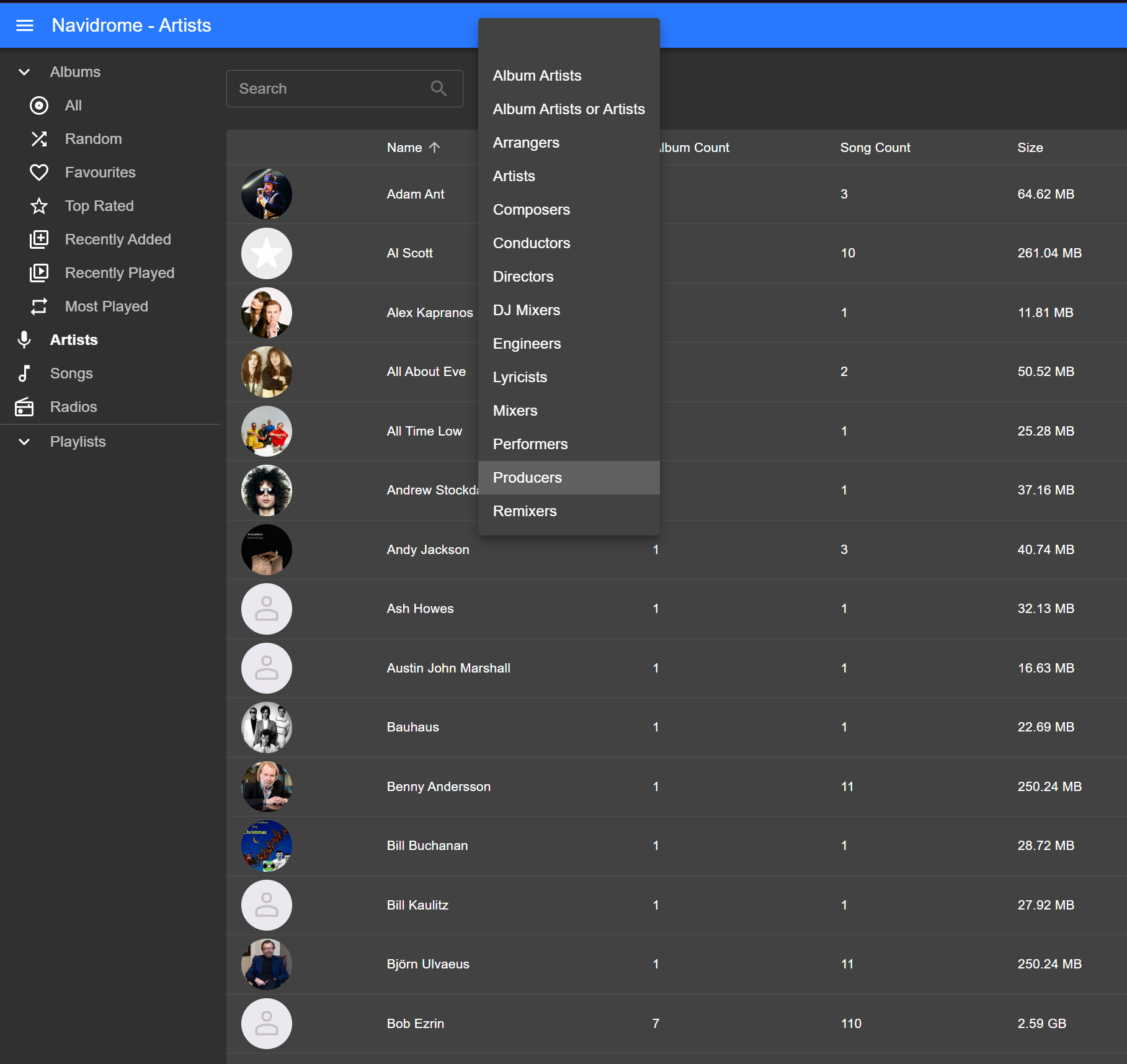
The web UI is a little odd. Why is it showing “Producer” as “Artist” along side the actual artist?
Am trying to find how to turn that off as it is misleading and a bit confusing popping up on a few tracks. Only real negative so far.
Also need to understand how to add multiple sources as all my music is not under one tree.
General looks so far are good. Especially little things like the “open in MusicBrainz” button. Sorting by Album Count\Song count reminds me of Winamp. Handling boxsets straight away is great.
Would have been nicer to have a GUI for settings so you can tell what something is actually set to, but getting hang of the .toml file instead. Do I have to restart the app to take new settings? Am currently running in a Docker, so I restart the Docker.
So i had to turn on Track Relationships in Picard to get it to pick up the Producer credit but even after doing that, saving and refreshing the library I don’t get that behaviour
As mentioned in my issue report this is working in Plex, but I agree it’s non-standard and the problem does exist on other media players like Navidrome. Ironically it seems to work on their closed-source cousin (Subsonic).
I normally use the web UI a lot while im on my work computer as can’t install random stuff anymore, but I can reach internal network stuff
I’ve used substreamer on Android and that seems pretty decent for a freebie, I tried another which promised lots of “AI” playlist generation but that seemed really poo as it kept wanting to make a playlist with Jose Cura (opera) and DMX (hip-hop).
Why is it showing “Producer” as “Artist” along side the actual artist?
For me, this only shows up for the Remixer tag, which makes sense to me.
Click on Phil Tennant’s name and you see nothing listed.
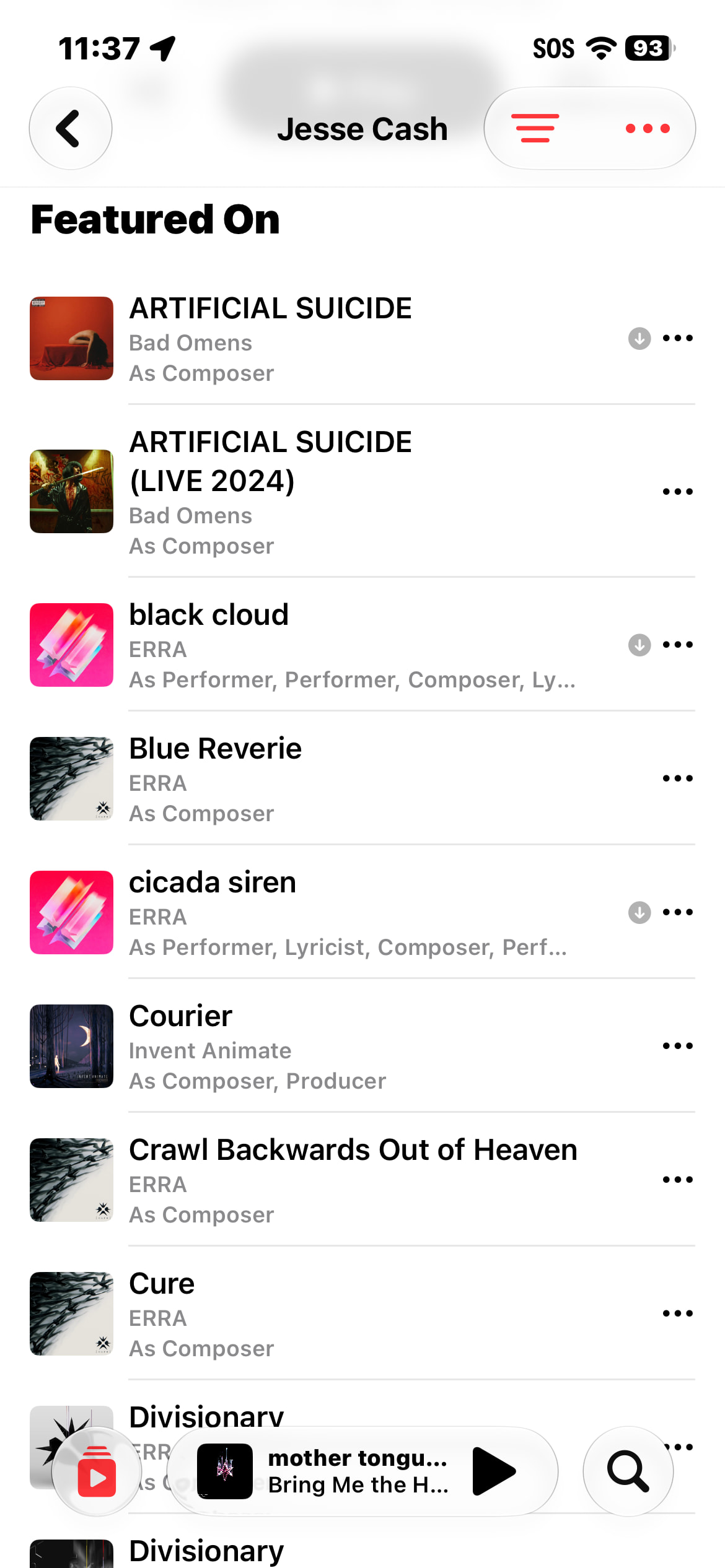
Yeah, it’s a weird system right now. It’s looking for any albums where the person is credited as an artist on any track, but it doesn’t specifically show tracks that the artist is credited on as producer, remixer, etc, which is what you’d expect when you access the artist through the producer list.
Some apps properly show the credited songs, like Arpeggi: