With beta 5 it is now possible to install a plugin locally without using git. Such a local plugin will run directly from the specified directory, so you can just do changes there and restart Picard.
For installing a local plugin just select the local folder in the plugin install dialog. If the plugin folder is not git-managed, the plugin will be loaded directly from that folder. If the plugin folder is plugin-managed, you can select “Load in-place (ignore git)” to load the plugin as a local plugin anyway.
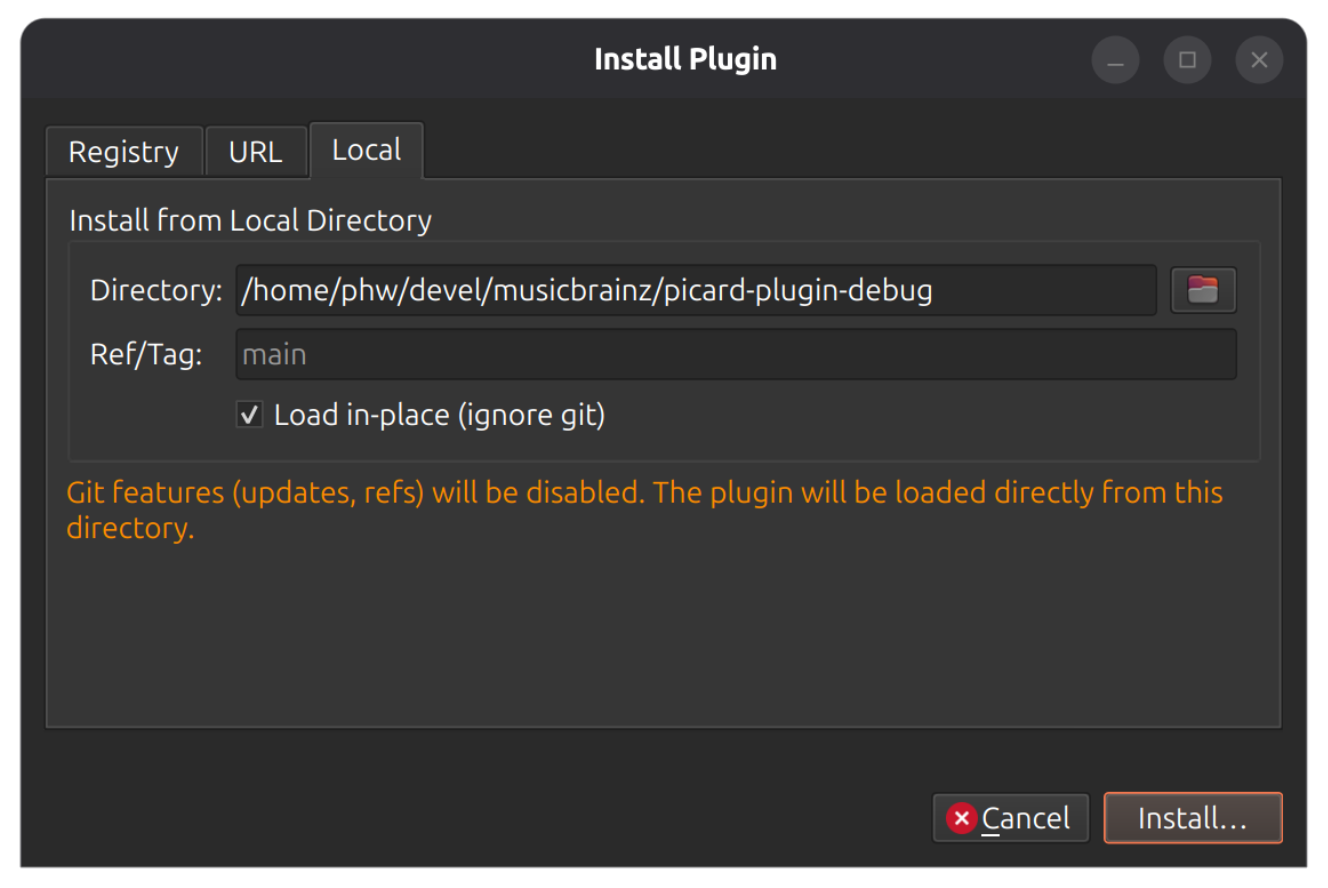
When installing plugins via the picard-plugins CLI you can use the --no-git parameter to install as a local plugin:
$ picard-plugins --no-git --install ./my-plugin-folder
For beta 5 in general see also Picard 3 beta 5 .