I have a plugin that I wrote. In an older version of Picard, I could just install it directly, but in this latest version it requires a git repo directory and a manifest file. Is this not an option anymore? I think I used to be on a dev nightly if that makes any difference.
Yes, a git repository and a MANIFEST.toml file are now required. But the git repository can be local. So you can do a “git init” in your plugin folder and then commit the files locally. Then you can install the plugin from this directory in Options > Plugins.
1 Like
Can you give a few more details on that for us non-devs?
I hacked the code of the “hyphen_unicode” plugin to do character swaps. So it is a simple one file script. What do I need to add to the zip on a Windows PC to allow me to keep using the plugin without an external account to Github?
I am never going to give this out to people. It is purely for my own use and experience in writing a script.
Thanks
There is documentation for v3 plugins API:
1 Like
Is a git repo needed for plugins placed directly in Picard’s config directory? I’ve got dotfiles/.config/MusicBrainz/Picard/plugins/dseomn_genre.py at public · dseomn/dotfiles · GitHub in my dotfiles and I’d rather keep it in my dotfiles repo than create a separate git repo for it if possible. (Creating a MANIFEST.toml looks easy though.)
Thanks @chaban - I think I can follow those conversion steps. Especially if it is mainly “run this script”. What gets confusing is that last step:
Step 3: Create Git Repository
cd my_plugin_v3
git init
git add .
git commit -m “Migrated to V3”
On this Windows PC where I use Picard it ain’t gonna know what git is. And I don’t want to register at github or anything complex like that. That script was hacked together in notpad++ and likely will never change.
Or am I going to have to learn how to install and run something like gitea \ gitlab on my Linux server to act as a private code repository? (Slightly scary option that one…)
Ultimately I have a dumb script that swaps a few letters around. And not likely to ever be updating that code as it works now.
git ≠ GitHub
I’d recommend scoop over winget for cli applications
1 Like
Sorry, I mistakenly assumed this was about code repositories or what ever happens there. I thought github was an online version of a “code repository”. And you could instead run these at home as something like gitea \ gitlab?
Will see if I can make sense of git-scm .
Once I have done all this, does this then mean I can’t run Picard with my script unless that device can access “git”? What happens if I take my laptop out of the house and want to run Picard to tag some tracks? Will I not be able to run my plugin?
Is this going to mean Picard can only run if connected to the internet and able to check all the other repositories of the installed plugins?
Sorry for the daft questions. My only coding this century is using notepad++.
Git is a version control system primarily for software source code. It is availanle for Windows at Git - Install for Windows
1 Like
Git is… a handful of loosely connected things all under the same umbrella term, and those separate things are often confused with each other. There’s the software (which others have told you to install), the abstract concept of a git repository (repo), specific types of git repositories, a handful of network protocols, and probably some other stuff I’m forgetting.
GitHub is a website that offers git repositories, along with a ton of other stuff. Gitea and GitLab also offer git repositories, along with other stuff. These 3 options (and other forges) are popular ways to host a git repository on a server, which is great if you want to share a repo with other people or use the other features the forges offer.
However, it’s entirely possible to use a local git repository without the forges or any other type of server. To do that, you’d generally install the git software others mentioned above, then the git init command (also mentioned above) creates a local repo. That local repository is stored entirely on your computer in the directory you ran git init in, without any need for a network connection.
P.S. Despite its near-ubiquity among programmers, git is actually really complicated. I wish it weren’t needed for plugins.
5 Likes
I get what git is, but this is the point I am worrying about. Excess complication for a personal script that will never change and never be distributed.
My actual question in the above post is unanswered. I have multiple computers at home. And a laptop I take out of the house. Am I now only going to be able to run Picard if I have access to “git” to check if the is a new version of my script?
Is the script going to get a version check on every start of Picard?
I’m trying to work out how this is going to work for me. I think for the home setup I need to have Gittea or Gitlab on a home server. With all the complexities of setup that is. And then on the laptop I’ll have to add Git for Windows in case I want to use Picard out of the house.
No, you don’t need a gitea server on your home network or anything alike. But if you are developing a Picard plugin you’ll need to have git installed and make the plugin directory a git repository. Version control is always useful, you can rollback any of your changes.
You don’t need git to run Picard. Picard perfectly well works without git being installed on the computer. Picard includes a git library to manage plugins.
But if you want to work on the plugin you ideally should have git installed in your laptop. Once installed you can edit the plugin directly in Picard’s plugin folder, if you want to. But at some point you should commit your changes to the git history.
Yes, I understand version control is a nice thing. But my plugin is finished and has been for four years. As it won’t change I am trying to understand the minimum I have to do with git to let my plugin continue working on those various computers.
I am sorry, all the language of git is new to me. I am trying to work out where I need to dive in to get my plugin converted.
Can I install git on one PC, Do some steps to “at some point you should commit your changes to the git history.”, and then I’ll have some files I can copy to the other PCs? Can I then uninstall git from that PC?
In this directory:
C:\Users\yourname\AppData\Roaming\MusicBrainz\Picard\plugins3\
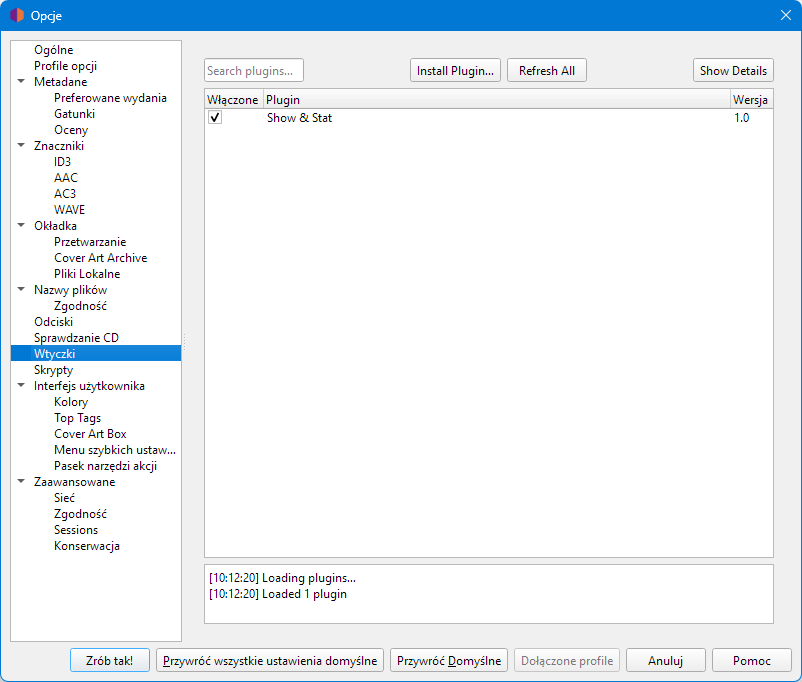
you create a directory the same as the plugin name, e.g. show_and_stat and put two files MANIFEST.toml and init.py in it.
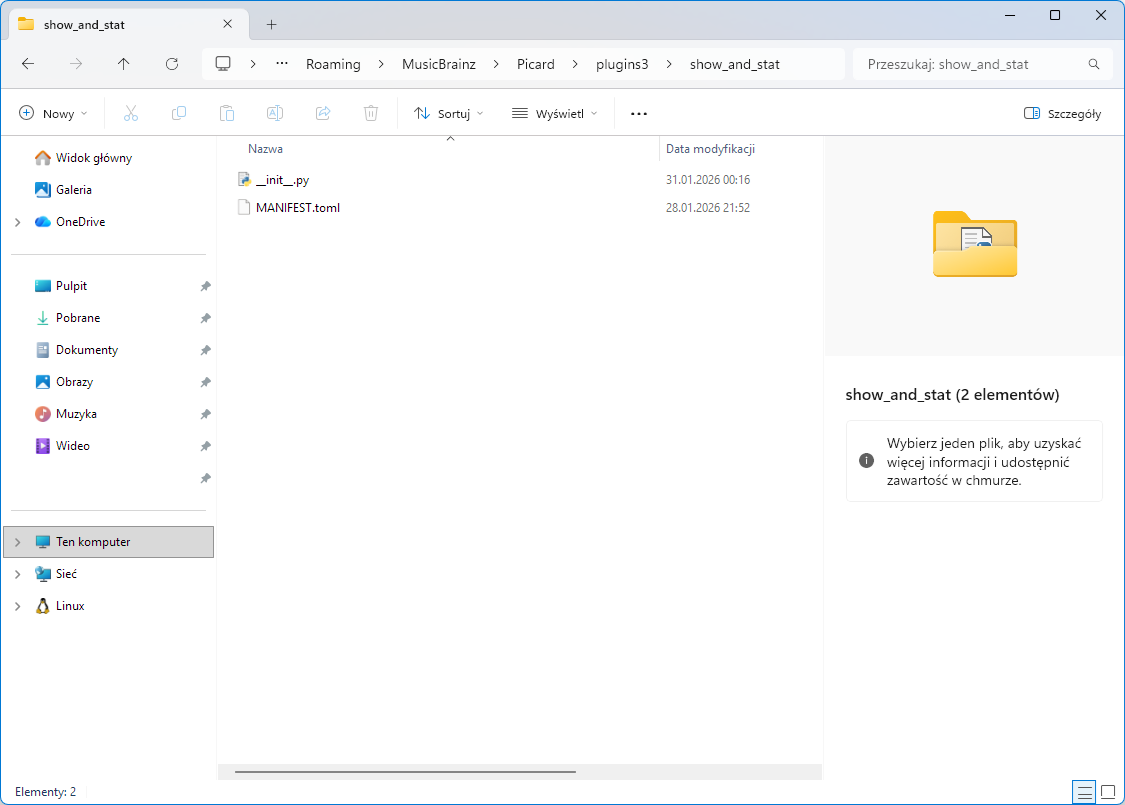
Make up your own uuid in MANIFEST.
id = "show_and_stat"
uuid = "*****"
name = "Show & Stat"
description = "Filters the right panel and counts albums."
api = ['3.0']
version = "1.0"
author = "Echelon"
license = "GPL-2.0-or-later"
license_url = "https://www.gnu.org/licenses/gpl-2.0.html"
categories = ["ui", "metadata"]
3 Likes
One can get a MANIFEST template using the command `picard-plugins`:
picard-plugins --manifest
Or equivalent command on Windows.
It will generate an UUID (a valid one).
1 Like
@WindowsLover and @Zas thank you for the simple answer for this notepad++ user. Those steps I can handle.
Yes, I can see the need of git if I was actively developing scripts. But these simple steps to create a manifest file are perfect for my old script. 
1 Like
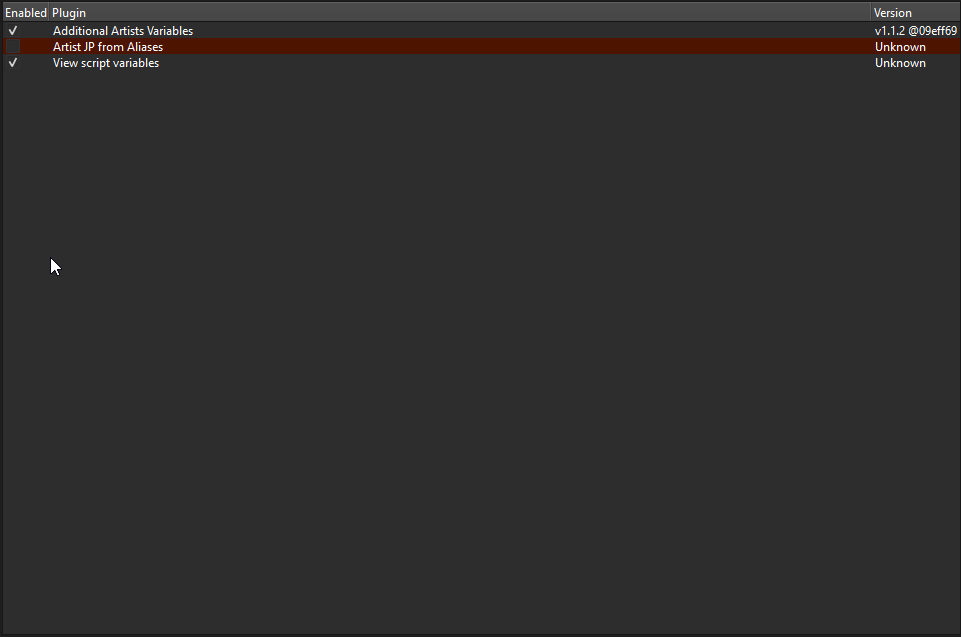
Picard is telling me that the plugin is already installed, but it doesn’t show up in my list of installed plugins. I installed it from the local git and it’s in the plugin folder. It’s the Standardize Performers v3 .py plugin. I’m guessing it’s because the init.py is wrong (I copied it from another folder since the download didn’t come with one). How do I generate one for a plugin that doesn’t come with one?
Things were so much easier when you could simply point to a .py file and install…
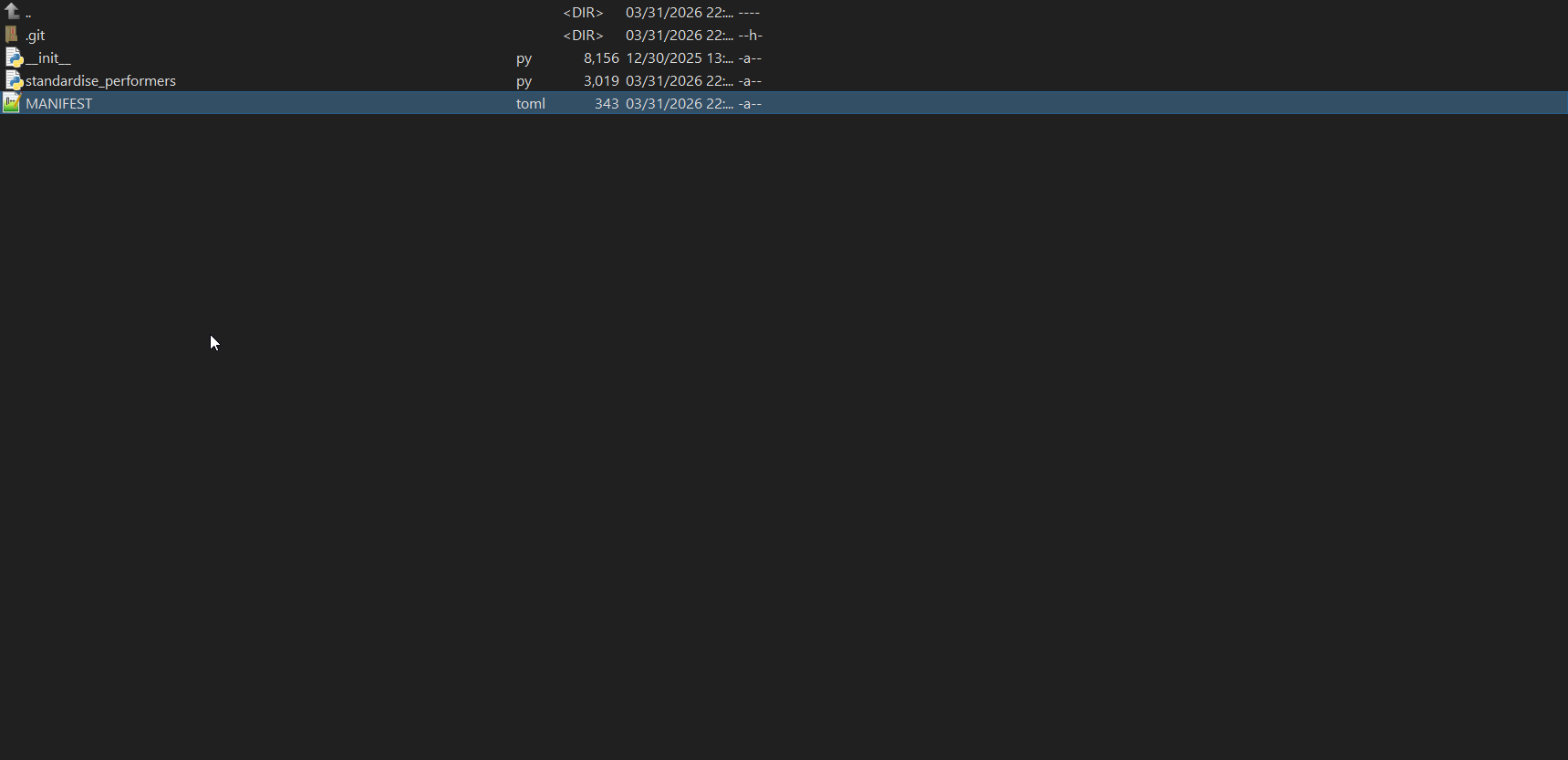
This sounds like you are trying to use the plugin for Picard v2. That won’t work, plugins have to be updated for v3.
Please check the Format Performer Tags which is available for v3. This plugin by @rdswift was originally based on “Standardize Performers” but offers options to customize the formatting.
1 Like
@Tenome show us the debug log.
MANIFEST.toml
C:\Program Files\MusicBrainz Picard>picard-plugins --manifest
# MANIFEST.toml Template
# See https://picard-docs.musicbrainz.org/en/extending/plugins.html

# Required fields
uuid = "7548edf8-e7fd-4bea-bef5-3a894d078b48"  # Generated UUID - keep this value
name = "My Plugin Name"
description = "Short one-line description (1-200 characters)"
api = ["3.0"]

# Optional fields
# authors = ["Your Name"]
# maintainers = ["Your Name"]
# license = "GPL-2.0-or-later"
# license_url = "https://www.gnu.org/licenses/gpl-2.0.html"
# long_description = """
# Detailed multi-line description (1-2000 characters).
# Explain features, requirements, usage notes, etc.
# """
# categories = ["metadata", "coverart", "ui", "scripting", "formats", "other"]
# homepage = "https://github.com/username/plugin-name"
# min_python_version = "3.9"
# source_locale = "en"  # Source language for translations (default: "en")

# Translation tables (optional)
# [name_i18n]
# de = "Mein Plugin Name"
# fr = "Mon nom de plugin"

# [description_i18n]
# de = "Kurze einzeilige Beschreibung"
# fr = "Courte description sur une ligne"

# [long_description_i18n]
# de = """
# Detaillierte mehrzeilige Beschreibung...
# """
# fr = """
# Description détaillée sur plusieurs lignes...
# """
Generic plugin template v3:
from picard.plugin import PluginPriority
from picard.plugin3.api import BaseAction, register_album_action, register_track_action
from picard import log


# ===================== ALBUM ACTION =====================

class MyAlbumAction(BaseAction):
    TITLE = "My Action (album)"

    def callback(self, objs):
        for album in objs:
            try:
                artist = album.metadata.get("albumartist", "")
                title = album.metadata.get("album", "")

                log.info(f"[PLUGIN] Album: {artist} - {title}")

                # 👉 YOUR LOGIC HERE
                # e.g. metadata modification:
                # album.metadata["comment"] = "Test"

            except Exception as e:
                log.error(f"[PLUGIN ERROR] {e}")


# ===================== TRACK ACTION =====================

class MyTrackAction(BaseAction):
    TITLE = "My Action (track)"

    def callback(self, objs):
        for track in objs:
            try:
                title = track.metadata.get("title", "")
                artist = track.metadata.get("artist", "")

                log.info(f"[PLUGIN] Track: {artist} - {title}")

                # 👉 YOUR LOGIC HERE

            except Exception as e:
                log.error(f"[PLUGIN ERROR] {e}")


# ===================== ENABLE / DISABLE =====================

def enable(api=None):
    log.info("[PLUGIN] Plugin enabled")

    if api:
        register_album_action(MyAlbumAction())
        register_track_action(MyTrackAction())


def disable(api=None):
    log.info("[PLUGIN] Plugin disabled")
1 Like