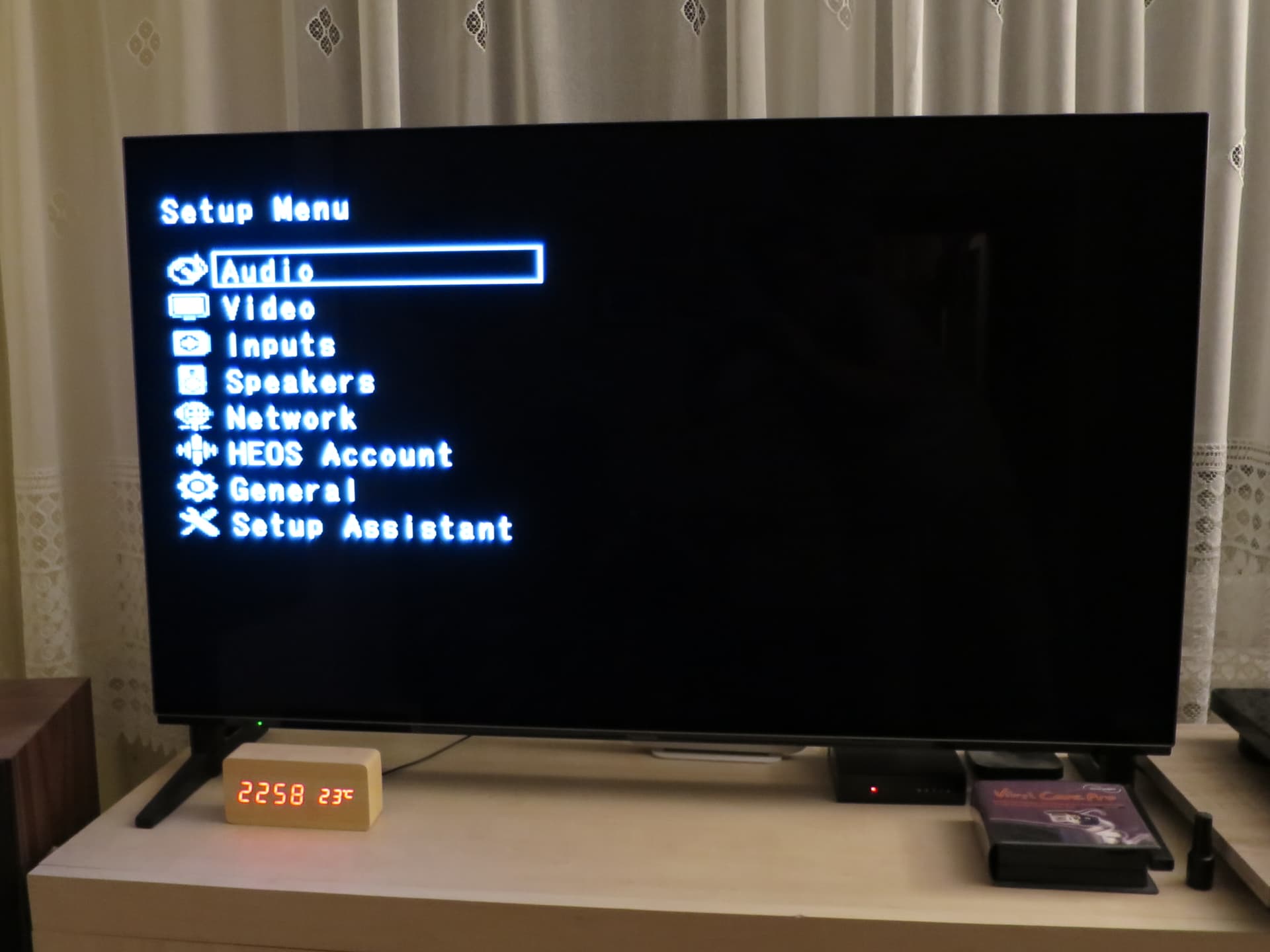
An example is my Denon DRA-800H Network Stereo Receiver.
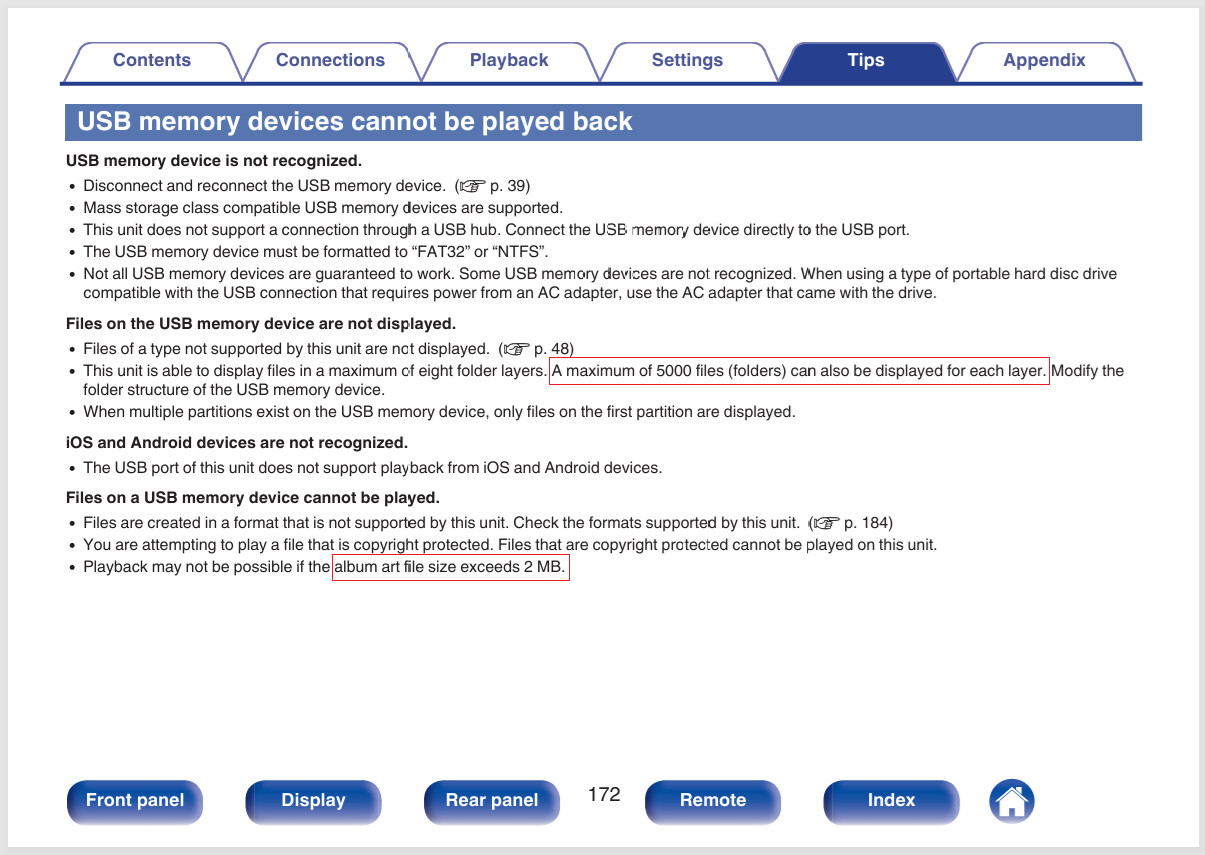
Yeah, some of that is sort of what my car manual says also.
That art size limitation is a bit of a killer. Especially as it has no display for the art.
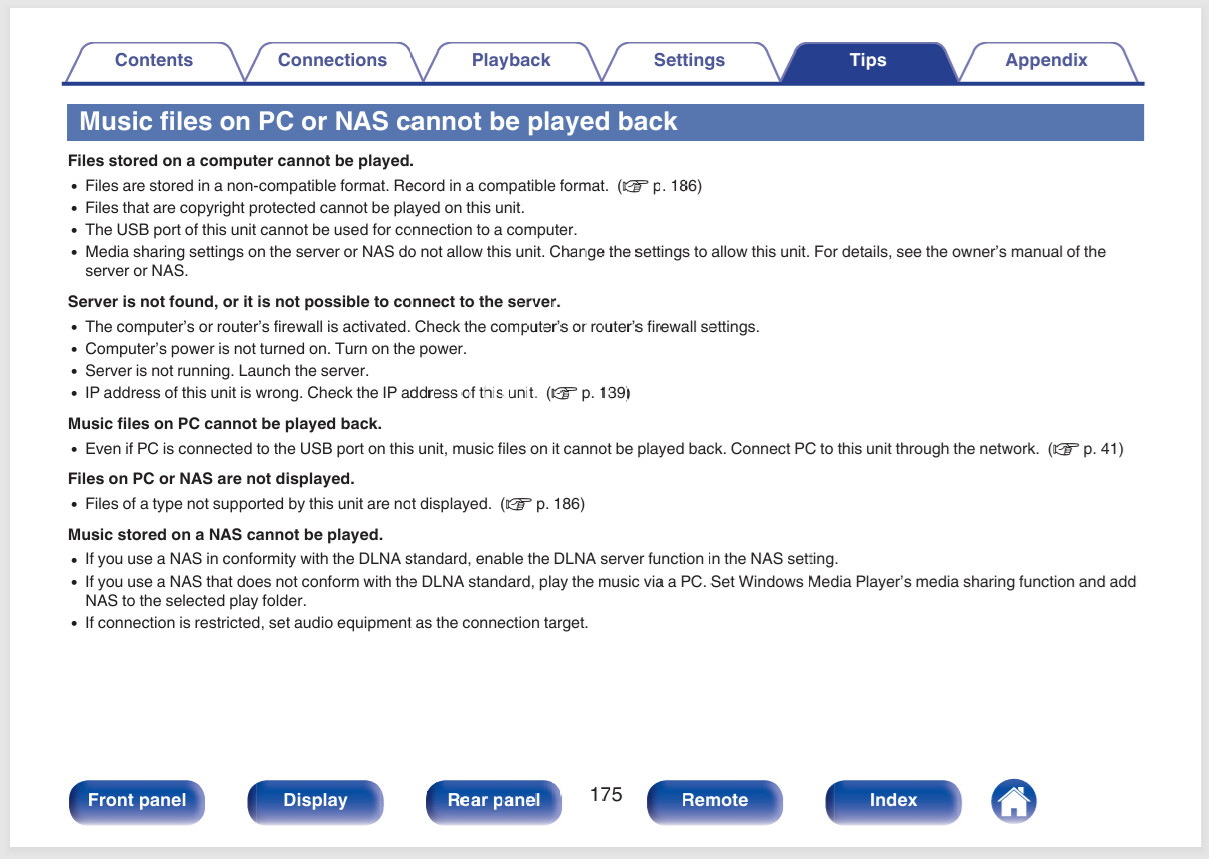
If it is a network box, can you teach it to look at a SMB share instead?
I have a Yamaha a lot like that box. I feed it via a computer running KODI. Avoids all those little niggles then. I feed the audio hardware plain audio and leave the computing to computers.
The sound goes to the Monitor Audio Silver 200 7G speakers, and the image to the Panasonic OLED TV.
The computer and audio-video equipment are in different rooms.
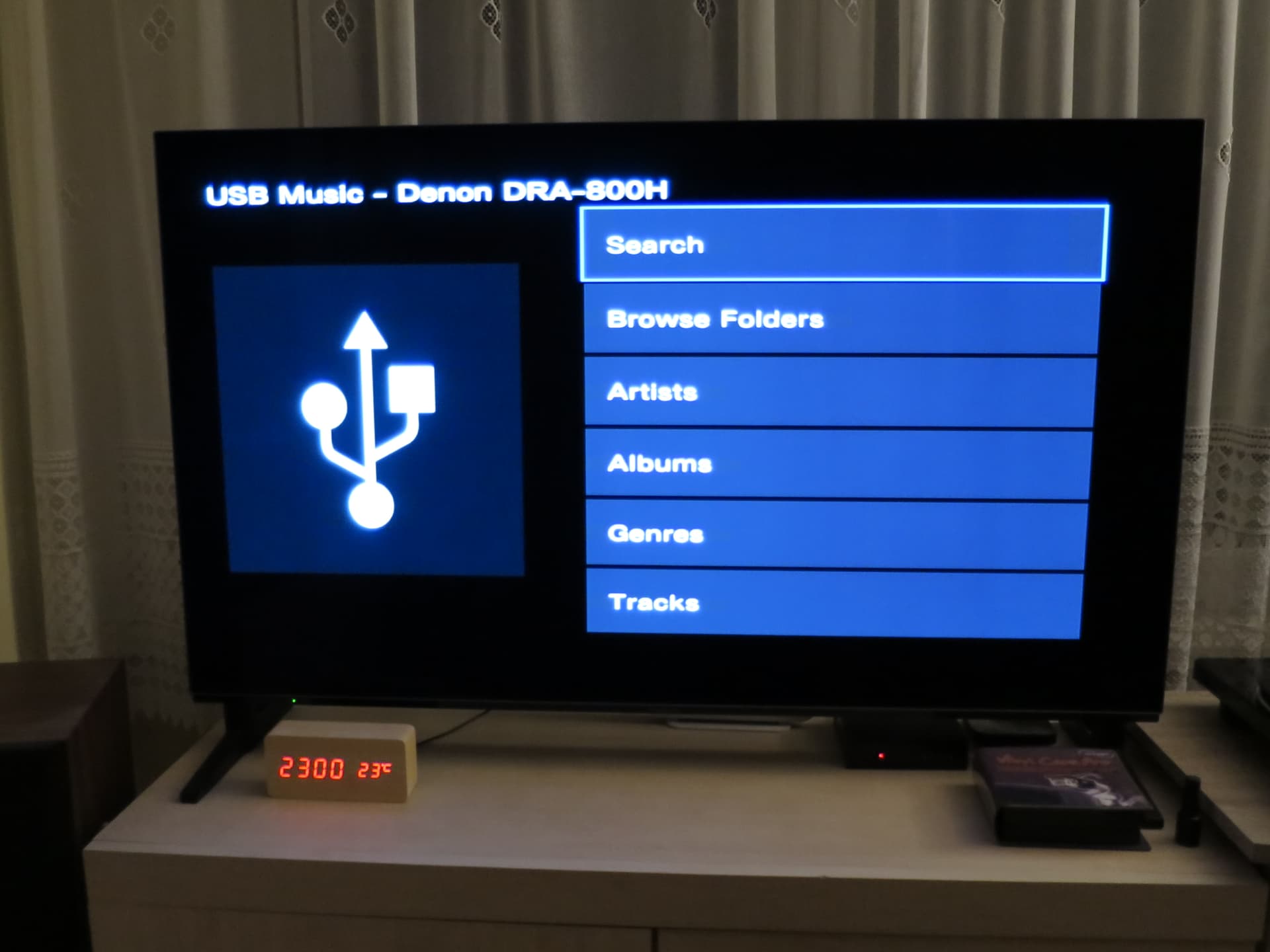
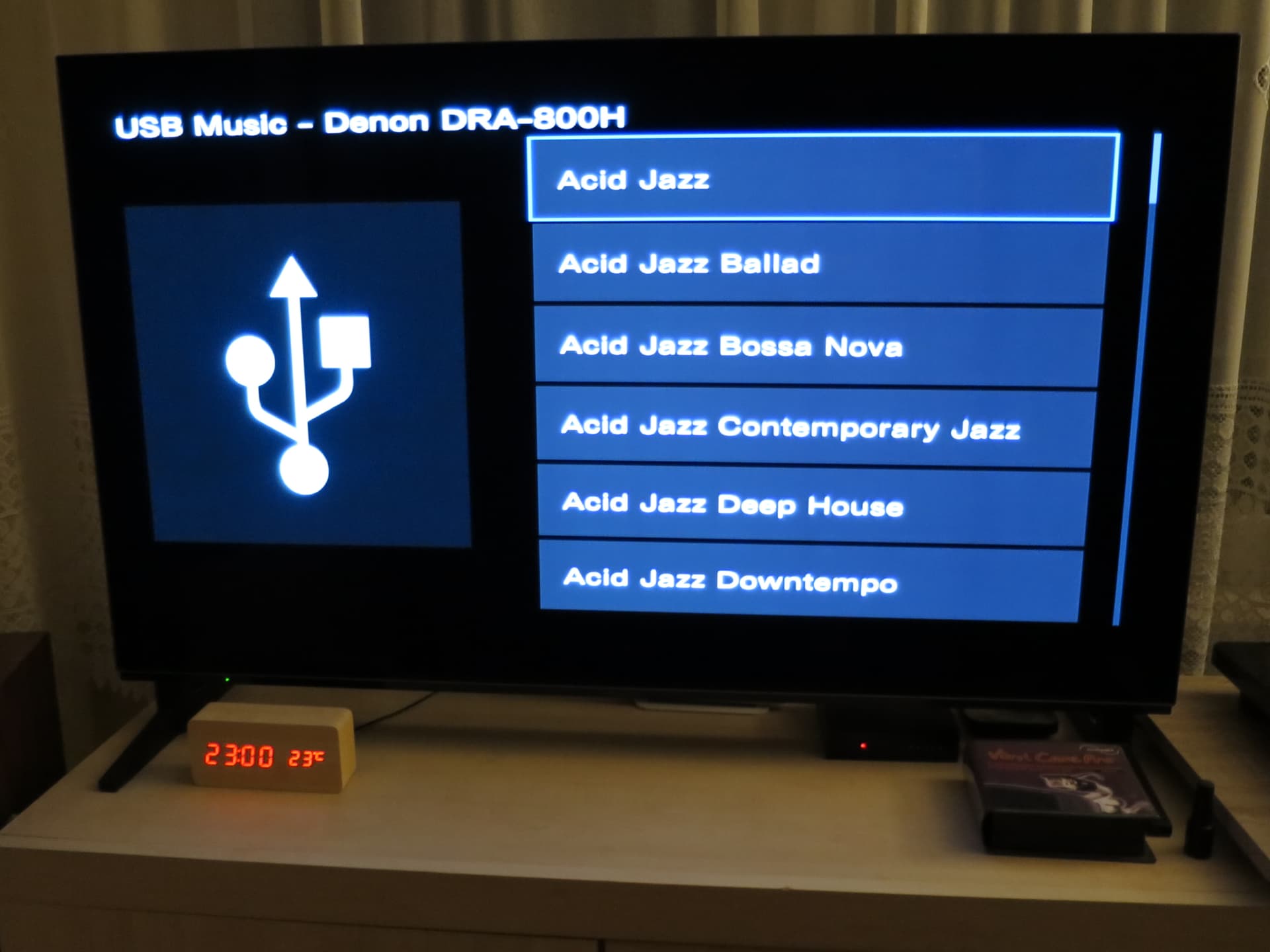
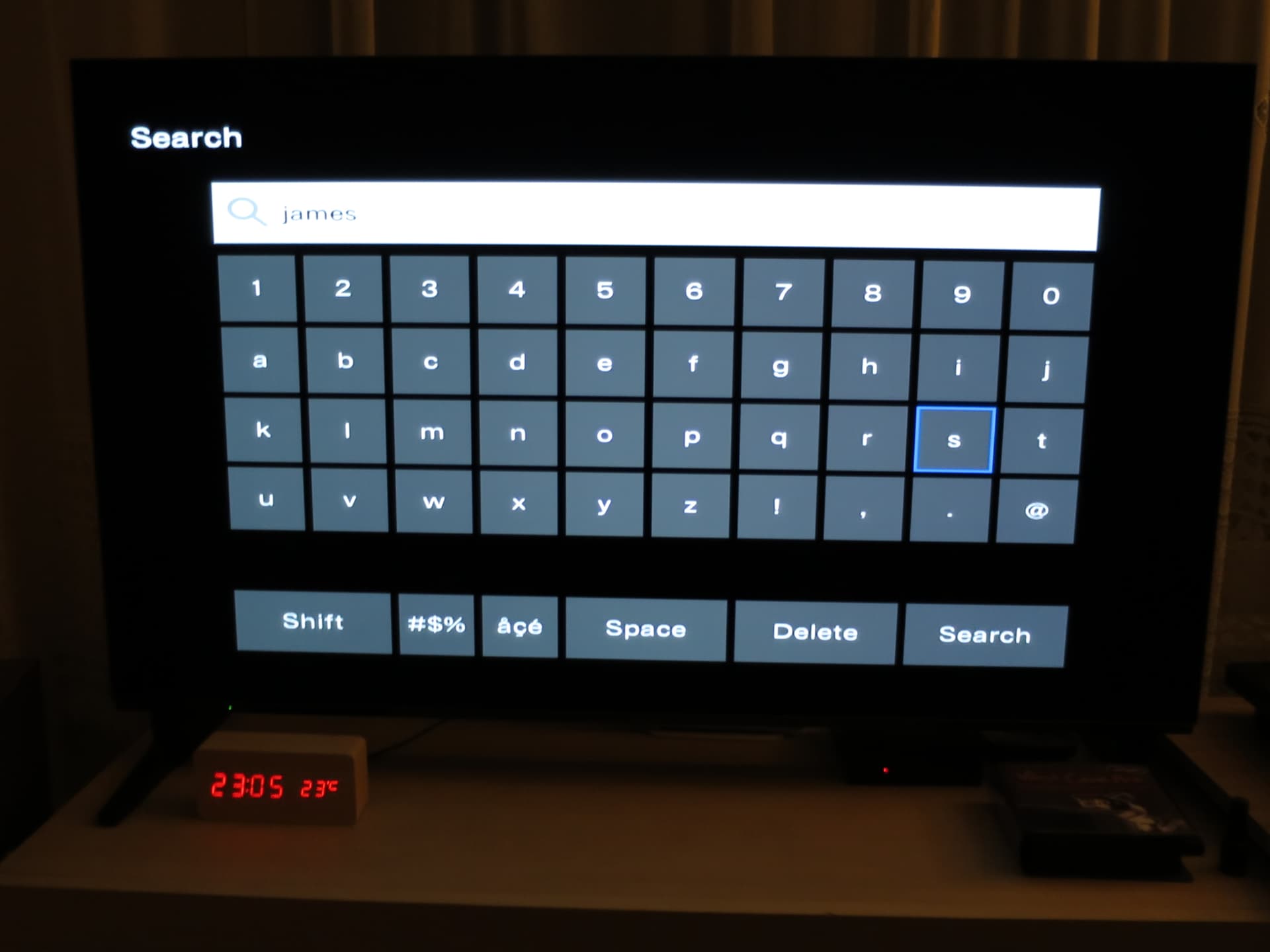
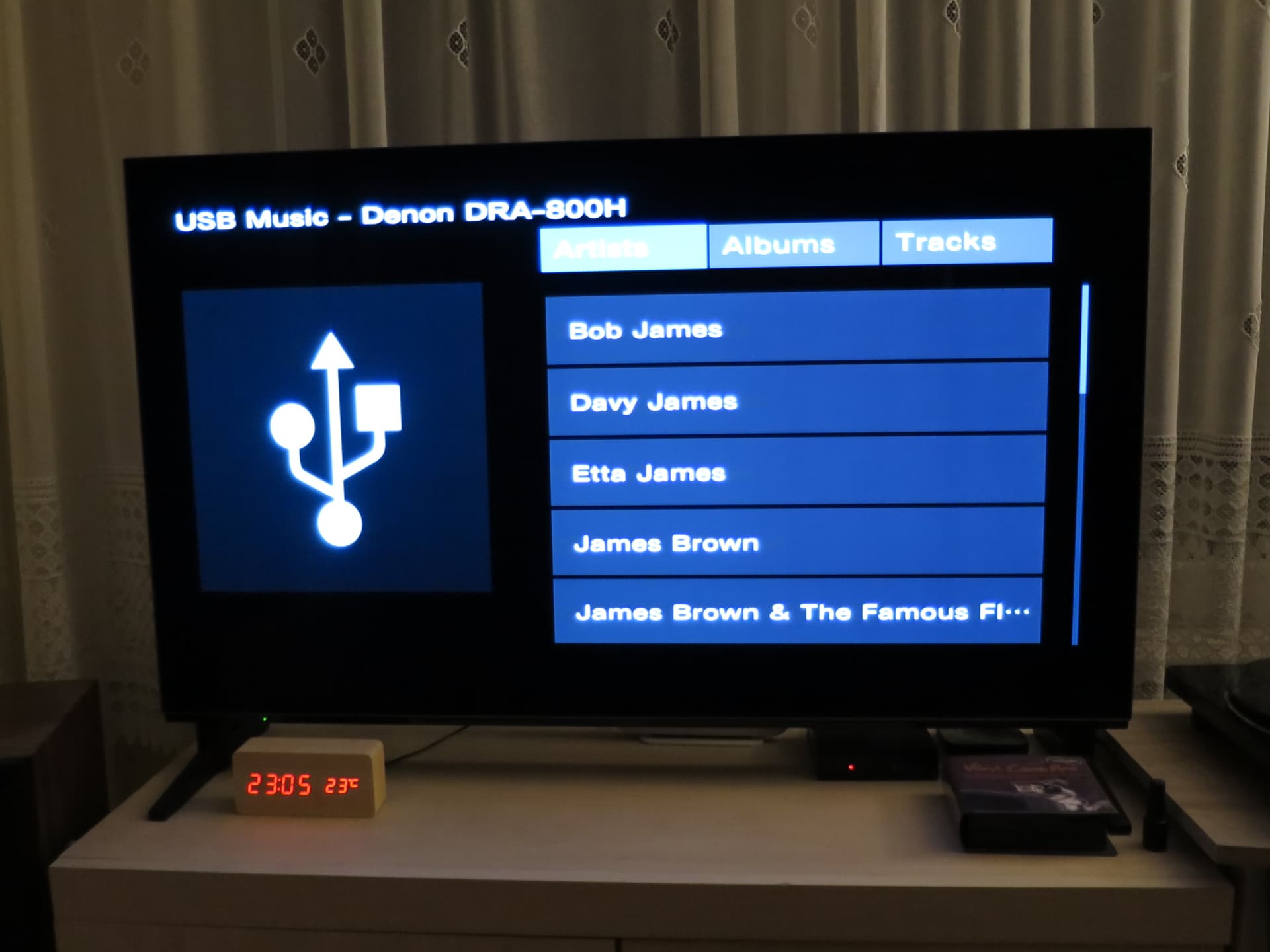
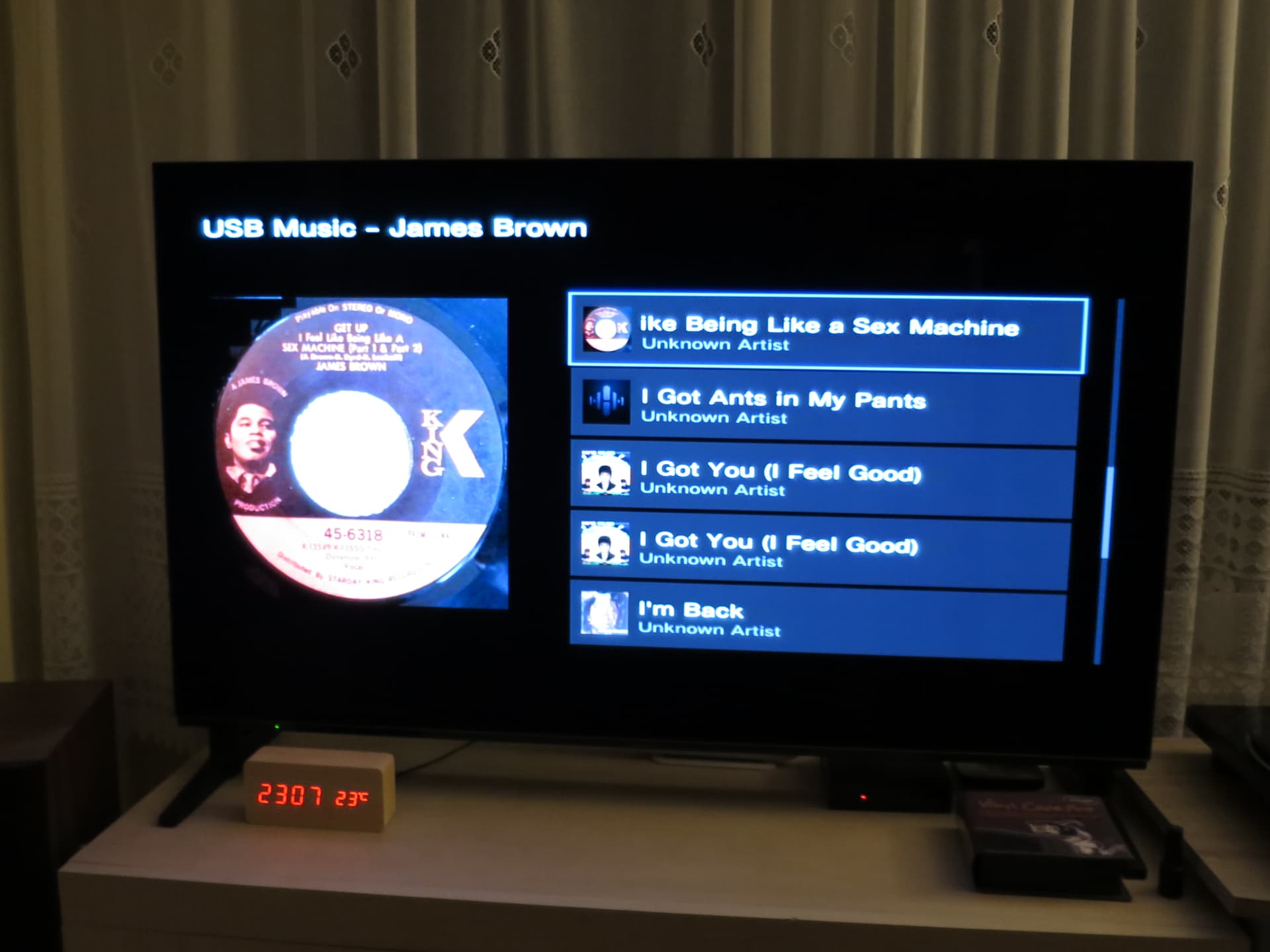
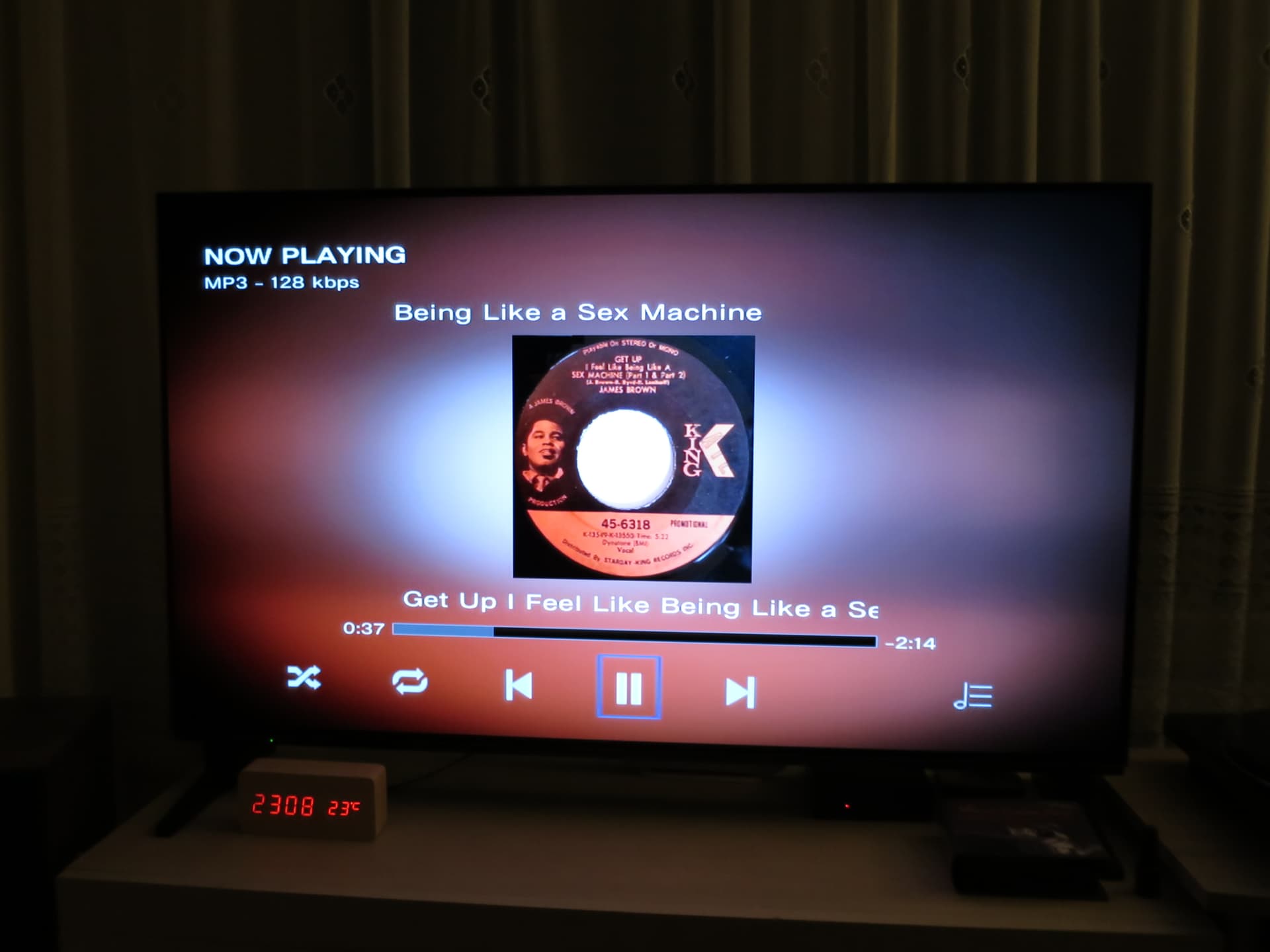

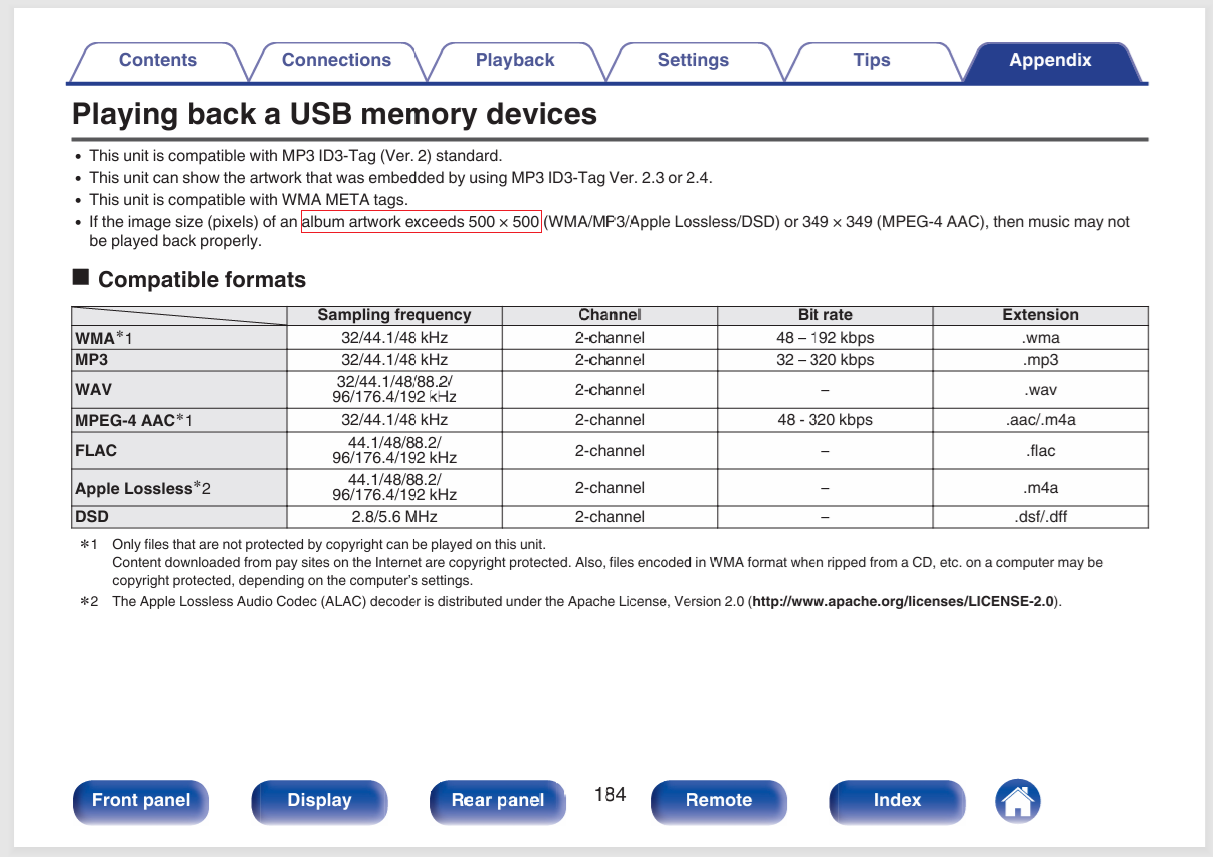
Key phrase in instruction: “may not be”
“If the image size (pixels) of an album artwork exceeds 500 × 500 (WMA/MP3/Apple Lossless/DSD) or 349 × 349 (MPEG-4 AAC), then music may not be played back properly.”
Google:
The 500×500 limit is more like:
-
a “safe guaranteed compatibility” value,
-
protection against limited RAM and slower processors inside the receiver,
-
an old HEOS/USB compatibility guideline.
That is why:
-
one 1200×1200 album works perfectly,
-
another 1200×1200 album may fail,
-
sometimes the JPEG file size (KB/MB) matters more than the pixel dimensions themselves.
HEOS/Denon users have also reported that larger covers such as 700×700 or 960×960 work correctly.
The safest settings for Denon/HEOS devices are:
-
500×500 or 600×600,
-
baseline JPG,
-
preferably under 300–500 KB,
-
a single FRONT cover image,
-
ID3v2.3 UTF-16 tags.
If you are building a large music library for a Denon receiver, it is still a good idea to stay around 500–600 px because:
-
USB indexing is faster,
-
there are fewer random missing-cover issues,
-
memory usage is lower,
-
browsing large libraries is smoother and faster.