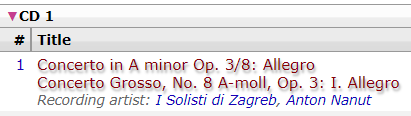
@mmirG has covered a lot of this, but to put another voice behind it:
-
There isn’t any cover art on that release - if you’re getting the orange cover in Picard it’s because it’s falling back to the release group cover after not finding release artwork (you can change this in Picard’s cover art settings, uploading art would also fix it!).
-
I don’t know classical title guidelines well, but we will clean up a title if it’s ‘wrong’, so that comma may not belong. Hopefully we eventually get ‘alternative tracklists’ that would let us also store an ‘as printed’ version.
-
You should be able to use the recording title instead of the track title (tag ‘_recordingtitle’), but someone who knows more about scripting will have to tell you how. FYI lots of people who deep dive into classical seem to use the Classical Extras plugin.
edit: this should do it, put this into options > scripting in Picard:
$set(title,%_recordingtitle%)
- That release does seem to credit the orchestra and the conductor, as well as on the recordings*. If you want to use them while tagging it might be worth looking at the Classical Extras plugin and setting it up how you’d prefer.
*Relationships on release:
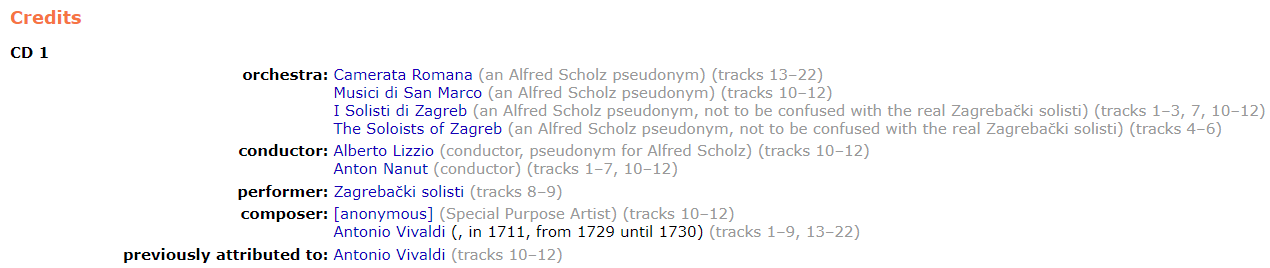
*Relationships on recording: