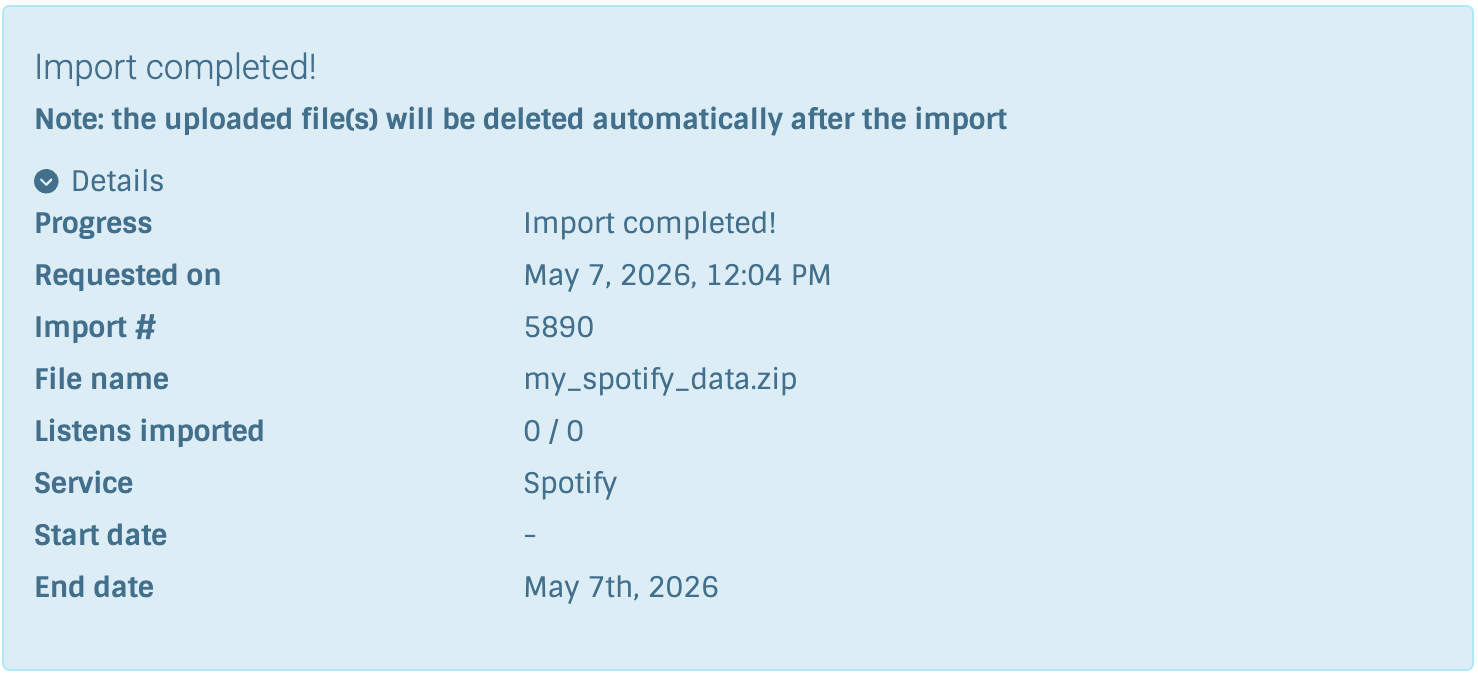
I’ve been trying to import my Spotify listening history, but it says it’s only finding 0 listens. Any solutions for this or is this feature just broken right now? I can provide more information if needed.
1 Like
You could look into the ZIP archive if there is actually any data. There should be one or multiple files there named like Streaming_History_Audio_*.json that you can inspect with a text editor. There are two things:
- There are really no listens in these exports
- There are listens, but they have
"incognito_mode": trueor"skipped": trueset. LB ignores both listens done in incognito mode and skipped listens on import.
If you want to e.g. import the listens in incognito mode regardless (and make them public by this!) you could edit the files and change it to "incognito_mode": false, save the files, rezip the archive and try again.
Alternatively you could also use my command line tool scotty (~phw/scotty - Transfer listens and loves between music services - sourcehut git). It also can do import from Spotify history, and you can separately configure it to also import incognito mode listens or even skipped listens.
3 Likes
Thanks for the suggestions. I looked through the archive and I realized that I don’t have any skipped or incognito flags, so I must have only requested the account information package instead of the full extended listening history. Will give the standard importer another shot before trying scotty.
TL;DR: PEBCAK
4 Likes
That solved the issue, and Listenbrainz was happy to import. Waiting to make sure everything gets imported, as it looks like it’s only pulled from 2018 onwards and I have history back to 2017.
2 Likes