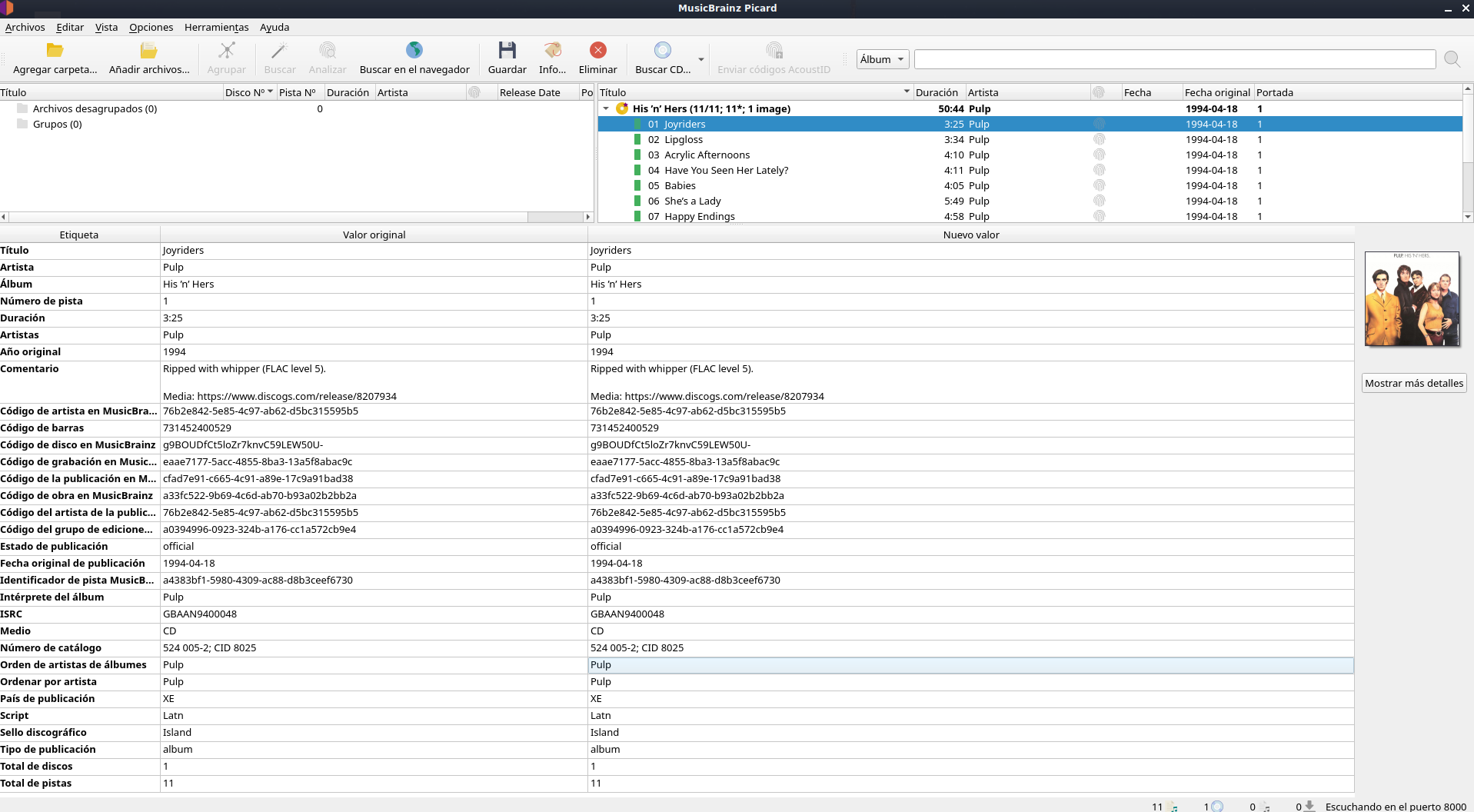
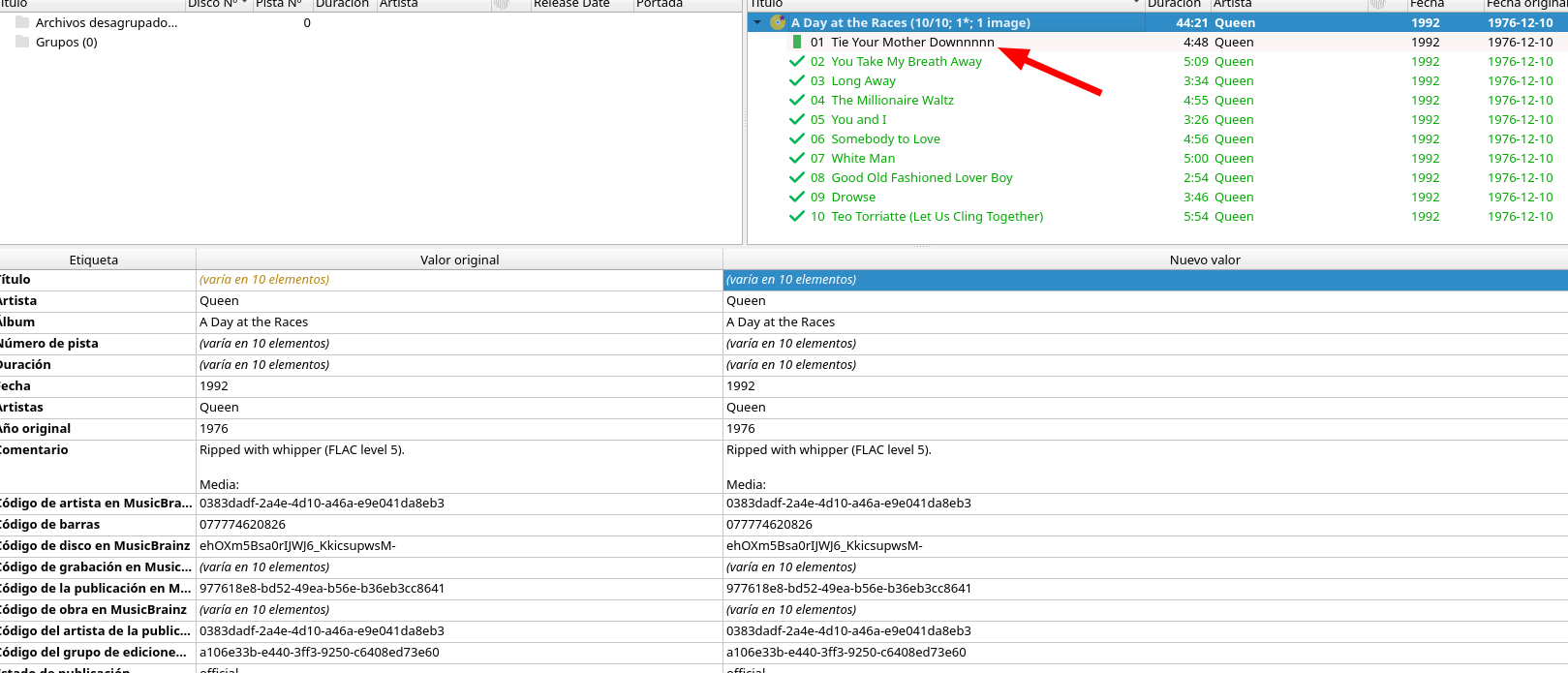
Question. Recently I started seeing no green check marks on tracks having identical original and new values. Even if I save the new values and open the folder again on Picard, no green checkmarks appear… Why could this be happening?
Thanks @IvanDobsky! Oh wow, really?? I remember seeing green check marks before saving if the values were identical, meaning there’s no changes, therefore nothing to be saved. But maybe my memory is betraying me…
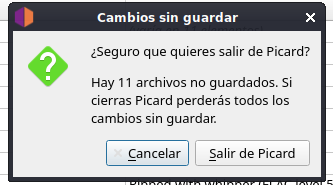
Also, if I try to close the application in this state, before saving, Picard warns me about unsaved changes:
Odd. If every one is a green box, then no tags need updating. (You can confirm this by looking in the bottom half of the page and all the text is black showing no changes to be made)
In the manual the icon:
Says that “This icon indicates that all of the tracks have been matched and that the information for the release has been modified.”. Maybe the artwork has updated. Though I can’t always keep track of when that little star means a change as sometimes my artwork is the same but it still gets flagged. So I focus on the green squares.
Thx! Yes, I saw those thanks to the previous message by @IvanDobsky.
About the yellow record with the purple star, @IvanDobsky, yeah, and that keeps reappearing even if I save the changes when I re-open the folder on Picard.
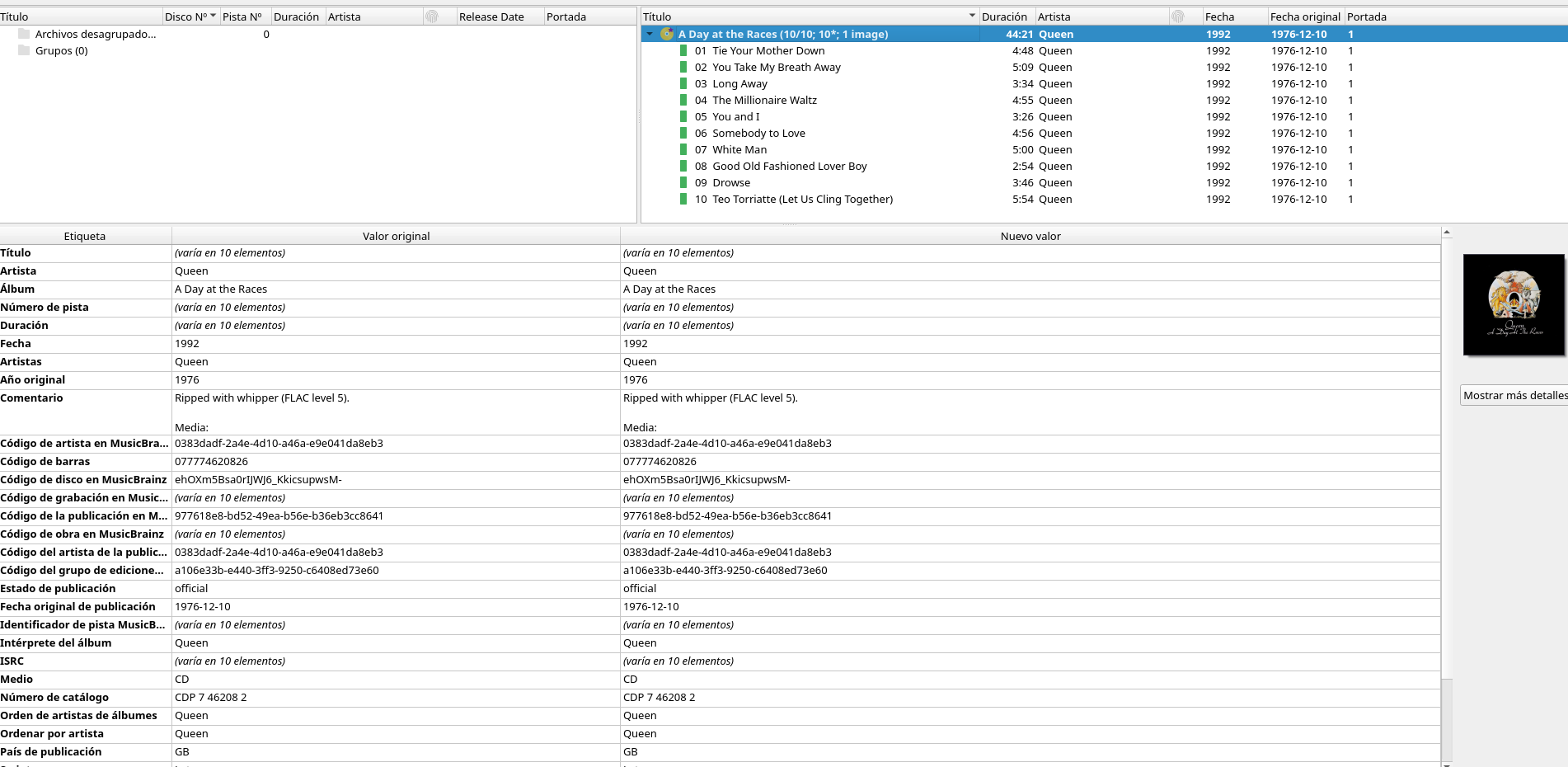
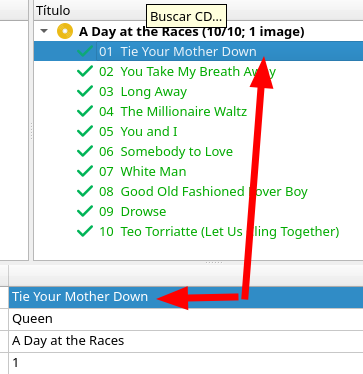
I’ve managed to reproduce the reappearing of green check marks and other icons on the tracklist “before saving”:
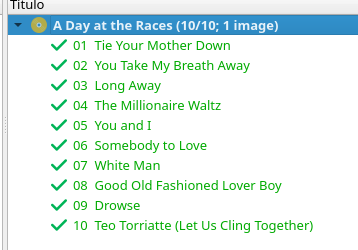
If I save changes, the check marks appear. Then, if I change anything (title, for instance) on a track and hit enter, the icon changes from check mark to a rectangle of whatever the color, green in my case. Then, if I change the field back to the previous value manually, the green check mark reappears. So, my question is: shouldn’t the green check mark be the initial state if the values are identical, and not the green rectangle? (“good match” is not the same as perfect match).
An example with an album with no apostrophes, just in case…
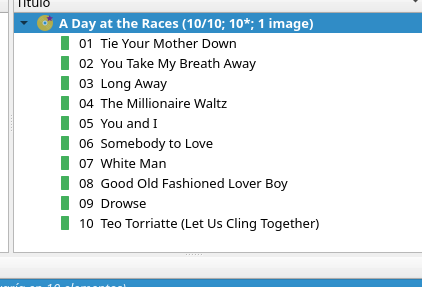
Initial state, yellow starred disc and green rectangles, albeit no changes:
Re-edited the value to be as it was previously, hit enter, green check mark reappears, yellow record with no star on it. Why wasn’t the check mark the initial icon then? There must be something else that’s being registered as a change initially, but I can’t see it.
Starred disk is in a world of its own. It is fussy about something, but nothing important. (Maybe it is file dates on the artwork? Or a artwork name change?)
Green ticks appear straight after you hit Save. And show that nothing has changed since that save.
Green Squares are for when everything is happy and matched and up to you if you want to hit save again.
When you edited that track name, Picard acknowledged you have your own personal edit to add so it stayed green as it allowed you to over-ride the value with your own, but no tick now as something is ready to be saved.
Personally I look for Green, and know things are happy. I also tend to double check what is showing below in the main window to watch for any colour down there that lets me know something is different.
After a while of using Picard it all kinda becomes second nature and you forget what colours you are looking at
I get that stared disk all the time. So just ignore it. Never really sat down and worked out the pattern. Assume it is something I do like keep file dates, rename artwork, something like that. It is just a quirk I am used to seeing.
I can confirm this is related to cover art files. When the release has no cover art registered on MB, the behavior is the one I described (green check marks when data is exact, even before saving anything). Not the best UX but can live with it.