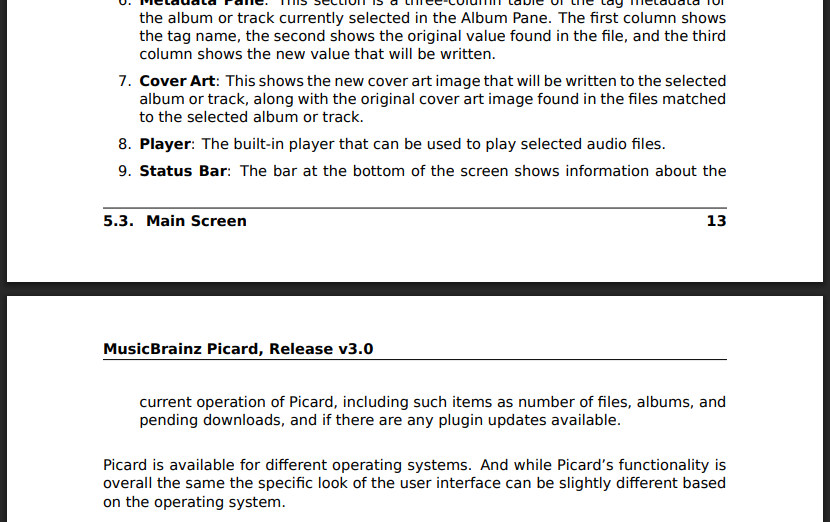
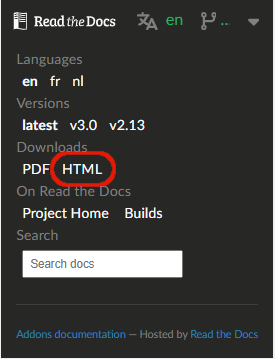
In the past, the Picard User Guide has been available for download as both PDF and ePub files, in addition to the on-line version. Recently the decision was taken to drop the ePub files, with the thinking that off-line usage could be accommodated universally via the PDF file.
Now that we’re producing the documentation in multiple languages (thanks to those who continue to help with the translations on Weblate), the processing overhead to produce the off-line PDF versions of the documentation for all available languages is starting to increase to the point that it is significantly delaying publishing the documentation updates (sometimes in excess of 20 minutes). This will only get worse as more translations (which we would love to see) are added.
We are considering dropping the off-line PDF document availability (leaving only the on-line documentation with the site HTML files still available for download), but before that happens we would like to get some feedback from the community. Please add your opinion to the following short poll, and add any comments to the discussion. Thank you.
Your opinion regarding the production and availability of off-line PDF documentation for Picard:
I use or might use the off-line PDF documentation. Please continue producing it.
I don’t plan to use the off-line PDF documentation, but others might. Please continue producing it.
I don’t think it is necessary to provide the off-line PDF documentation, so you can stop producing it.
I don’t really have a strong opinion as to whether or not the off-line PDF documentation should be continued.
Making this vote not anonymous is surprising. It is a pity the forum does not make this clear before voting.
Some of us work offline. A PDF document that is searchable is always useful. I don’t know how often the manual is updated, but if the downloadable PDF lags behind the online version I don’t see that is a massive issue. I assume this is coming up due to the changes needed for the new Picard release, but surely the manual doesn’t change that often?
Not intentional, and apparently I can’t change it now.
The PDF document is searchable using most (all?) PDF viewers, and has a full table of contents with links. It is rebuilt every time the on-line documentation is updated, including every time there is action on one of the translations resulting in a push to the main branch in the repository. This is part of the processing on ReadTheDocs, so I don’t think there’s any way to process it on a different schedule or trigger.
HTML files can be searched too and they are plaintext so no special software is needed.
I’d rather drop PDF in favor of ePUB which is also a single file but feels like the more natural choice for digitally originating documents while PDF is rather associated with printed paper.
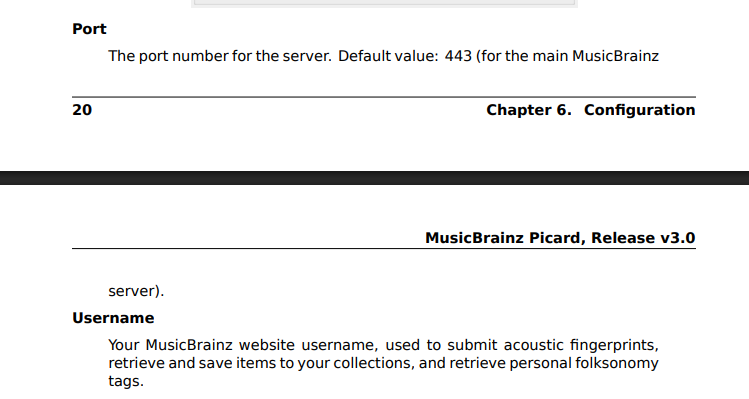
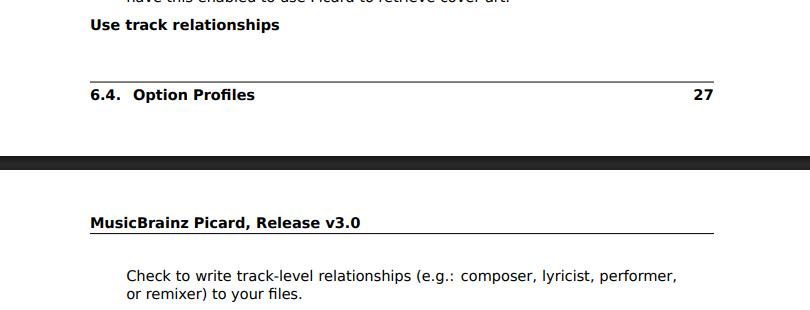
The automatic page splitting in the PDF is also awkward at times. These would’ve to be created by hand for optimal results:
It’s automated? Does that mean the main issue is the time it takes everytime there is an update to something? I can see how that can add up.
My vote was based around the average dumb user’s needs. All the “handy” options of geek tools and addons I don’t think is the point of this thread. I like seeing things that the average non-technical person can use. MB should be accessible to non-geeks.
The built in HTML pages that are easily accessed and linked from within Picard are great. One of the best things I have seen added to Picard over the years. Loss of the PDF would not be that big I doubt. Just sometimes a PDF is just plain easier to skim and digest.
This week I’ve had a 800 page manual to read. I had two physical copies, an online copy, and a PDF. And the PDF was the most convenient to pickup and put down and click around while learning the topic.
One thing we could also look into is the HTML documentation downloadable as ZIP. It is one of the offline formats being supported d by readthedocs.
This might be faster to build than the PDF, but also satisfy the offline use.
From what I read above the PDF ist mostly just nice to have and maybe sometimes useful. And it has all the downsides of fixed page size documents on screens.
While I agree in principle I fear that this won’t fix the build time issue which @rdswift mentioned. Also we had epub in our old documentation and not many seem to have even noticed it is no longer available.
The ePUB was a bit faster to build than the PDF because it is also HTML-based, but it actually took a lot more editorial work in setting up and maintaining the source RST files to get things displayed properly in the resulting ePUB file. That was one of the reasons I chose to drop it as an option.
I’m beginning to think it might be best to drop the PDF version as well (leaving only the ZIP of the HTML files for download), and add a section in the documentation itself about how to set it up so that it is served locally.
I agree. And using the HTML version is not that complicated either. Downloading and extracting the ZIP and opening the index.html in the browser (which on most setups means just double clicking it).
I’m not sure how often this would ever be used, but we could even include an option in Picard to set the base url for the documentation so users could elect to use a local copy of the site for those occasions when they are working off-line.
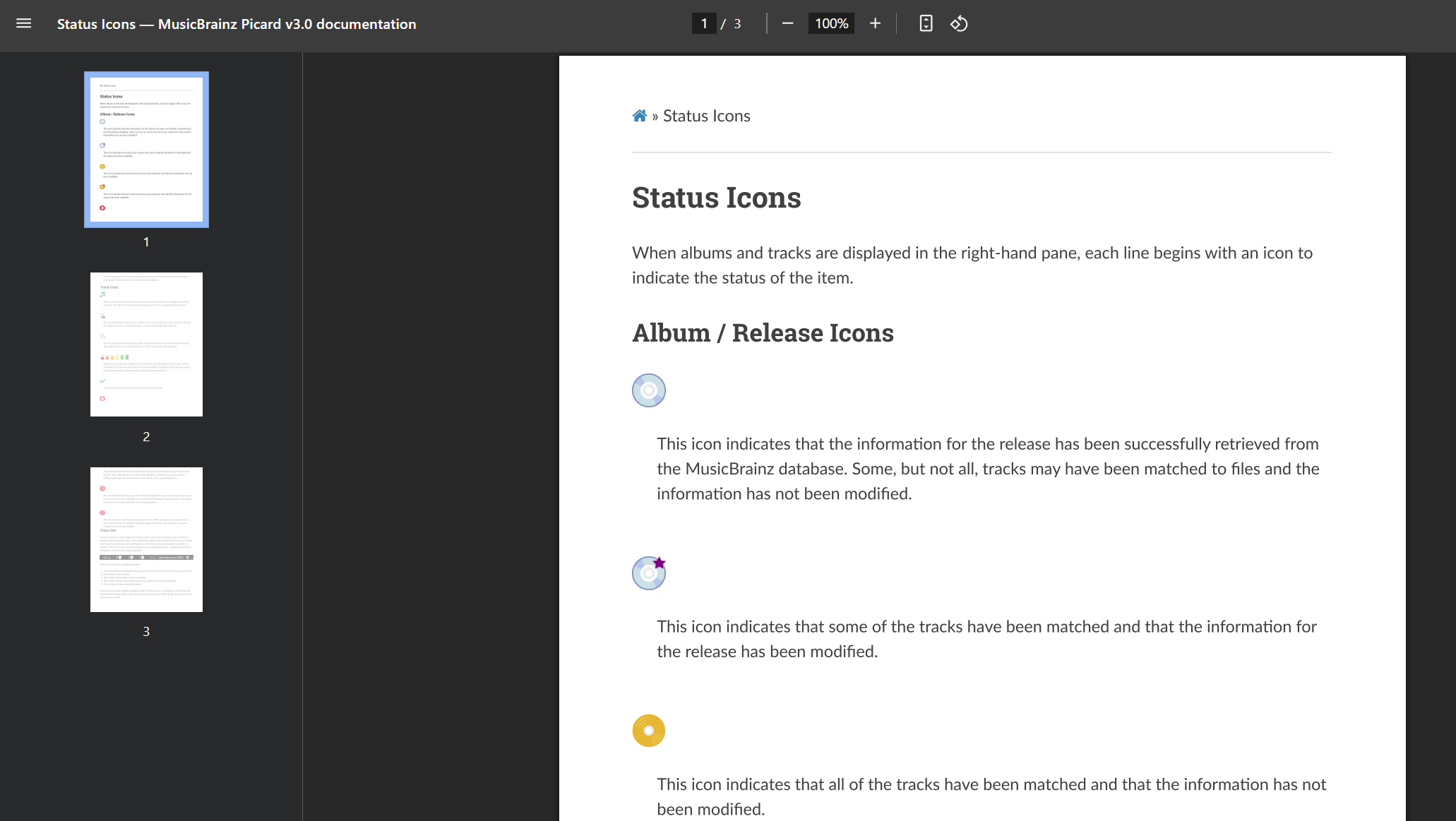
Well actually, I just downloaded the ZIP file and it isn’t what I expected. Rather than having all of the individual HTML files from the site, it lumps everything into a single HTML file. Not suitable for replacing the on-line links in Picard (as I suggested earlier), but it makes it easier to convert the site to an ePUB or PDF locally. One thing I’m not sure about is if it includes reference pages that are not included in the Table of Contents.
If we want to provide an archive of the individual HTML files, I’ll have to rewrite the HTML build process. I’m not sure it’s worth it.
I think having the option of offline documentation is essential, tho I’m not sure what form would be best.
actually, having the option to have the documentation built into Picard is another idea, I seem to remember old Microsoft Office programs did this (before they moved it online, that is), as do some video games, like Sid Meier’s Civilization series
I was about to say it would be a good idea to have docs in an open file format, but just learned on this website I found that PDF might be one as of quite recently?
I can accept that, and I also don’t know what would be best. One thing I do know is that no matter what format we ultimately decide, I can pretty much guarantee it won’t please everyone.
The problem with that, is one of translations.
Picard’s internal strings are translated into multiple different languages which are all included in the installation so that the user can select which language to display in the option settings. Because the amount and size of the internal strings is pretty small this doesn’t bloat the installation by much.
On the other hand, the documentation is currently only available in three languages and the number and size of the strings is quite substantial (plus all the images). To put it into perspective, the PDF currently runs close to 300 pages. To try to include even the three translations into the Picard installation package would be excessive (in my opinion).
I’m actually starting to toy with the idea of having some sort of “Off-Line Documentation” plugin framework system that could possibly hook into Picard’s documentation calls (which are currently hard-coded to https://picard-docs.musicbrainz.org/) so that the off-line documentation could be made available to those users that wanted it (in whatever available translation is available) without forcing a bloated installation on everyone. Of course, there is a LOT more thinking (and planning) required about this option before it could be seriously considered.
This is a good discussion though, to help identify potential options, and debate their merits and shortcomings. I believe that eventually it can lead us to some sort of consensus of how to proceed in the future.
I don’t think you need to pack it all into a single installer. If you download a Picard installer, then it would not be odd to expect to download a separate offline documentation pack. That would simplify things as there is less to maintain. I’d also separate the language options into separate downloads - again to make less to update when translations change.
When Microsoft did the offline help files this was when online was still dial-up. And installers were delivered on CDs.