I explained a bit myself, but I need your help.
The " character is not allowed in the file name.
But the double ’ passes.
I explained a bit myself, but I need your help.
The " character is not allowed in the file name.
But the double ’ passes.
The substitutions I use in my own Unicode to ASCII plugin
    # Apostrophe's
    "‘": "'",
    "’": "'",
    "\u2023": "'",
    # Speechmarks
    "“": "\"",
    "”": "\"",
    "\u2033": "\"",
Watch out - this forum can make a mess of formatting.
There is something else happening here. The release on MB has a ″ character there.
That’s also what you would get in Picard by default. If you enable “Convert Unicode punctuation characters to ASCII” in the metadata options then this will be converted to a straight ASCII double quotation mark ".
If you instead use the Non-ASCII Equivalents plugin you get ′′ instead (these are two ′ characters).
So if you only get a single one maybe another plugin or script changes things again.
May I ask what exactly your goal is? You want to avoid non-ASCII puncutation in general in tags and metadata, or is it all about the file names?
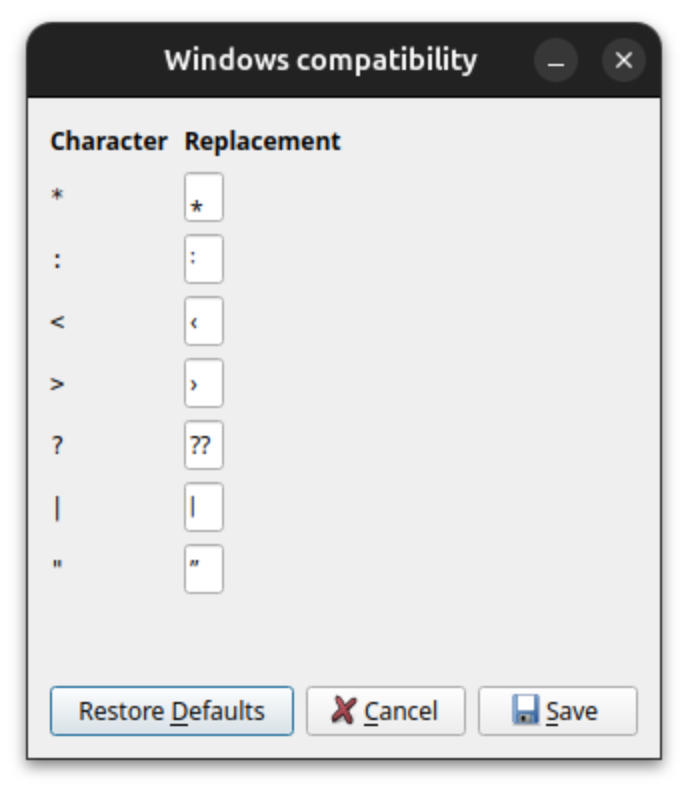
If your only concern is how a " ends up in filenames you can configure the replacement in Options > File naming > Compatibility > Windows Compatibility. The default is, for historic reasons, and underscore, but you can e.g. set ” as the replacement
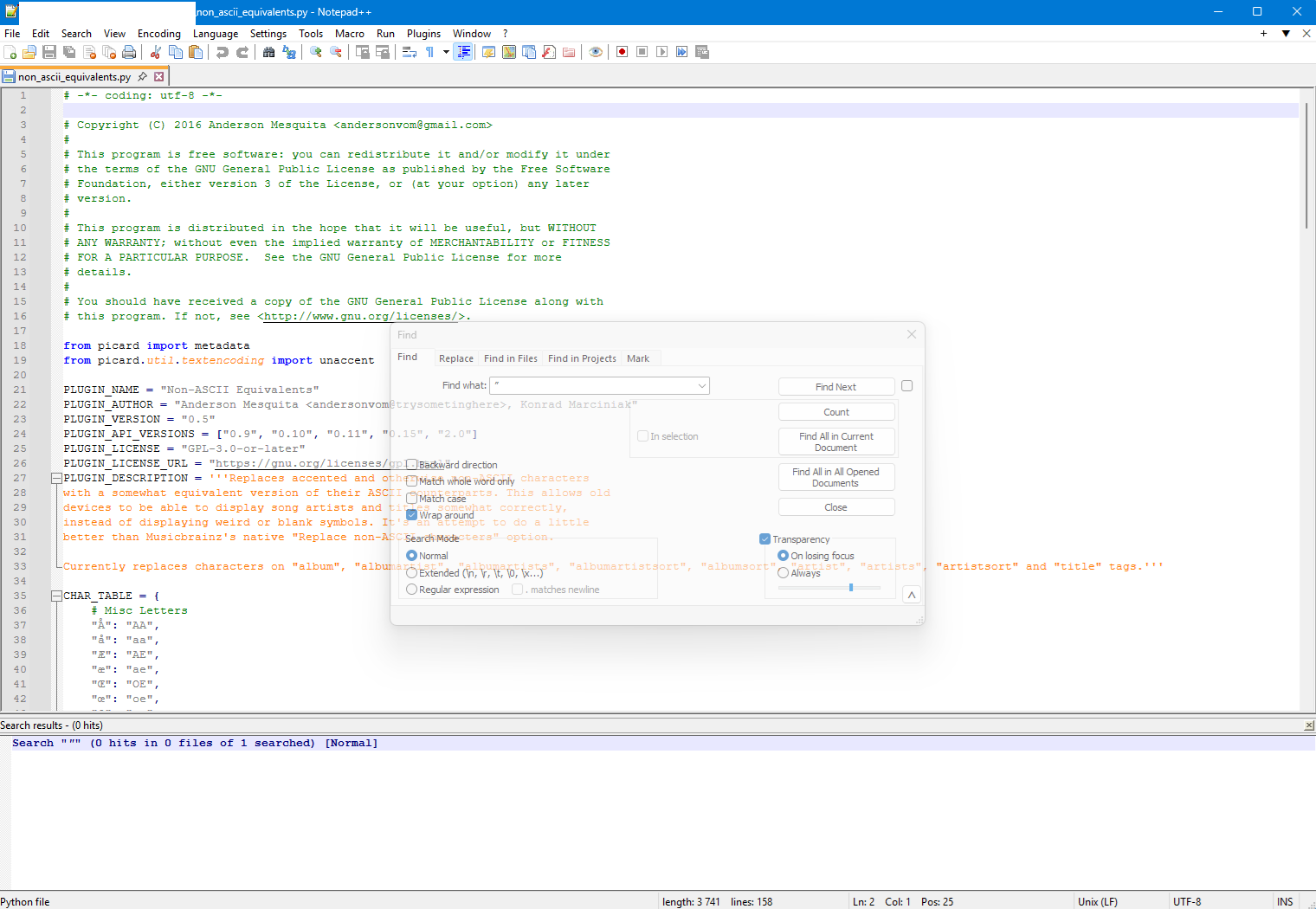
Looking at the code for this plugin I can see the following entries:
CHAR_TABLE = {
    # Misc Letters
...
    # Punctuation
...
    "“": '"',
    "”": '"',
    "„": ",,",
    "‟": '"',
    "‹": "<",
    "›": ">",
...
    # Mathematics
...
    "≪": "<<", # these are different
    "≫": ">>", # from the quotation marks

    # Misc
...
    "♥": "<3",
    "→": "-->",
...
}
Since this plugin converts characters from unicode to ascii for specific metadata fields and is not concerned with filenames, then all of the above subset translate non-ascii to characters that are not allowed in Windows file names.
I am not sure whether your new line \u0022 is one of the above or a new code, but if it is a new character then it needs to be added to this table in the same style as current.
I would personally also like to see this table removed and a switch made to use the replace_non_ascii method in picard/util/textencoding.py (which is called for filenames from picard/util/scripttofilename.py followed almost immediately after by a windows-specific translation of invalid filename characters) in order to remove duplicated functionality.
But failing this I then switching the lookup definition in the plugin to the same code format used in Picard for consistent code style might be beneficial.
This plugin makes more sense to me than this option in Picard.
I only set the plugin to the Artist and Title fields because my filenames look like this:
I want to have tags without characters that conflict with Windows, because I rename files myself with an external program.
I just added my private section to the plugin:
":": "-",
"♥": "-",
"<": ")",
">": "(",
"/": ",",
"*": ".",
"μ": "u",
"→": "",
"?": "",
"\u0022":"''",
But the main task is “return unaccent(char)” 
I had to precede these two lines with #,
because these characters < and > are not allowed by Windows.
And? Preventing “<“ and “>” is a separate function in Picard.
@outsidecontext , you are right about this release:
Release “Play Dead” by Björk & David Arnold - MusicBrainz
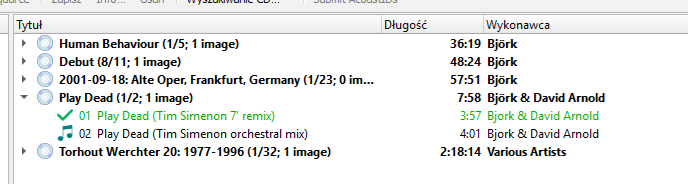
Play Dead (Tim Simenon 7″ remix)
This quotation mark " is allowed on Windows.
The plugin shouldn’t change it.
As you point out, this is strange.
This symbol is not present in the plugin.
I mean signs:
< >
(20 characters)
Can you look here? 
It’s the unaccent call that does this conversion from ″ to ′′.
That would be true if the purpose of the plugin was to replace characters invalid in filenames on Windows. But it isn’t, it’s about converting non-ASCII punctuation to ASCII characters.
Replacement of characters illegal in filenames is something that is built-in in Picard and happens automatically when naming files.
But as you don’t use this that’s not helpful for you. Anyway, it’s only a couple of characters you need to take care of for Windows filenames. So maybe adjust this plugin to replace only those. Then you don’t have the side effect of all the other replacements the plugin is doing.
In Picard itself, I actually think that the Windows filename replacement method replace_win32_incompat should probably use a more intelligent replacement than everything going to an underscore, perhaps:
At the same time, it might also make sense to have an option to replace these with the closest acceptable unicode equivalents.
I am not sure what backwards compatibility issues there may be by changing this and whether a Picard option for backwards compatibility would be needed.
(There are two places in Picard where this method (or a parent method) is called - and I am not sure why there are two.)
It has been configurable for a while now already, it is not hard coded anymore. We didn’t change it because it would have changed behavior. We could however change it for Picard 3. This is what I have currently configured:
Especially tricky are the question mark (I really couldn’t find a good replacement) but also the asterisk. Specifically for the asterisk there is a wide range of similar looking symbols, but all have their own drawbacks. And the visual representation varies highly with used font.
It’s once used for generating file names from scripts for the file and renaming function, and once to generate a name from a script title when saving scripts to files.
If this was an option, it would be nice to start defaulted as off. One of the reasons I wrote my own tool to swap Unicode to ASCII is the confusion when there are three folders side by side with non-standard dashes. Yeah, I know that is slightly different to the issue here, but people are not always used to seeing stuff that they cannot type.
It is especially confusing if you have an artist or album which gets folders added to it at different times by different apps using their own style of swaps.
A default to a “classic swap” would be good, with maybe optional “closest Unicode” a secondary option.
I would just like to add that I keep the original first Track number in the filename. I only change the Artist and Title.
If the original track number differs from what you have as track number in Picard then you could run “tags from filenames” on the files first.
Some format string like %tracknumber%. %_dummy% should work.
This should extract the track number. The %_dummy% is just to match the rest of the filename, but as it is not needed it just gets set to some unused variable.
I’d just like to add that I’m only interested in the correctness of the file name, Artist, and Title, i.e., who sings and what they sing.
I treat the rest of the tags as a bit of natural curiosity.