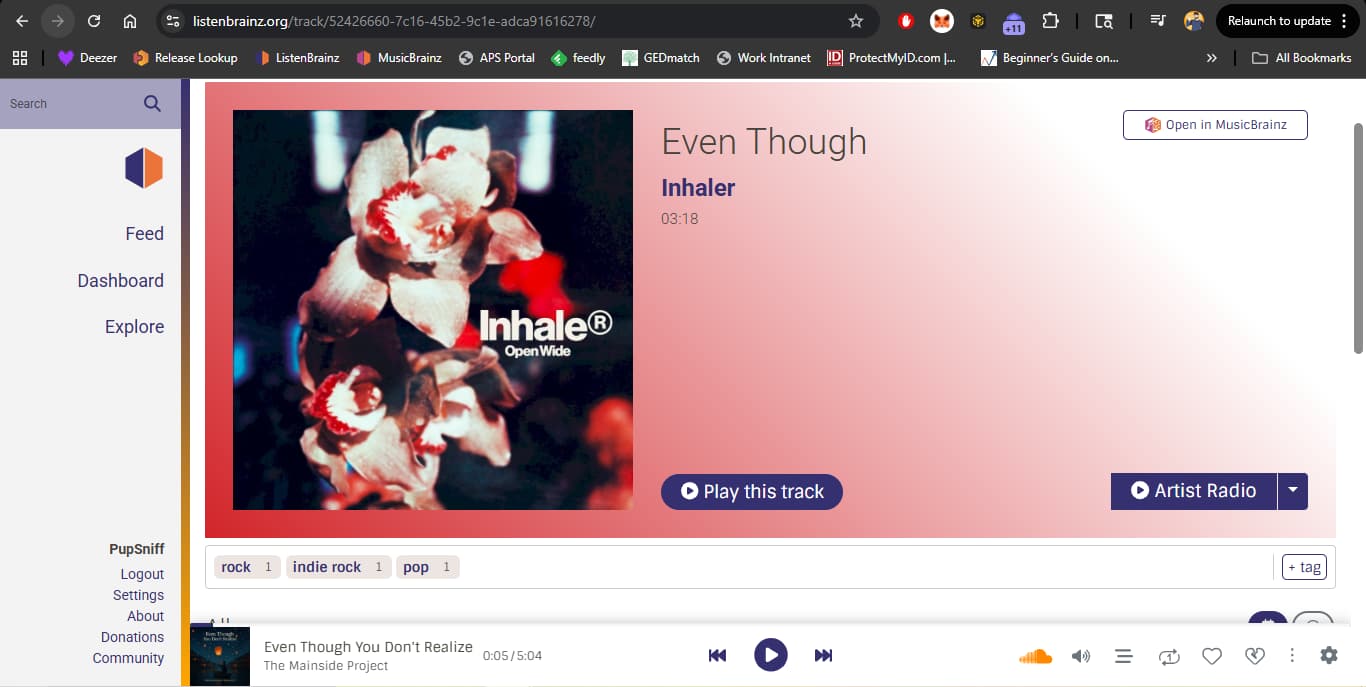
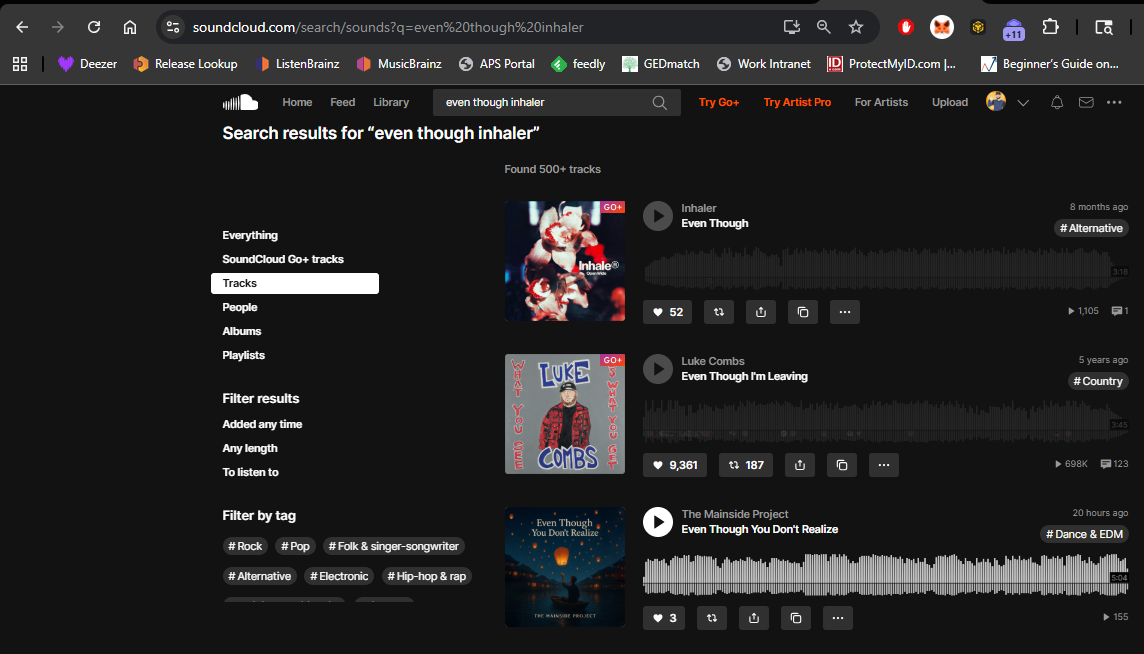
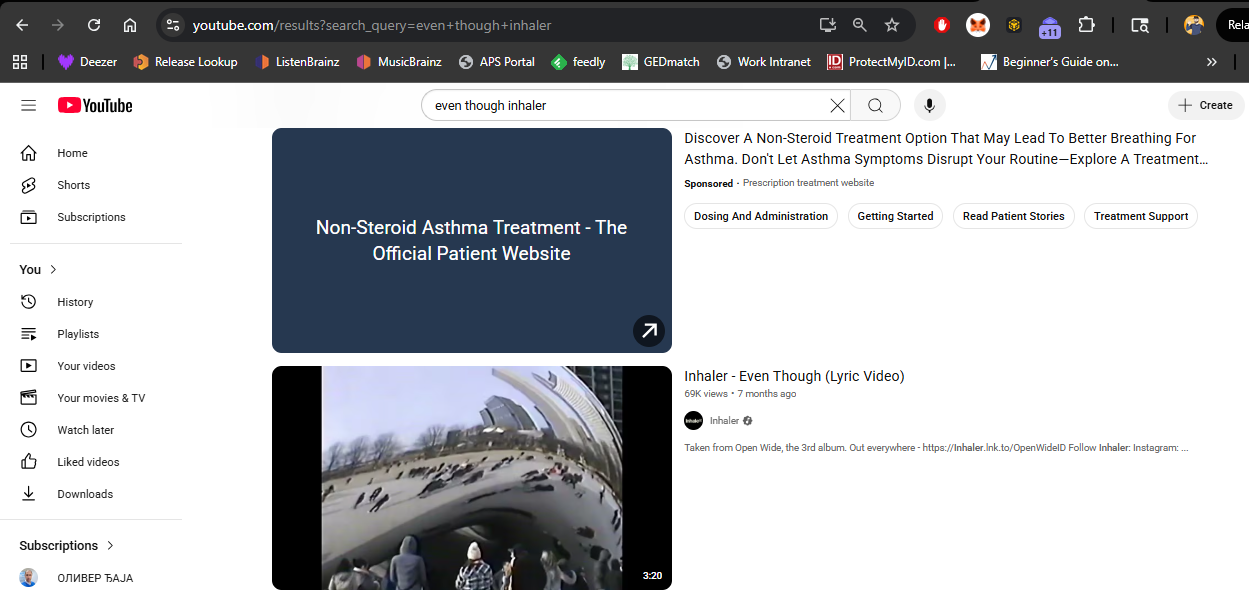
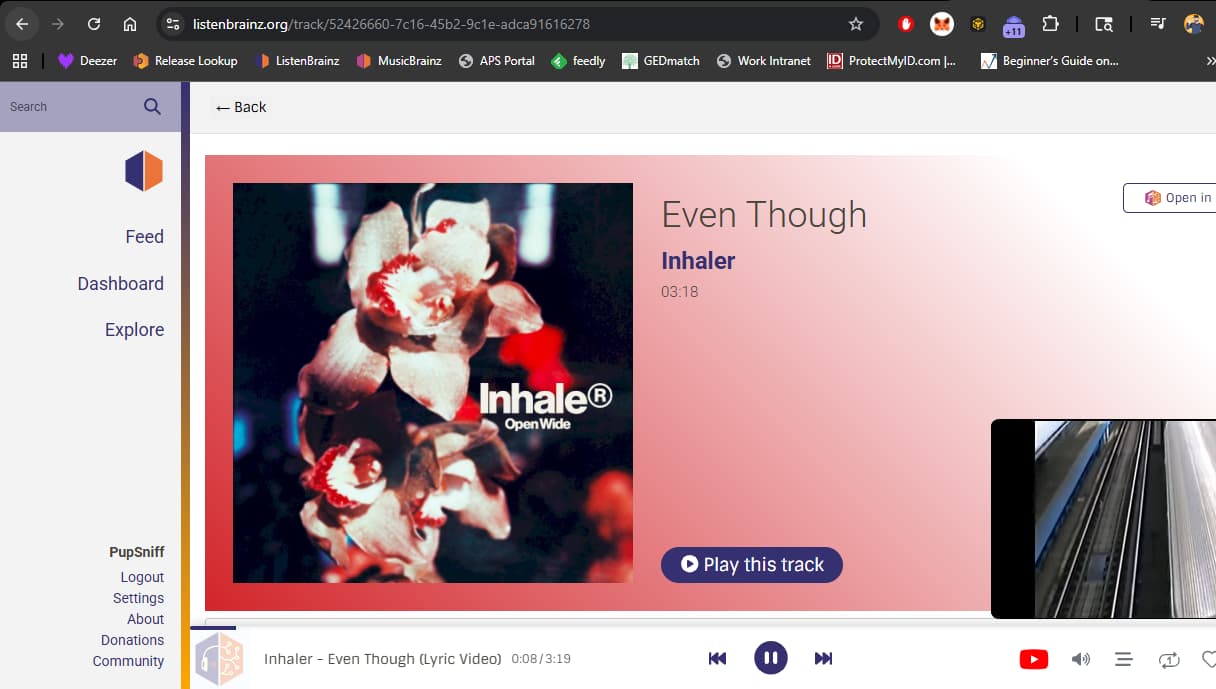
Not sure what’s happening here. I tried to play a track via a track page and it found something on sound cloud that is completely unrelated as far as I can tell. I tried a few times and that’s the only thing it will play.
Is what you’re trying to play available on Soundcloud?
The ListenBrainz player is not really that complicated - it will run a search for artist + track and play the first result (devs, please correct me if there is something I’m missing).
So if the Soundcloud track search gives those tracks as the top results for those search terms, that’s not really an issue on the MB side (unless our search query can be improved somehow).
Now that I’m understanding what’s going on a bit more it seems that the issue is that ideally the player should recognize that the result served up from SoundCloud is too dissimilar and that it should probably move on to the next service in the list rather than play the wrong thing.
I recently was listening to an album that used to play correctly, but now pulls a Bhangra track in the middle of a downtempo album I listen to before bed (which was a little jarring, to say the least lol).
I kind of wish there was a way to manually set a free streaming URL per track whether that’s SoundCloud or YouTube like you are able to do on Last.FM with YouTube embeds.
One ticket I could find was this one, but I think that’s more about mapping listening, and not directly related to the “ListenBrainz Player”: https://tickets.metabrainz.org/browse/LB-1403
There’s also this one, which mainly focuses on YouTube playlist assignment, but doesn’t touch on the ability to manually fix errors at the track level: https://tickets.metabrainz.org/browse/LB-1176
Not wanting to hijack if this isn’t really OP’s goal, but I wonder if linked rels. at the release level could be of help here, e.g. if the release has a SoundCloud/YouTube/Internet Archive rel., play from that instead of searching.
I was also surprised that I couldn’t find a ticket - this would solve a lot of problems (or at least, give users the tools to fix annoying problems), as well as encourage more data on the MB end.
I do think that a feature like this would help. I think we’d want it prioritize playing the linked song if the user has a service enabled for it even if there’s a service with higher priority in the list.
I.e. I have SoundCloud and YouTube as service enabled, with SoundCloud as 1st priority and YouTube 2nd. If the player sees a track that has a MB YouTube ‘Play for free’ URL link and not one for SoundCloud it should play the YouTube link rather than search for the song on SoundCloud. This would be helpful in the scenario where the user knows that SoundCloud is going to match a wrong song because the song isn’t available in SoundCloud, so they can add the YouTube link in MB as a work around and know that proper content will play.
Maybe we’d add a card for “MusicBrainz URLs” in the “Music services priority” list so that a user can decide the priority level? Or maybe a toggle at the top of the “Music services priority” that says something like “use URLs from MB before searches”?
I’ve added to the ticket:
“Clarification: It should iterate through every enabled service, checking for a URL relationship, before it resorts to running a ‘artist + title’ search on the first service. That the user has enabled multiple services implies (I feel) that they want the best result across all of them, before falling back on a basic search for the first service.”
I don’t think a “use URLS before searches” toggle is required tbh, enabling more than one service in the list implies that you want the best result from all imo. [snip]
To dispel the confusion about the search result being completely unrelated, I think this may have to do with the album name being used in the search terms so we might want to review that.
In this case the full search query was “I CAN’T LOSE YOU Confidence Man 3AM (LA LA LA)” which is apparently enough to match that random other track. Couldn’t replicate that on the SC website, but that’s not a surprise. With album name, 0 results; without album name it does find the track.
That’s probably step 1 to try.
We do already do something along those lines, but for URLs that are attached to a user’s listens.
Say for example I listened to a track on Spotify, my listen will have a Spotify track URL.
If you then go to my page and try to play it and have Spotify playback enabled, it will play directly that track from Spotify, ignoring the music services priority and not doing a search.
One issue here is that on track/album/artist pages those are not personal listens, and won’t have any of that metadata attached to the tracks.
The other issue is that we do not currently pull recording relationships from MusicBrainz. Until fairly recently, we did not see it as a viable use-case because so few recordings had a relationship to a music source (shockingly few!).
This has been slowly changing in the past year or two with release seeders like Harmony adding support for recording relationships, and it now appears much more useful, so that is an improvement we have discussed.
Wholeheartedly agree, although I will say that it is a surprisingly hard problem to solve programmatically, despite seeming pretty simple to us humans with our big monkey brainz.
We do however make more of an effort when using the Apple Music API specifically because it is so bad, so this could be applied to SoundCloud search results as well (I thought they had better results, but don’t use it much myself so didn’t realize)
Would it be possible to collect all the streaming URLs attached to listens across all users and use that data to get the ListenBrainz Player to play the correct track?
Yeah, that’s likely one leg of my playback issues. I scrobble from my own Plex server (no Spotify/Apple Music, etc.), which reports the play event to Last.FM, and listens are then synced with LB, so there’s likely no streaming metadata attached.
I considered spinning up a Navidrome instance now that it’s integrated, but don’t really have the bandwidth to start that process.
When I can’t play from my server for whatever reason, I sometimes try to play from ListenBrainz as a fallback by navigating to the album’s page (Thala - Avalanche) and hitting play. As of today, it’s playing tack 9 correctly, so perhaps it was some SEO shenanigans, or just a week-long blip with YouTube search.
I can track the success / fail rate of SoundCloud matches for a bit if that’s helpful. My rough sense of it after a few days use is it’s maybe 50% success rate, 30% match to a “sped up”/”slowed down”/”with reverb” user uploaded track, 10% completely unrelated track, 10% nothing found and it moves on to my next streaming service.