Question as in the title.
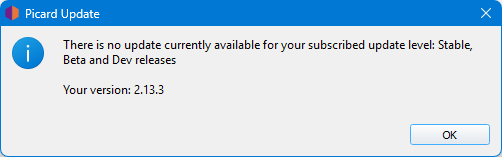
Can you at least give us a percentage of the work progress?
“It is done when it is done” seems a good response. 
Why hassle them? We have a good stable edition.
As to “percent done” - you know when you watch a progress bar, and time distorts as it runs through the last few percent yeah, that kinda sums up dev timetables.
Ivan, calm down. 
I’m not writing with exclamation points: “Give me the new Picard, otherwise…”
I’ll stick a smiley face in every post then so you realise I am not serious.
You asked the same question three times, and clearly got an answer the first time.
there is no answer
Besides, Zas has been saying at Monday meetings lately that a lot is happening on the Picard front.
I’m curious about these new developments and how Picard will behave during my methods.
Here’s some kind of progress indicator (but past release intervals indicate that the answer is still mostly “it’s done when it’s done”): Picard - MetaBrainz Tickets
Here’s some documentation about how to use development versions: picard/CONTRIBUTING.md at master · metabrainz/picard · GitHub but to just test them uv tool install git+https://github.com/metabrainz/picard@2.x for the next release seems simpler than the stuff in that doc.
1 Like


Looks like you need Git - Install for Windows
2 Likes
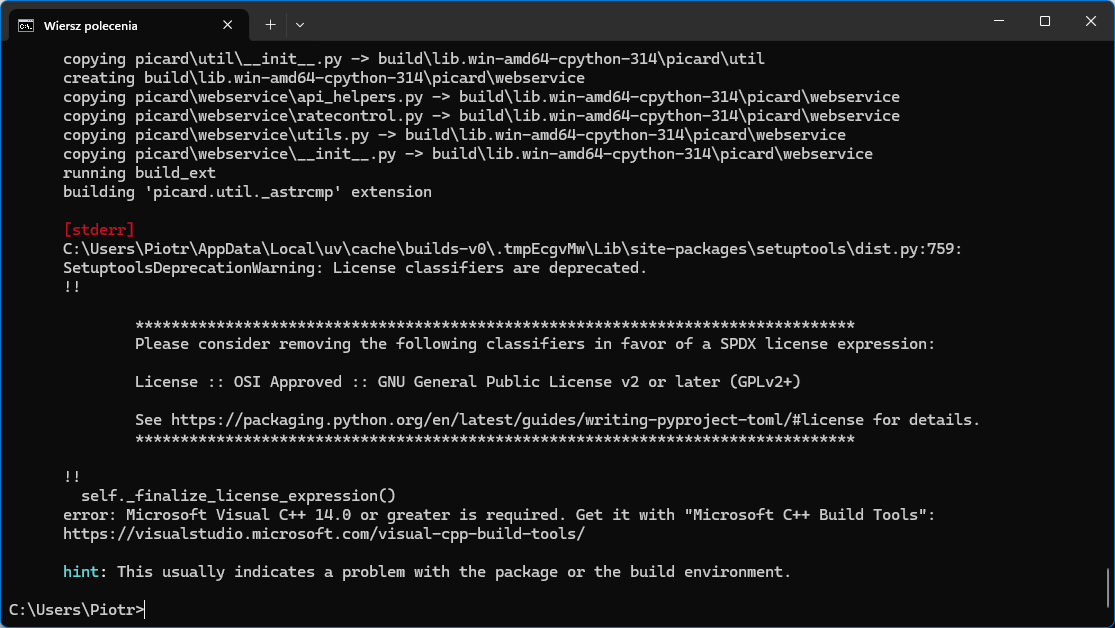
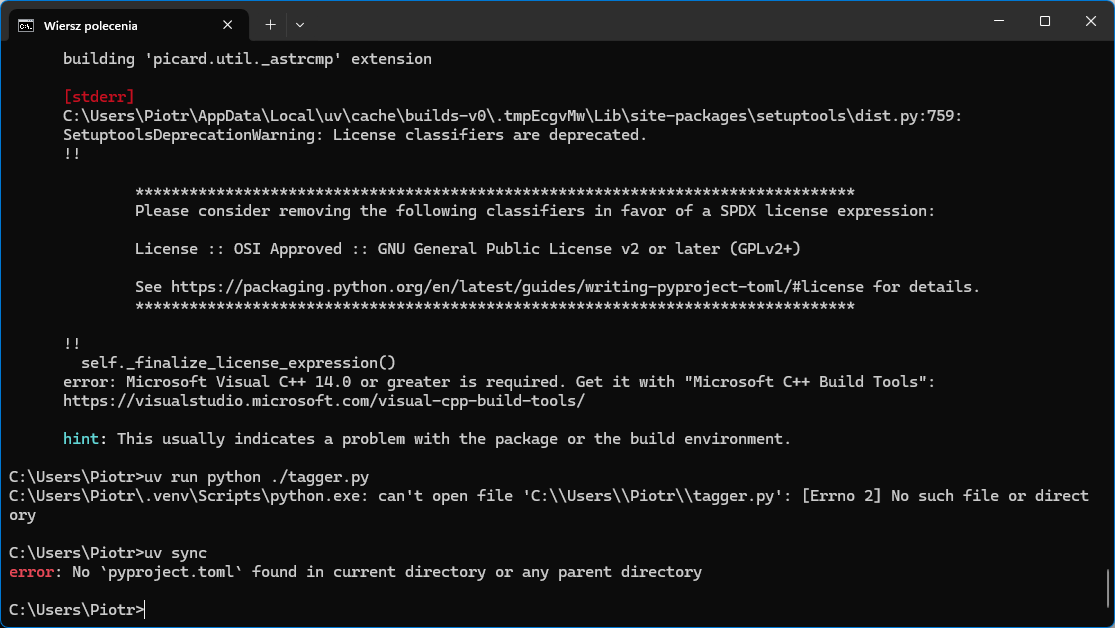
I also installed:
msgfmt (gettext)
and
Microsoft C++ Build Tools (Visual C++)
but still nothing.
GitHub - bycloudai/InstallVSBuildToolsWindows: Tutorial on how to install Microsoft C++ Build Tools is probably what you need to do.
2 Likes
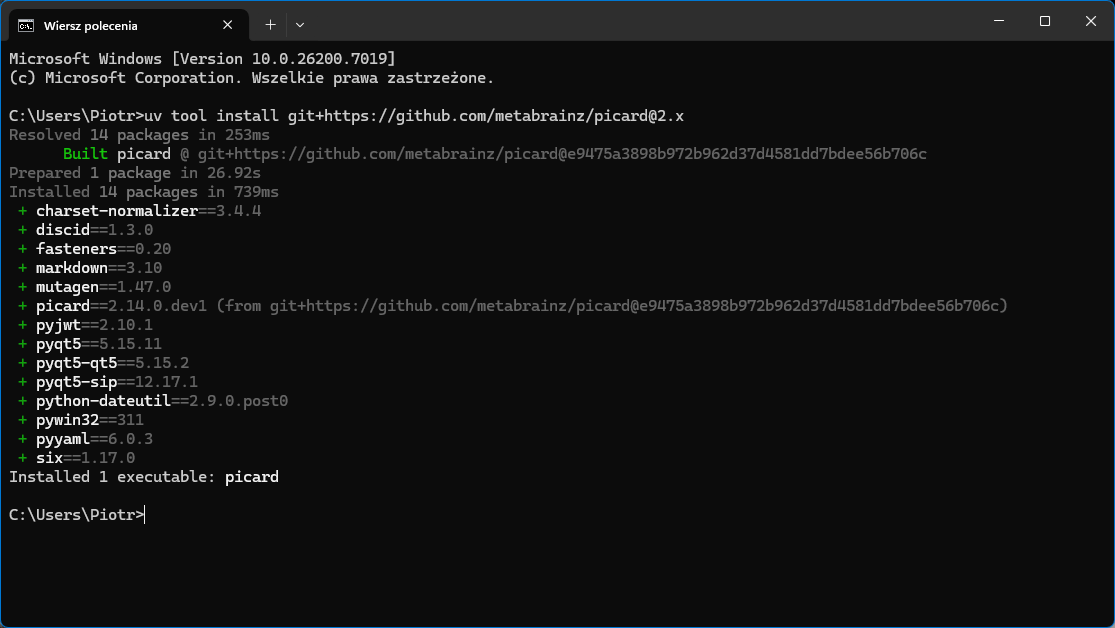
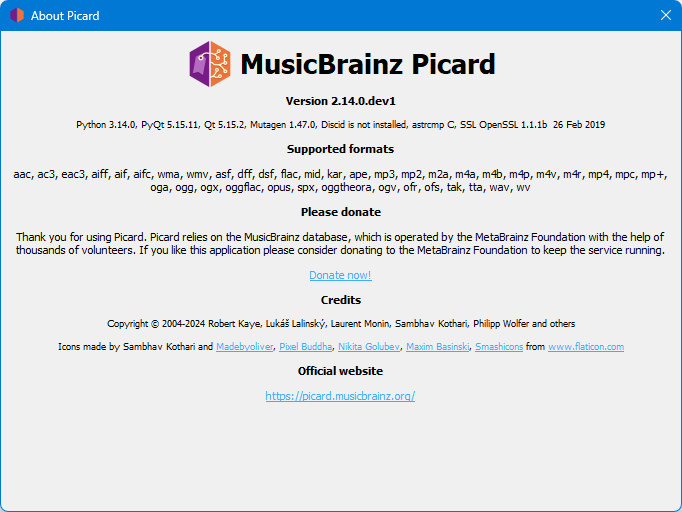
Proof reader mode on… Copyright date needs updating to 2025 (or 2026)
Great. It even remembers my settings from stable Picard 2.13.3.
Glad it worked. You should be able to update it with uv tool upgrade picard once there are new changes, see Commits · metabrainz/picard · GitHub
1 Like
I’m not trying to suck up, but you’re great. Programmers and guidelines specialists.
1 Like