Has anyone besides me checked whether this plugin works and has evidence of it?
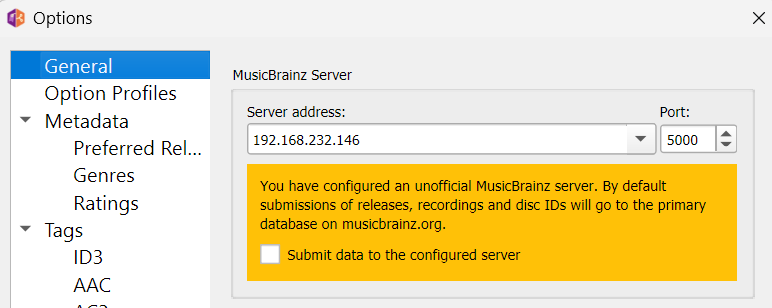
MB Picard Options:
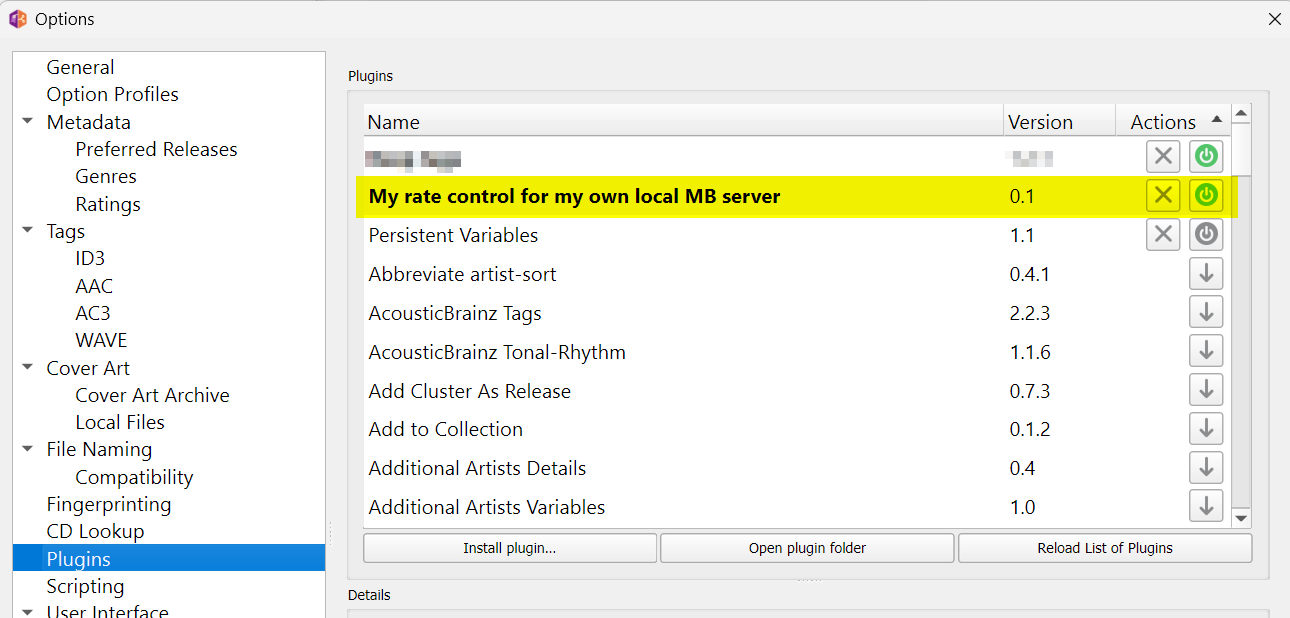
Rate control plugin, loaded and activated:
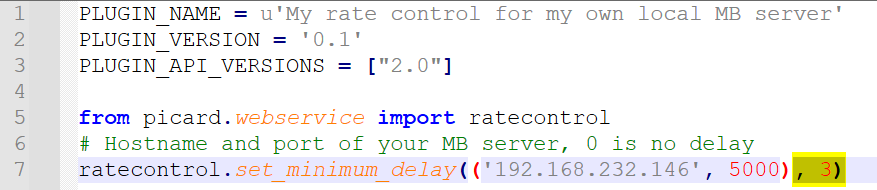
Rate control plugin content, delay specially set for @Deleted_Editor_2599073 to 3 ms
Debug-Log file from MB Picard:

1 Like
And the real time measurements and the view of the bottom bar of Picard, where is the number of loaded albums and the remaining time?
All the plugin does is remove or lower the artificial delay that is added between requests to the specified server to honor the rate limit. It doesn’t and can’t impact the actual time a network request takes.
The default for the MusicBrainz server is 1 request per second. So if a request took 600ms Picard will add a 400ms wait time before doing the next request. If the requests takes a second or longer, no delay will be added. If you set the the “minimum delay” to 0 with the plugin, then Picard will never add any artificial delay to requests to the specified server. But if the requests to that server take a second or longer regardless you will see no difference.
Depending on your settings and enabled plugins there are additional requests being made, such as downloading cover art or fetching other data from third party service.
Enable the debug log and load a handful of albums at once. The log will show exactly what network requests are being made and if and how much delay the rate control adds.
2 Likes