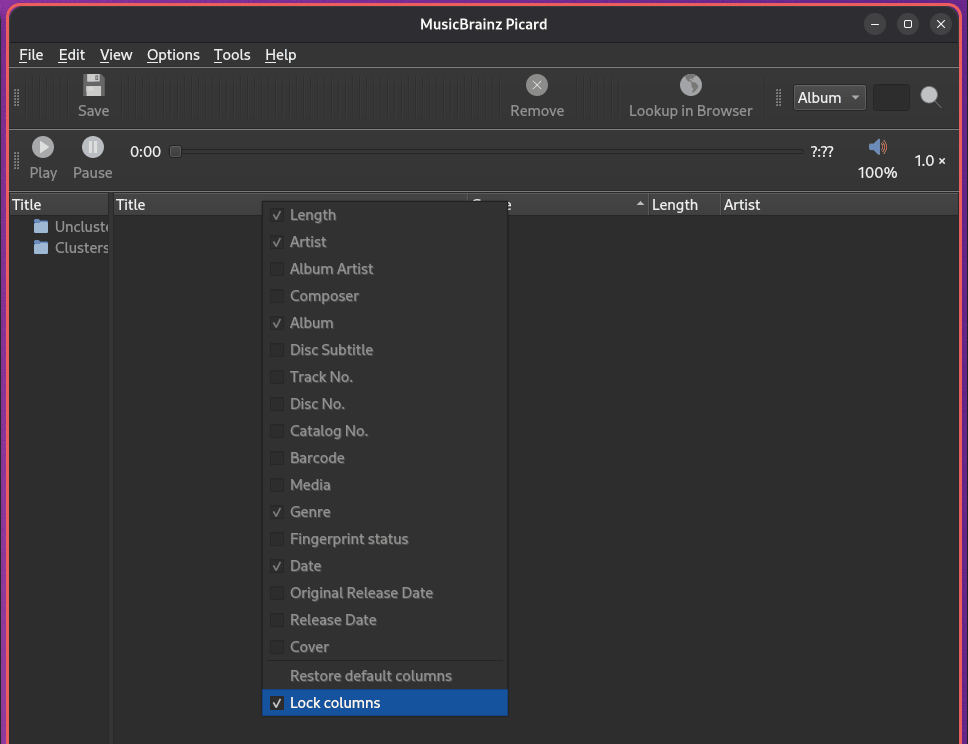
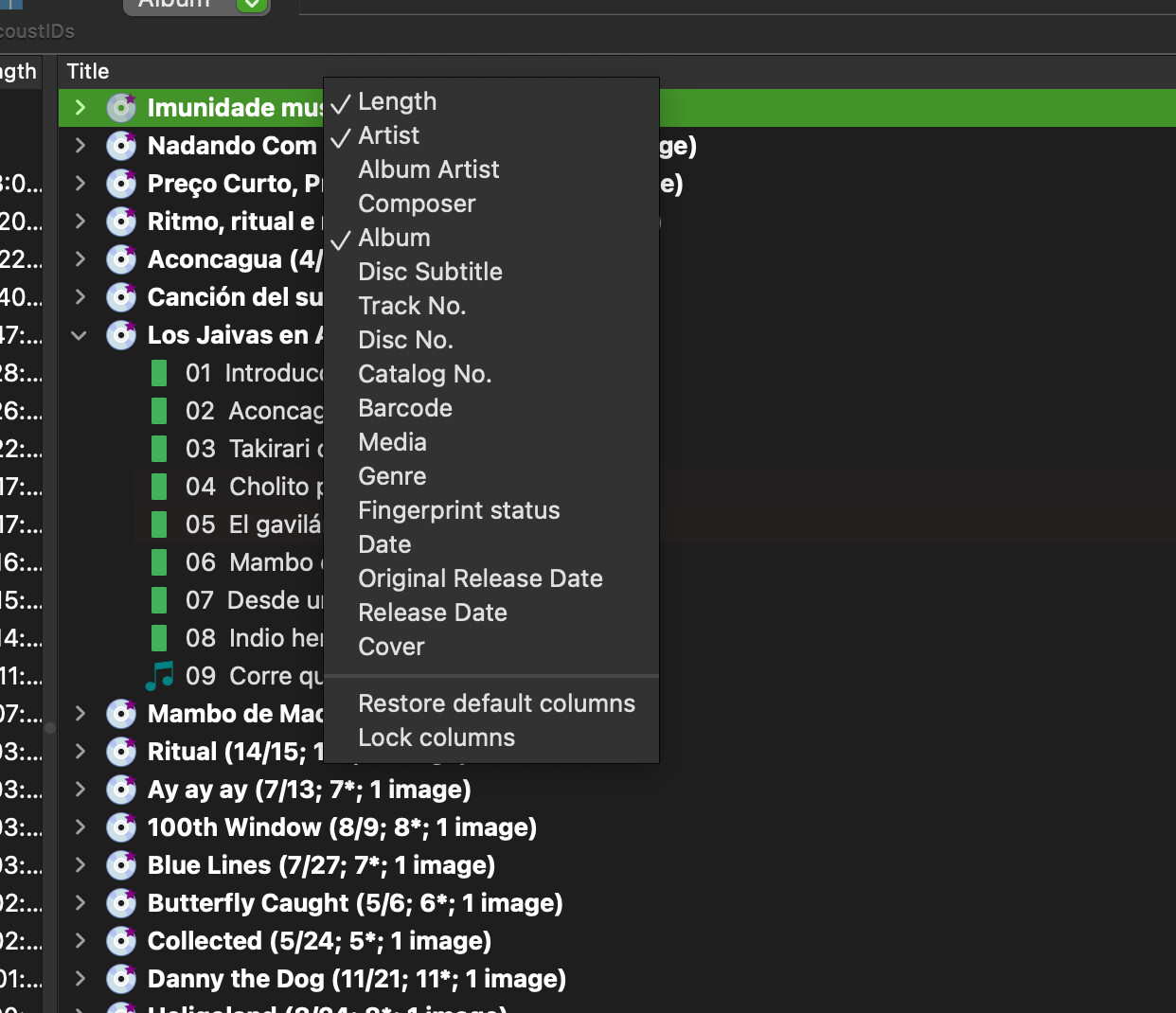
Clicking those arrows does change the arrow direction but does not sort by anything.
Ideally I would want to sort by amount of files in each album or more accurately: the amount of matches.
Like, if an album has 14/15 it should be on top and if 1/15 on bottom.
But I would be happy with just at least alphabetical order… with 3500 single files, 500 albums to manually sort because MB somehow has a hard time with that particular remaining set is just impossible with out the least tiny amount of organization.
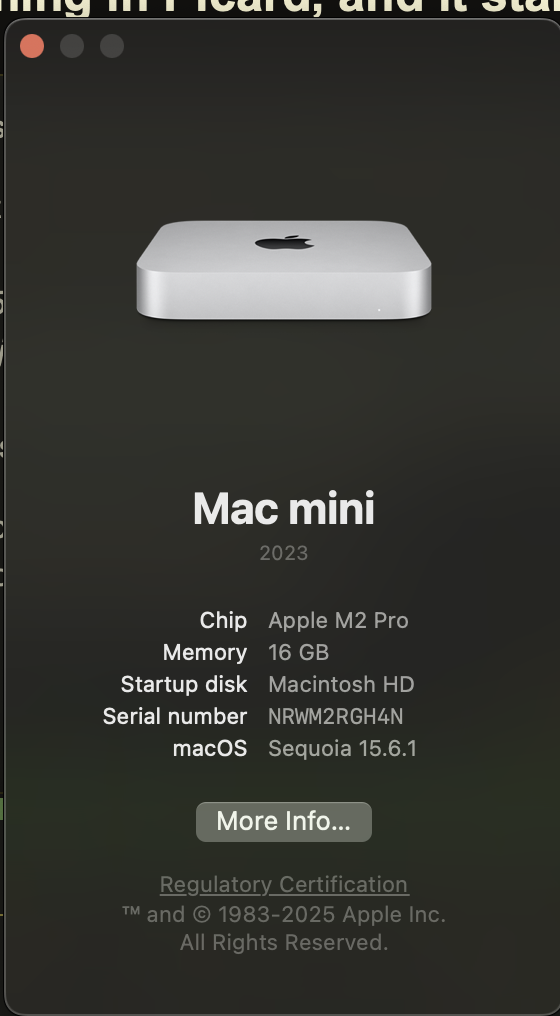
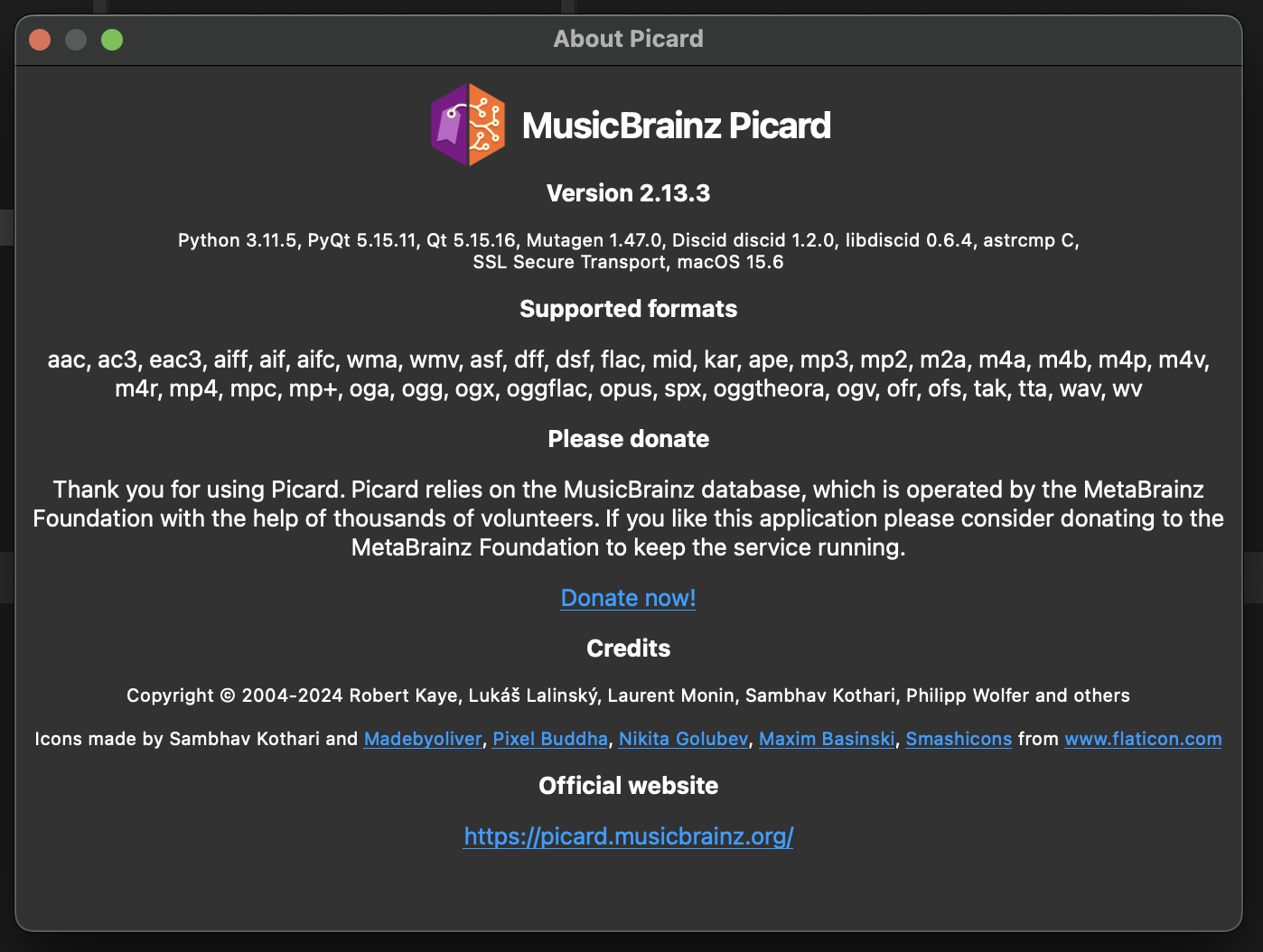
I am on the latest version on Mac mini m2 pro
I am not sure what I do wrong… why can I not sort?
Nope - and I also made sure to test with just very few albums in the list.
In all seriousness… I hope this is on me, because right now it is unusable for the “last mile” I have to go, which is complete albums with sometimes one or two missing tracks Picard for some reason assigns to wrong albums.
Since Picard does not allow to search through the actually loaded content (search seems to only search remotely), I have to at least get sorting correct, because:
see an album that has one missing item
search for that missing track > can only be done externally to picard
find missing track, see that it is inside another album folder > great!
find that other album in picard and move the track… impossible, because I have 3600 tracks in albums to complete loaded into picard, and without sorting or search … there’s no chance I can ever find it
Of course, I could load folder by folder, but no - this is already a monumental task as it is, and loading a folder by folder basically duplicates the time until done.
NOTE: length does sort!
All the rest does not. The arrow changes direction, but nothing changes actually in the order.
In your screenshot I don’t see a sort key on any of the columns.
Also you can’t currently sort by number of matched tracks or such, though, because there is no such column. For Picard 3 there will be improvements with filters for the displayed content and user defined columns.
I notice that picard actually is not even compiled for silicon. I am surprised it even works on this Mac I do vaguely recall installing Rosetta 2 at some point in my mac’s life…
I could test on a cloud mac with M2 processor and could reproduce the issue. I added a ticket:
This could be generally related to the fact that for Picard 2 there are only Intel builds. But likely this issue is also present only since Picard 2.12.1, as we changed the way sorting works on macOS in order to address some hard crashes when calling the corresponding OS functions in some cases.
The most promising approach would be that we try an actual Apple ARM build. We have them for the development version (but I’d currently not recommend those for use, and definitely they are no option if you rely on any plugin). I think we might be able to get ARM builds for the next Picard 2 release if we do provide separate packages (universal packages are currently not an option for various reasons).
Ok, then it is as I had suspected and the change of the sorting caused this. Reverting this change is not really an option, though. I will see if I can provide an ARM build for testing.