I “think” the main thing it does is change that first “front” image into “cover.jpg” so my media players can find it. And numbers the booklet… Let me go test for you with script off… updating this post shortly… please do not adjust your set…
And back after the break… Errr… okay… so I have no idea what that script is doing. It has been there for five years. Now I turn it off. Restart Picard. Tag the same album… and all is exactly the same. Maybe it was bypassing something an old Picard version did… Am confused 
 see next post for solution…
The main page you want to mess with for choosing art types is here:
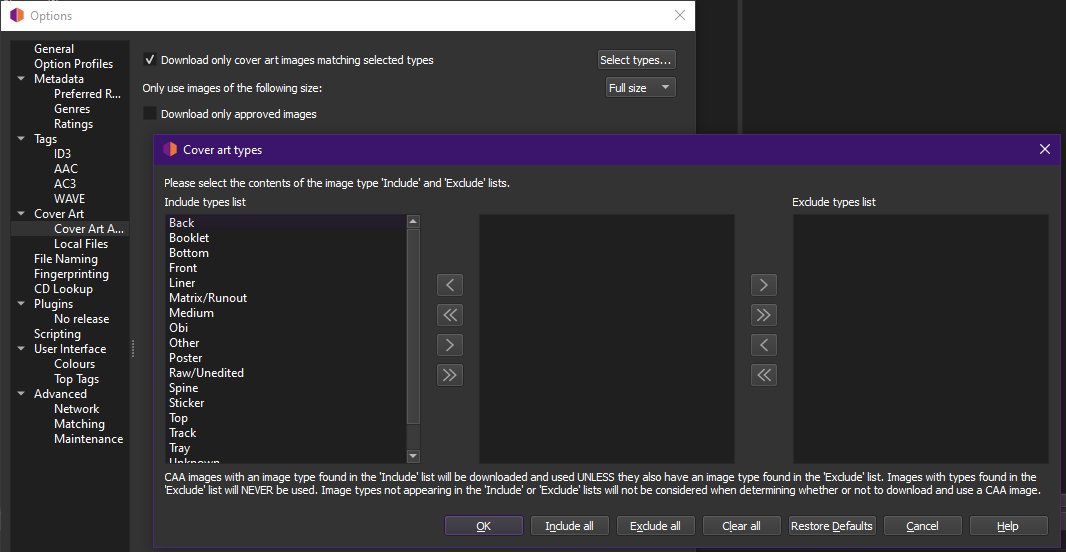
Choose your arts. I always download everything and then manually delete. Sometimes I want those “unknowns” or the “other” images may be parts of a boxset that I’ll then manually rename.
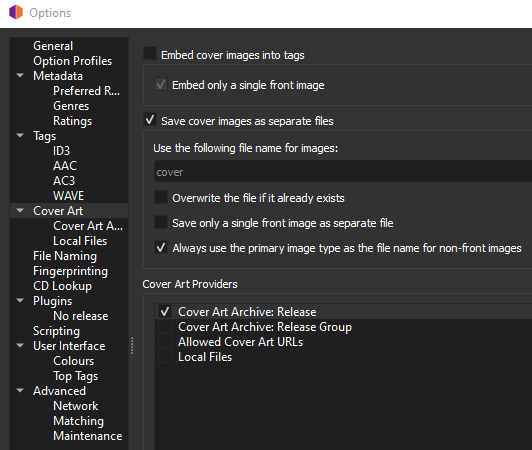
This is the bit making sure I get a cover.jpg. So if you want “folder.jpg” just type “folder” in the “Use the following file name” box