I’m pretty new to MusicBrainz still, but am loving “fixing” my collection to have all the correct metadata. I’m on a roll with my Christmas collection, but am having trouble matching a particular album.
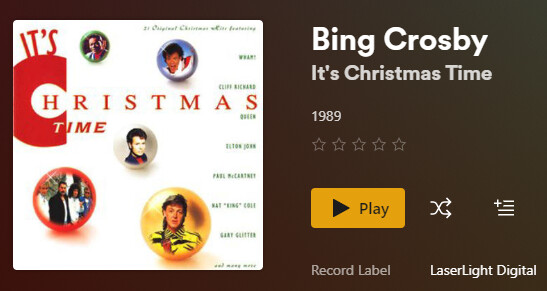
I’ve got Bing Crosby/Frank Sinatra/Nat King Cole’s CD “It’s Christmas Time” released in 1992. I have found it in MusicBrainz:
I tried refreshing metadata and fixing the match. I unmatched and rematched. I have done an advance search with the MBID and it’s still finding the 1989 version. I deleted my files, re-ripped the CD, and did all this again. What am I missing? Is it me or the database?
Note: there are multiple versions of the 1992 album entered. Track #4 is different on different versions. My track #4 is Hark the Herald Angels Sing.
Sorry, I don’t know about how Plex matches to MusicBrainz or what options it offers to change what it matches to.
But maybe use a separate tagging application with MusicBrainz support, such as MusicBrainz Picard, to tag this particular album. With Picard you can tag your files against any release available on MusicBrainz, so you can pick the exact version you have.
I haven’t used Plex in over a year, but there are a couple of Plex facts that I think are still true:
Plex doesn’t handle multiple artists in a track or album credit very well.
Plex doesn’t seem to fully understand MB’s Release Groups.
Here’s what I think is happening:
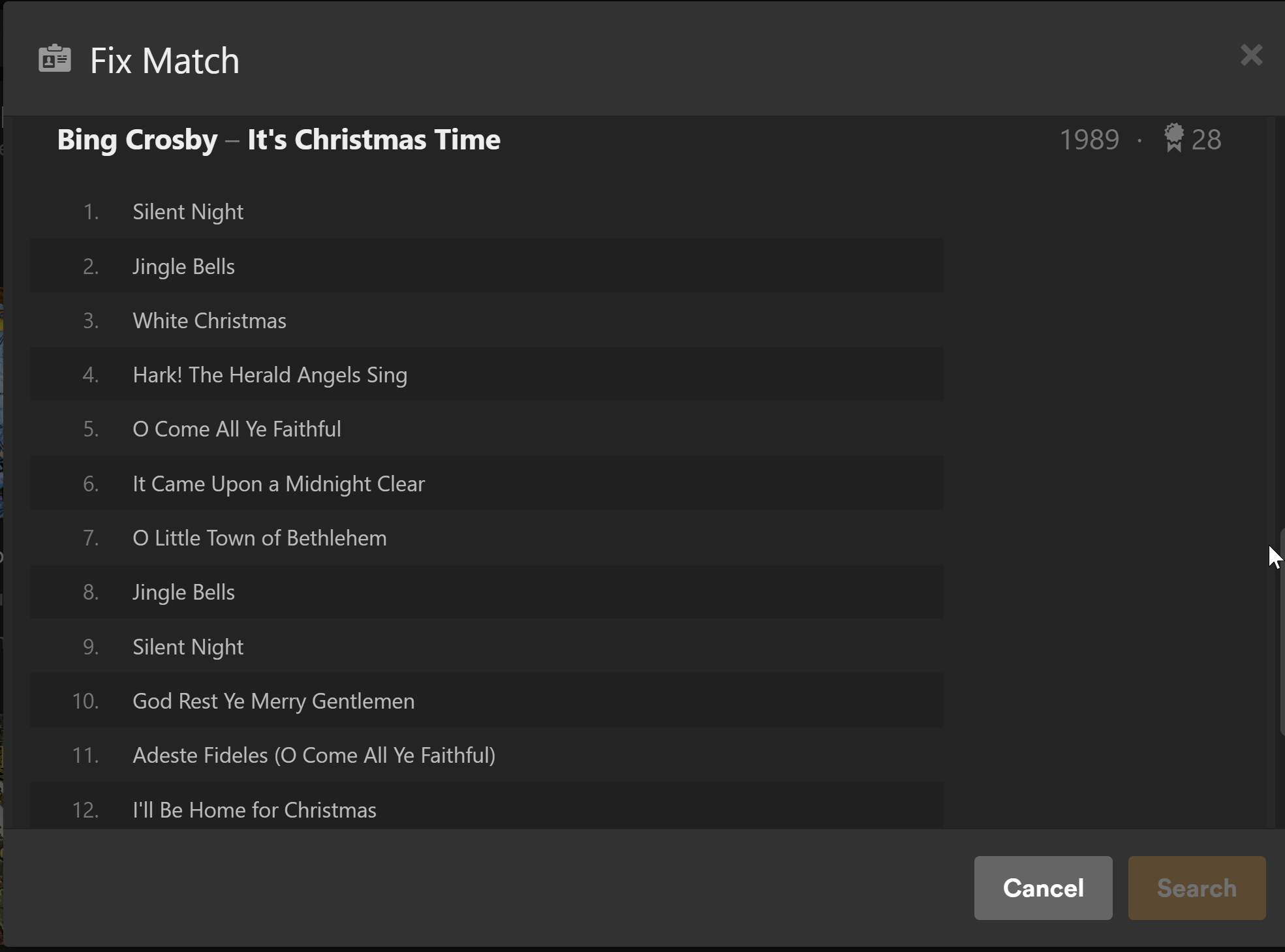
The track list that Plex shows you in the Match/Fix Match screen matches the track list on the release you have (MBID 9ecfa186-9272-4bf9-9587-397e66d294d6). They’re just all credited to Crosby alone because of #1 above.
Because of #2 above, Plex is pulling the year from the earliest release in the same RG that your release belongs to, which is 1989.
Bottom line: Plex is finding the right release, it’s just not showing the right year.
I suggest accepting that release, then you can manually edit the year in Plex to make it right.
I would also suggest posting a message on Plex’s forum, or find an existing thread about it . They probably know about it, but the more they hear about it happening, the better chance they’ll fix it.
I use Plex. In fact, trying to organize my Plex library is what led me to MB in the first place. In addition to the good advice you received above, the other issue in your screenshot is that you are obviously seeing the wrong cover art. This might not be entirely Plex’s fault… If you played your files or ripped your CD with Windows Media Player, WMP will try to find cover art online and save it to your album folder as a hidden folder.jpg file, and Plex will pick up on that. I often get terrible mismatches that way. If you put the correct art in the folder as cover.jpg or cover.png then Plex will always use that artwork instead. It would be nice if Plex eventually got better support for albums with multiple artists; as @Beckfield mentioned above the album will only appear in your library under Bing Crosby’s name since he is listed first, but the tracks themselves will have all the artists’ names attached.
Thanks for the responses. I also discovered MusicBrainz while trying to organize through Plex.
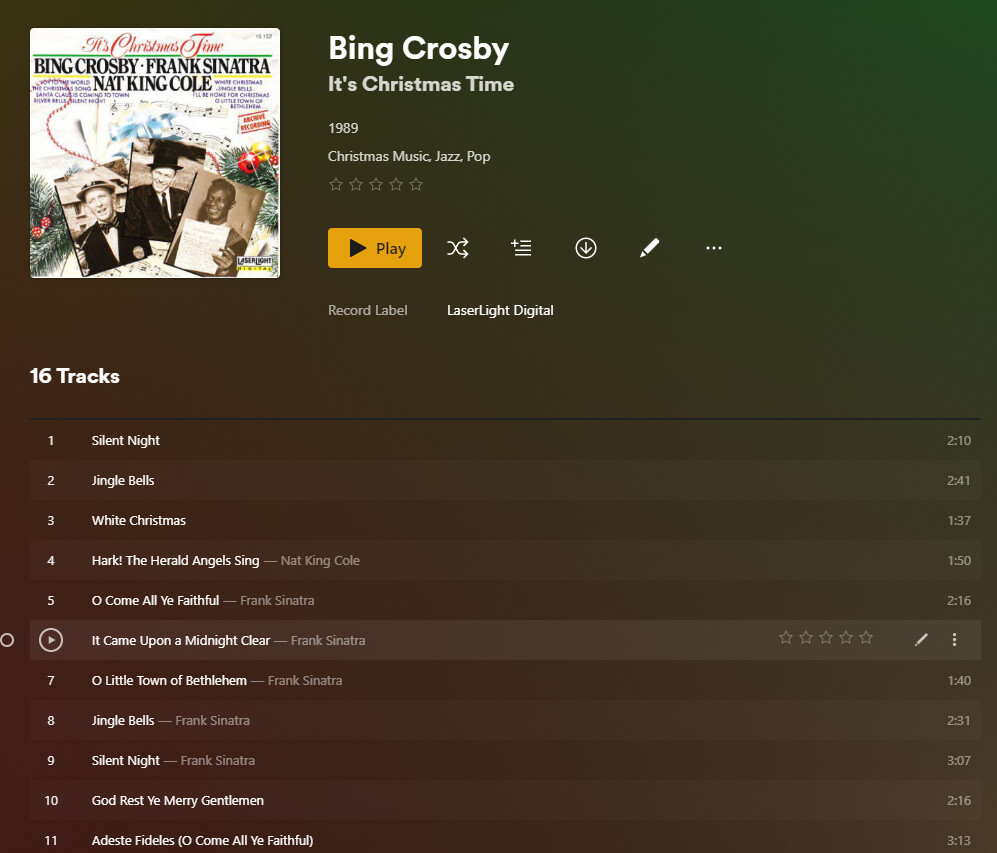
I have updated my metadata using MusicBrainz Picard. When I “unmatch” in Plex, it will show me the correct data…for the most part. I think you’re on to something with it not handling mutliple artists well. I am seeing everyone EXCEPT Bing Crosby listed in the artist field, though, which is weird. Here’s what I see when it’s not matched. The blanks are all Crosby tracks. It seems to be pulling some data from my collection and some from MB. I’ve got it set to use the database, not my metadata.