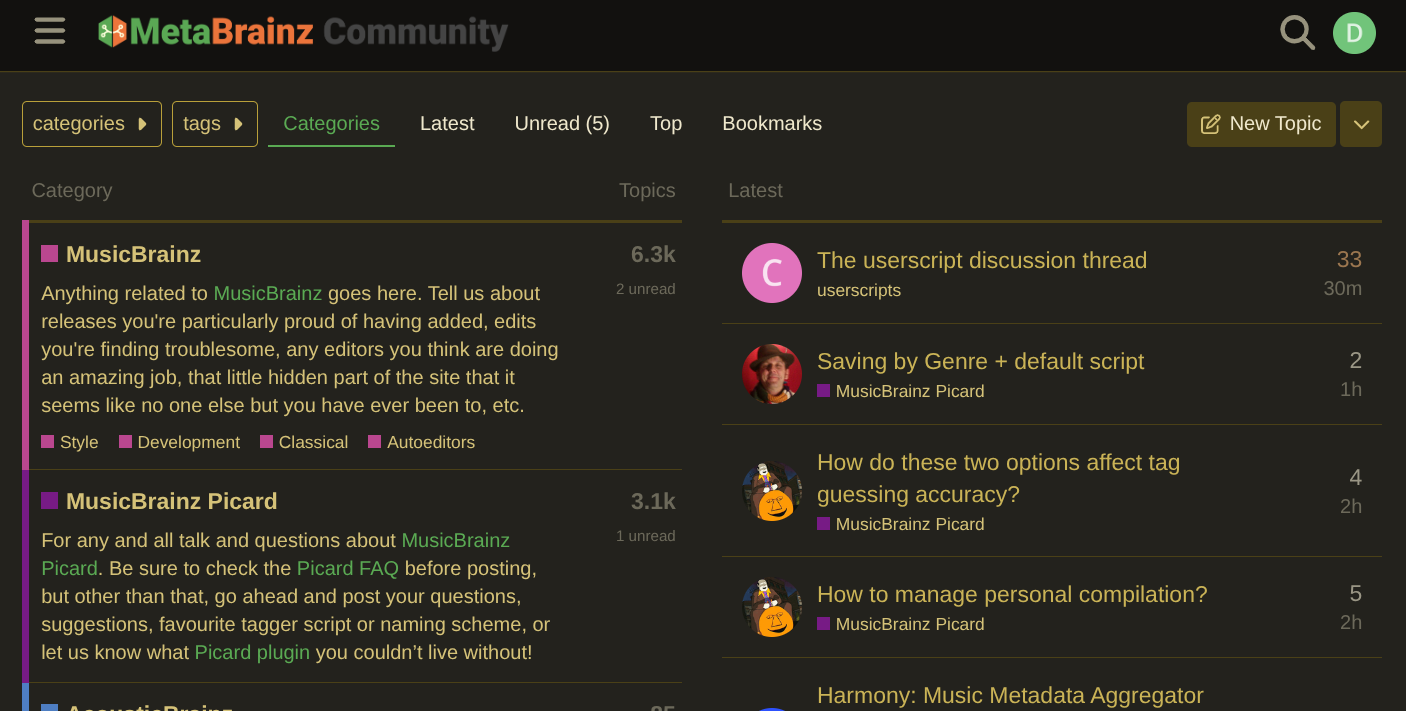
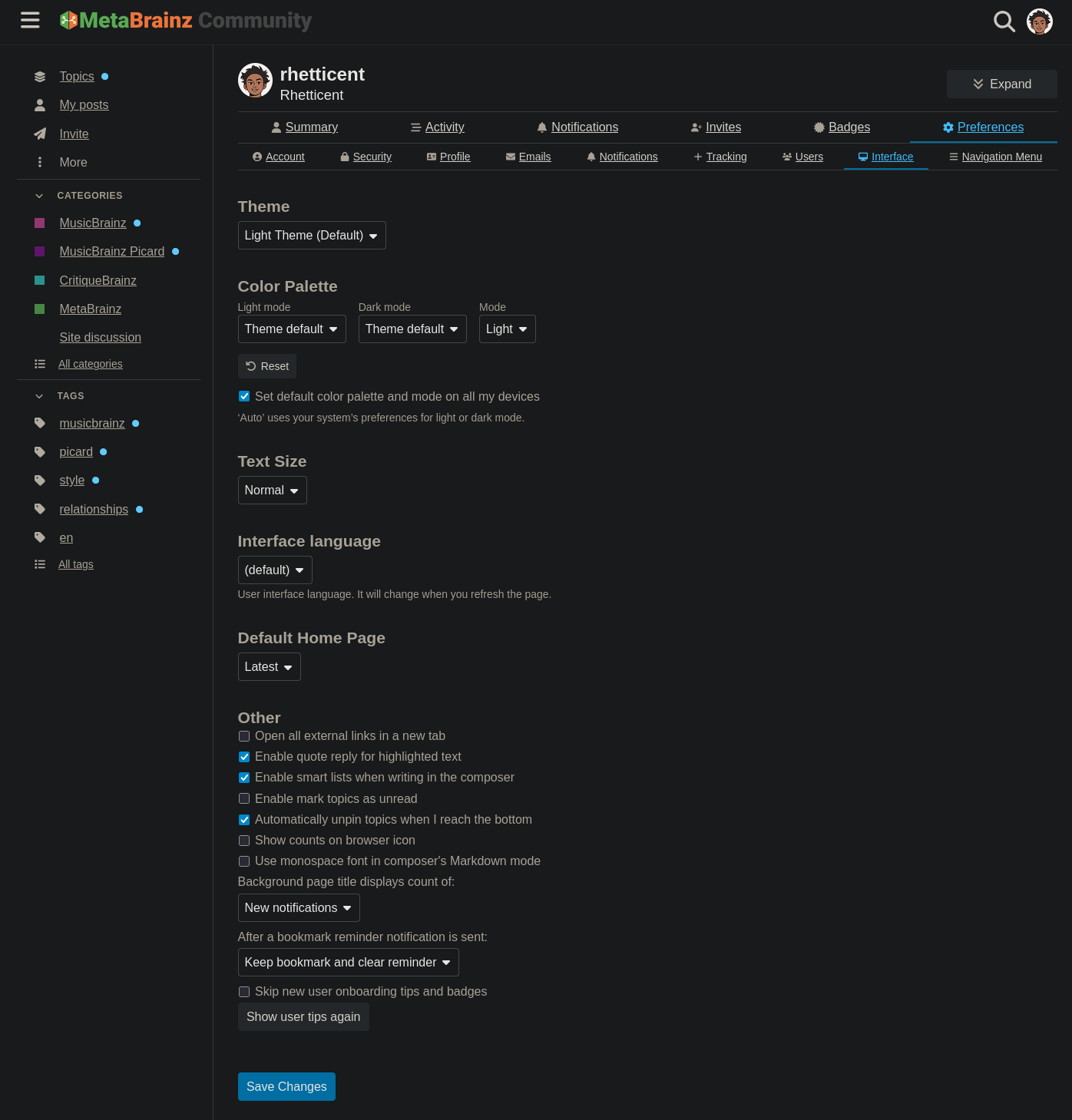
Was there a recent Discourse update that’s disagreeing with local MeB customizations? When I load community.metabrainz.org today (Chrome 138.0.7204.232 with prefers-color-scheme: dark), this is what I see:
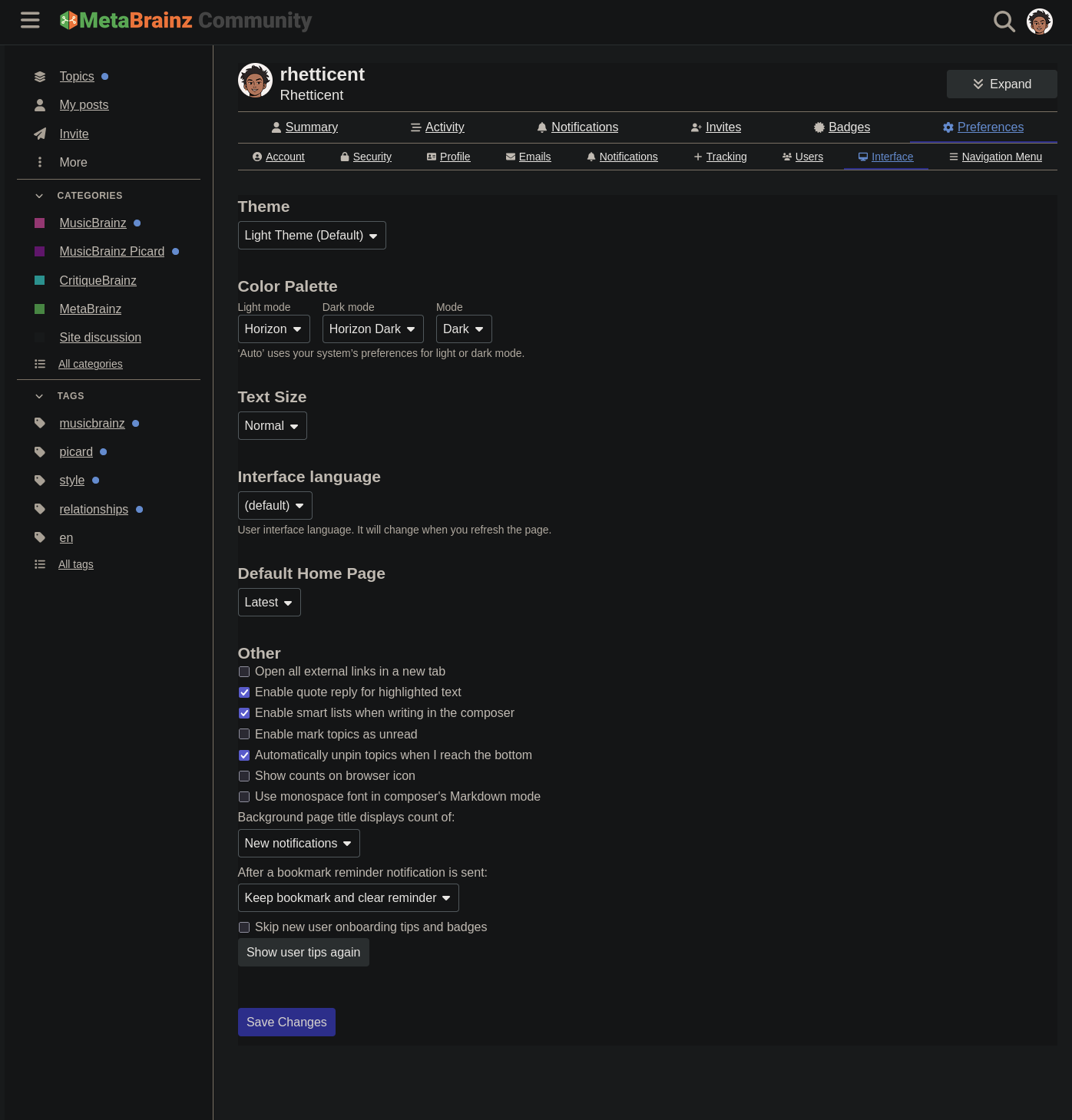
Seems unlikely to be intentional. When I change “Dark mode” in the “Interface” preferences to “Horizon Dark” instead of “Theme default”, save, and reload, the green hue is at least gone, but there are other regressions, like links being a deep purple that’s hard to read against a black background.
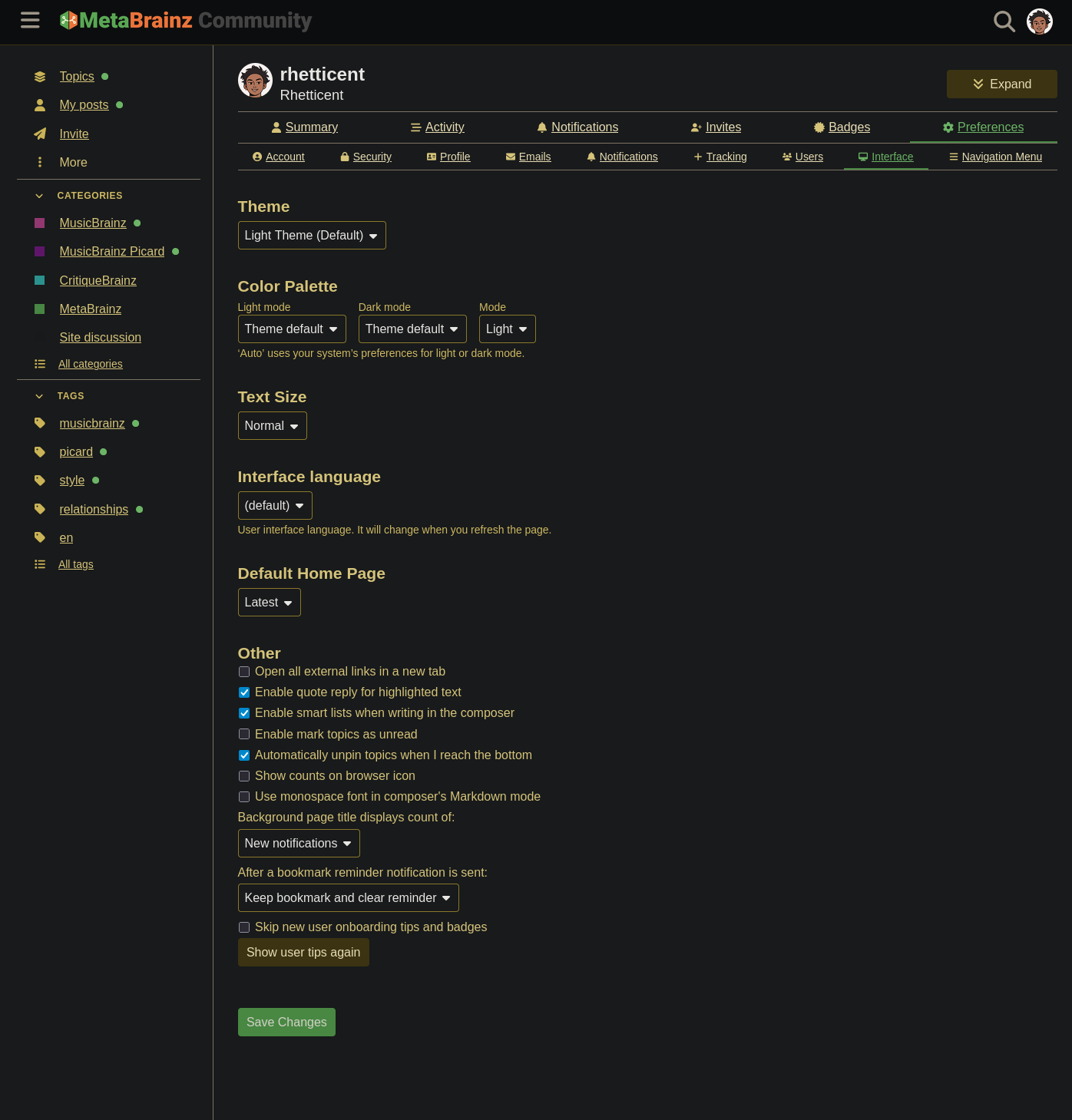
looks like the update has added theme selection for both light and dark mode. the screenshot above is the MetaBrainz dark mode (I’ve been using it for quite some time)
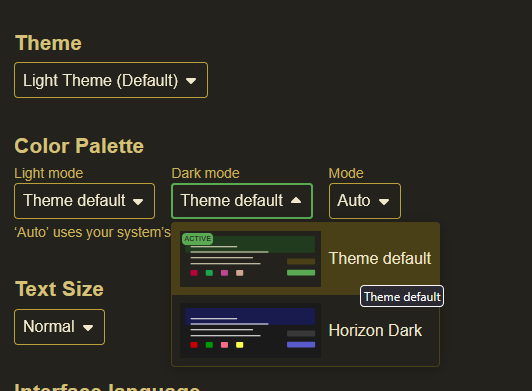
you’ll find customization settings for this in your preferences under Interface
Theme default is the MetaBrainz theme, and Horizon Dark I think is the other one y’all had before
not sure about the regressions you mention, as I haven’t used the Horizon themes myself
edit: I wonder if the themes might need a rework to be clearer, at least if the color palettes are a part of the themes… like a MetaBrainz theme and a Horizon theme, with light and dark mode color palettes
I’m pretty confused by how the different options are supposed to interact, to be honest:
Theme:
Dark Theme
Light Theme (Default)
MetaBrainz style, Dark (WIP)
MetaBrainz style, Light (WIP)
Color Palette, Light mode:
Theme default
Horizon
Horizon Dark
Color Palette, Dark mode:
Theme default
Horizon Dark
Mode:
Auto
Light
Dark
Why can I choose both a light/dark theme and a dark/light palette? What’s supposed to happen if I choose one of the light themes together with the Horizon Dark palette? Does the mode option only control which palette is chosen?
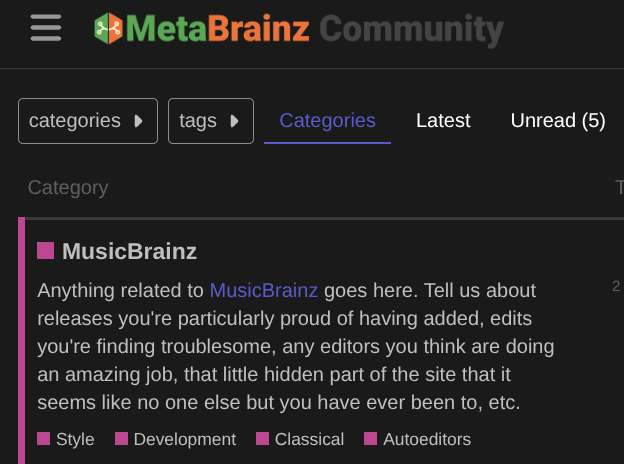
I went with the Horizon Dark palette for now since it at least gets rid of the gross yellow-green tint, even though it still has a hard-to-read purple accent color:
we’ve had those 4 themes for quite some time, and I think with the update they’re now meant to be groupings of color palattes (based simply on how they’re laid out in the settings, I don’t know any of the config options behind the scenes). I don’t think that they’re set up that way as of right now tho
either way, I think the light and dark color palettes can be manually overridden simply by changing the setting
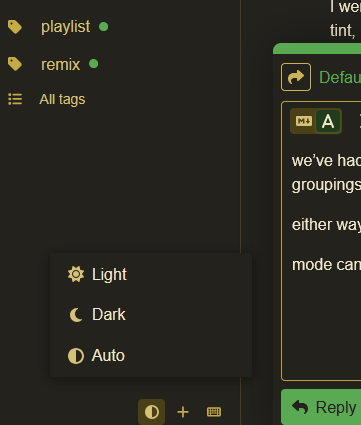
mode can be changed on any page as well, I believe, with this button at the bottom of the sidebar, that way you can switch between light and dark mode manually if you’d like (I believe “Auto” is based on your device’s settings). don’t know if this is on the mobile version or not
Seems like it may be a bug in Discourse or something. If I haphazardly cycle the one option under Theme and the 3 options under Color Palette, it will eventually show the accent color in the more legible teal-ish blue I’m used to.