The best antivirus is format C:.

Do you know the site with old versions of the application?
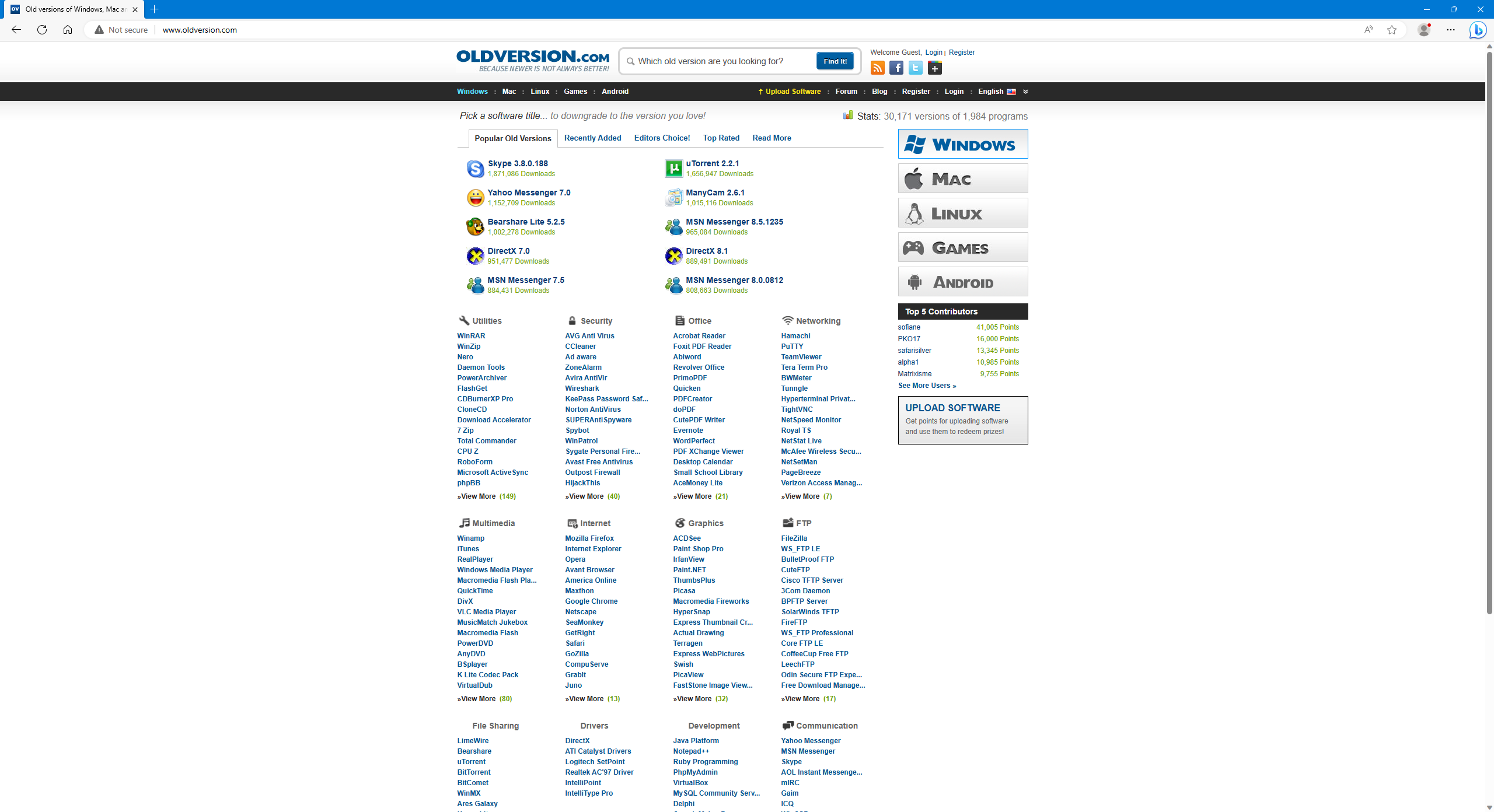
E.g. Winamp 0.20 from 1997.
The best dumbphones for a digital detox, tried and tested
https://www.telegraph.co.uk/recommended/tech/best-basic-phones-dumbphones/

The original sources of MS-DOS 1.25, 2.0, and 4.0 for reference purposes
https://github.com/Microsoft/MS-DOS
and
https://winworldpc.com/product/ms-dos/622
I wonder if the BIOS and SSD will allow DOS to be installed.
I guess I’ll have to change AHCI to Legacy IDE.
Increasing free disk space in Windows
-
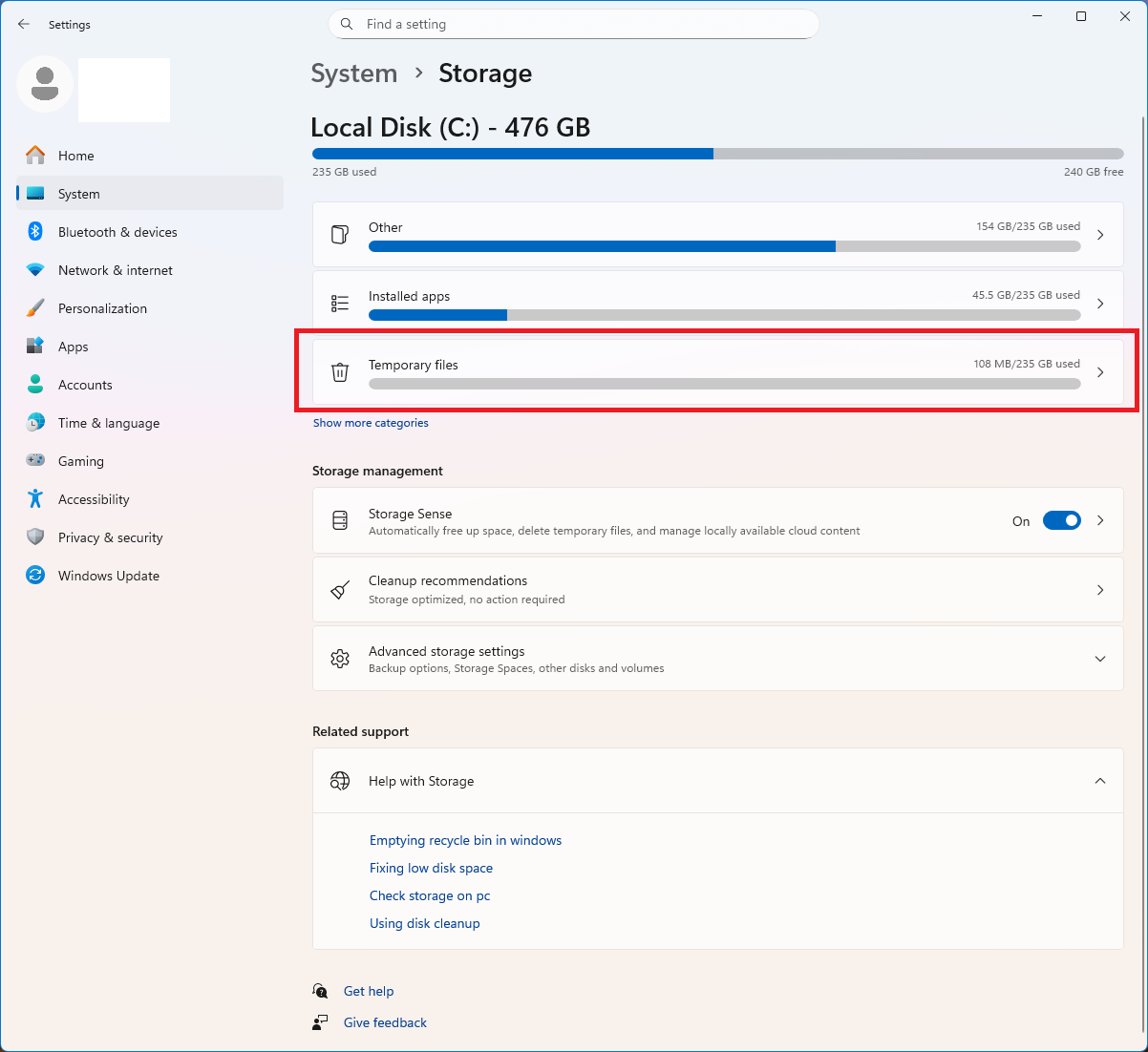
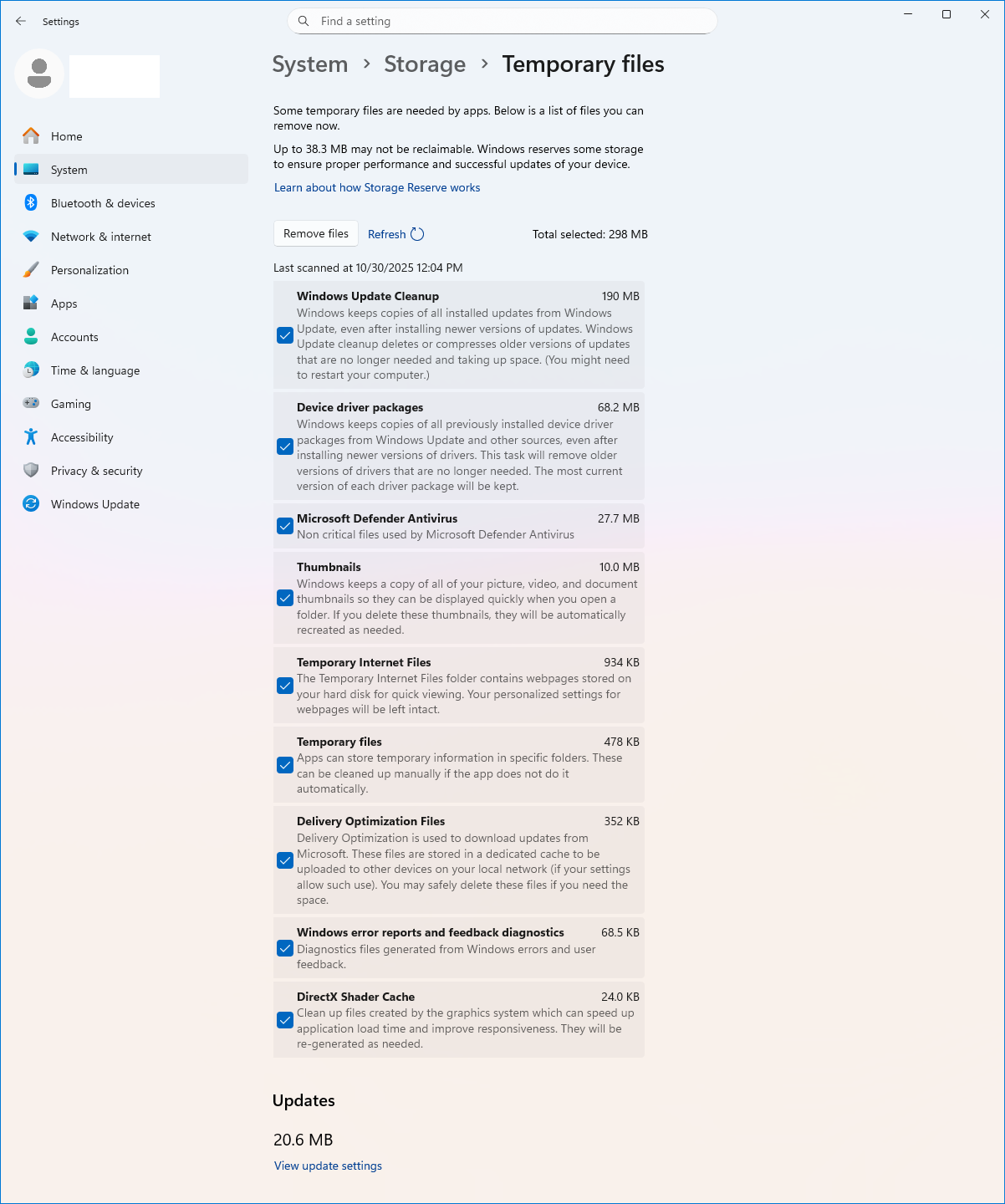
Settings—>System—>Storage
-
Delete these directories or their contents. They reappear after restarting the computer.
“C:\Windows\Temp”
“C:\Windows\SoftwareDistribution”
“C:\Users\admin\AppData\Local\Temp”
“C:\Users\admin\AppData\Local\Microsoft\Windows\INetCache”
“C:\Users\admin\AppData\Local\Microsoft\Windows\INetCookies”
- To remove the SoftwareDistribution folder, stop the Windows Update and Background Intelligent Transfer Service services.
Step 1: Stop the services
Press Win + R to open the Run window.
Type services.msc and press Enter.
Locate the “Windows Update” service in the Services window.
Right-click it and select “Stop.”
Repeat this process for the “Background Intelligent Transfer Service” (BITS) service.
Step 2: Delete or rename the folder
Open File Explorer (press Win + E).
Go to C:\Windows\SoftwareDistribution folder.
Select all files and folders inside (press Ctrl + A) and press Delete.
Alternatively, you can rename the folder by adding .old to the end, for example, SoftwareDistribution.old.
Step 3: Restart Services and Your Computer
Go back to the Services window (services.msc).
Right-click the “Windows Update” service and select “Start.”
Also, start the “Background Intelligent Transfer Service.”
Restart your computer.
Nope. Please don’t delete the tmp folder. While it’s not usually OS breaking, it may corrupt apps and data!
1 Like
@RustyNova, take it easy. 
I don’t know if Windows will allow you to delete this folder. Something will probably scream there.
But once you’re inside, you can safely delete the contents. I’ve been doing this for 10 years, and nothing bad has happened.
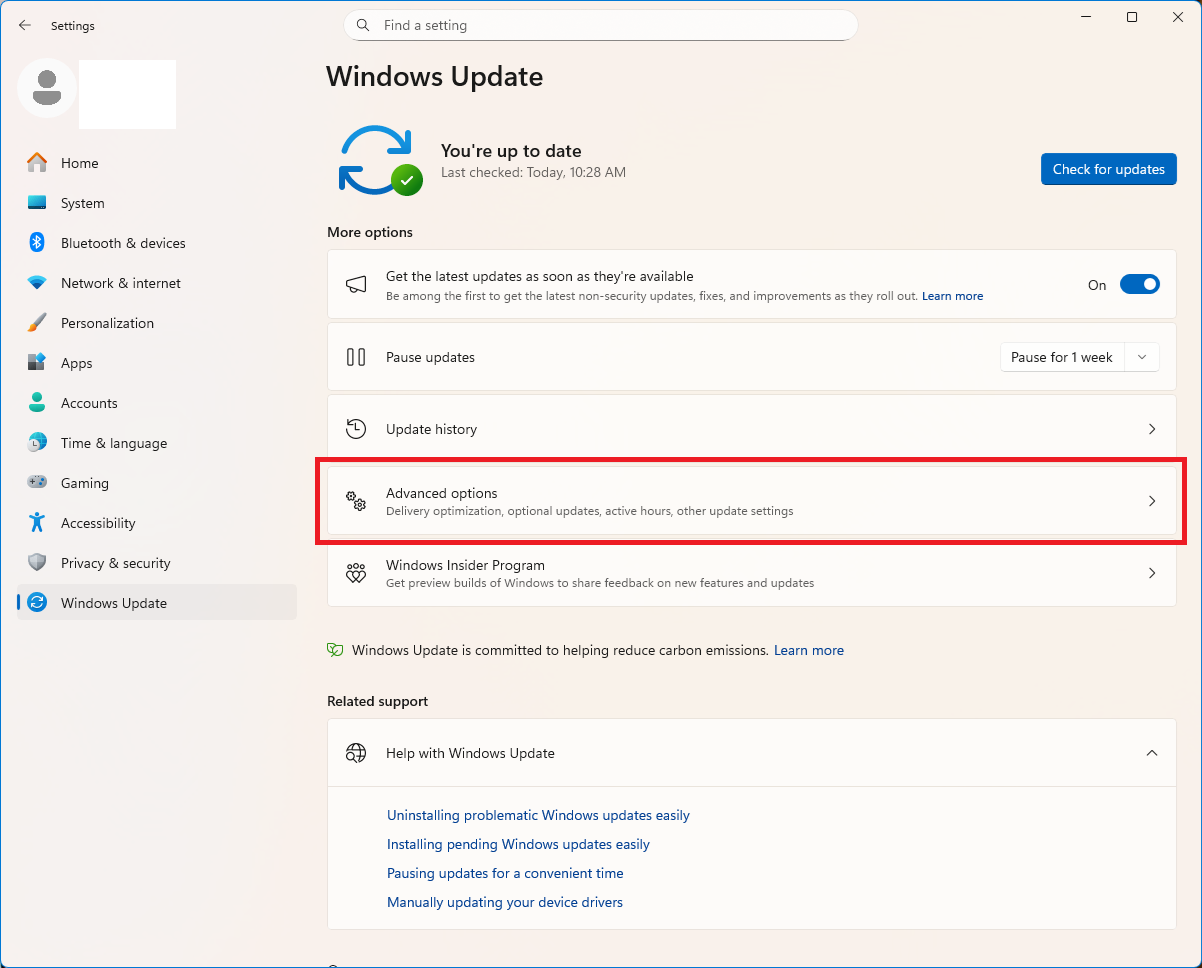
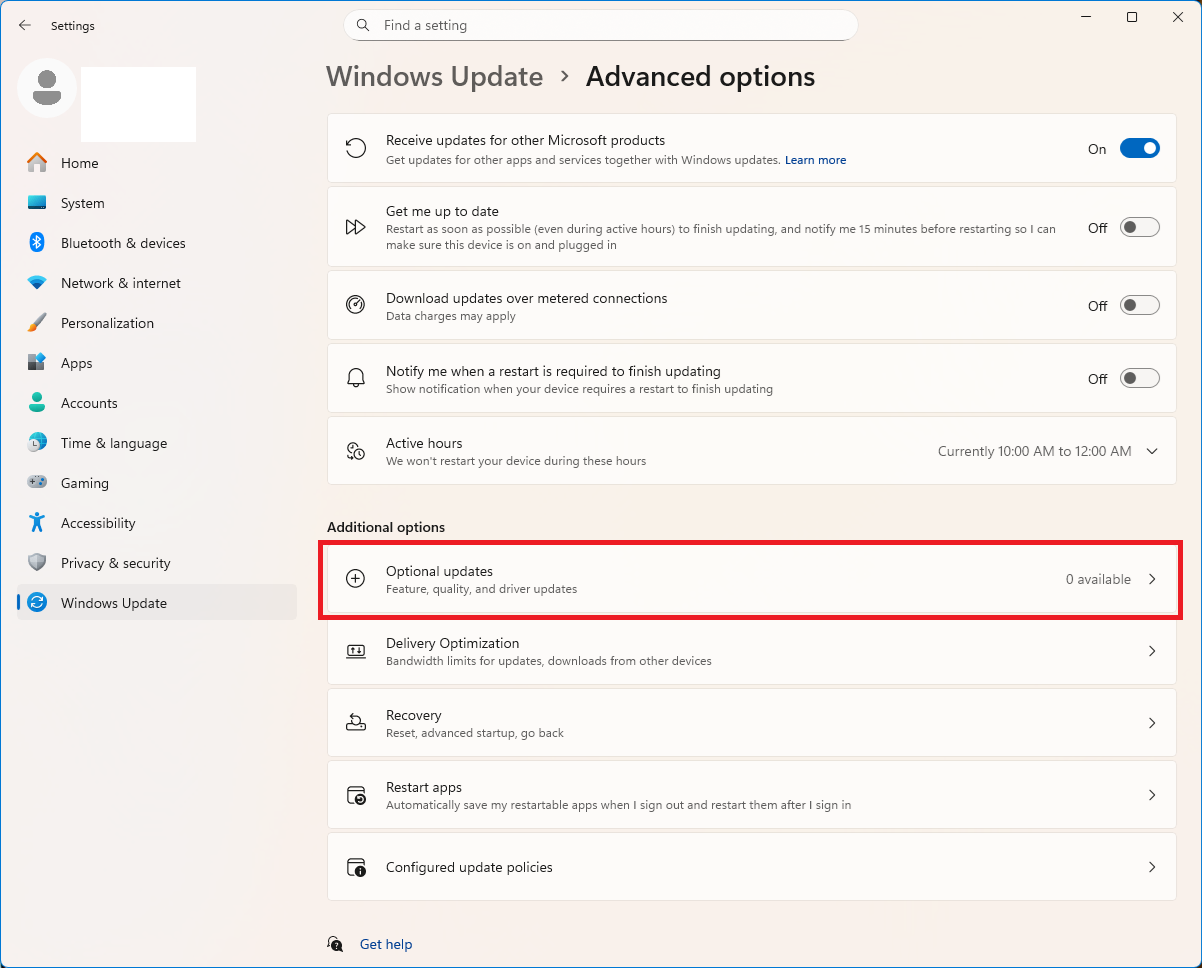
If Windows Update or new versions of Windows are causing problems, replace your computer (with other components) or switch to Linux.
My hardware has always (for 30 years, to be exact) worked well with Microsoft software.
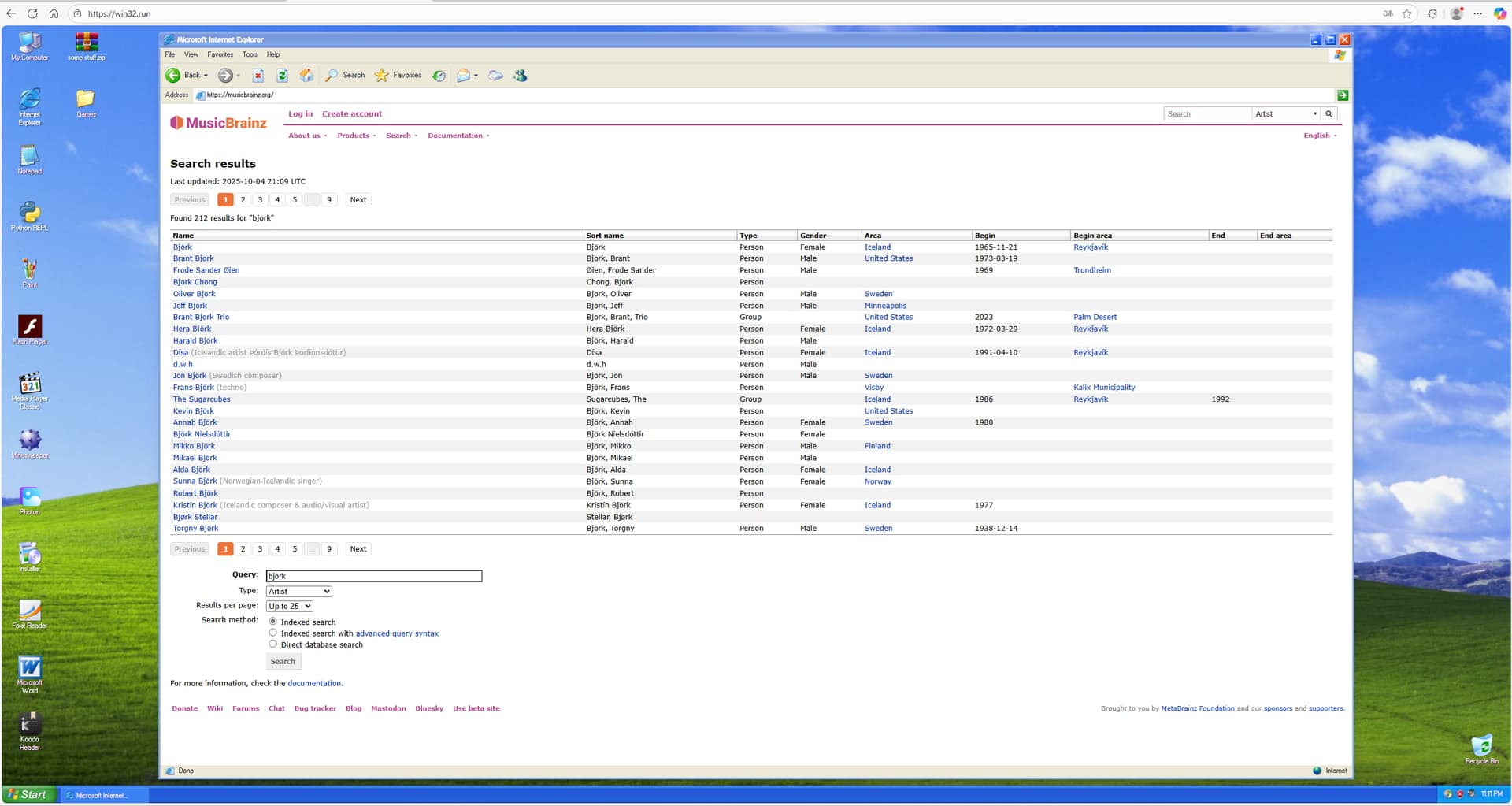
A sentimental journey back to the days of Windows XP. All you need is a browser and internet access.
Are you bored BSOD? Switch to GSOD.
If we assume that the first calculators were the first computers, this link may be useful.
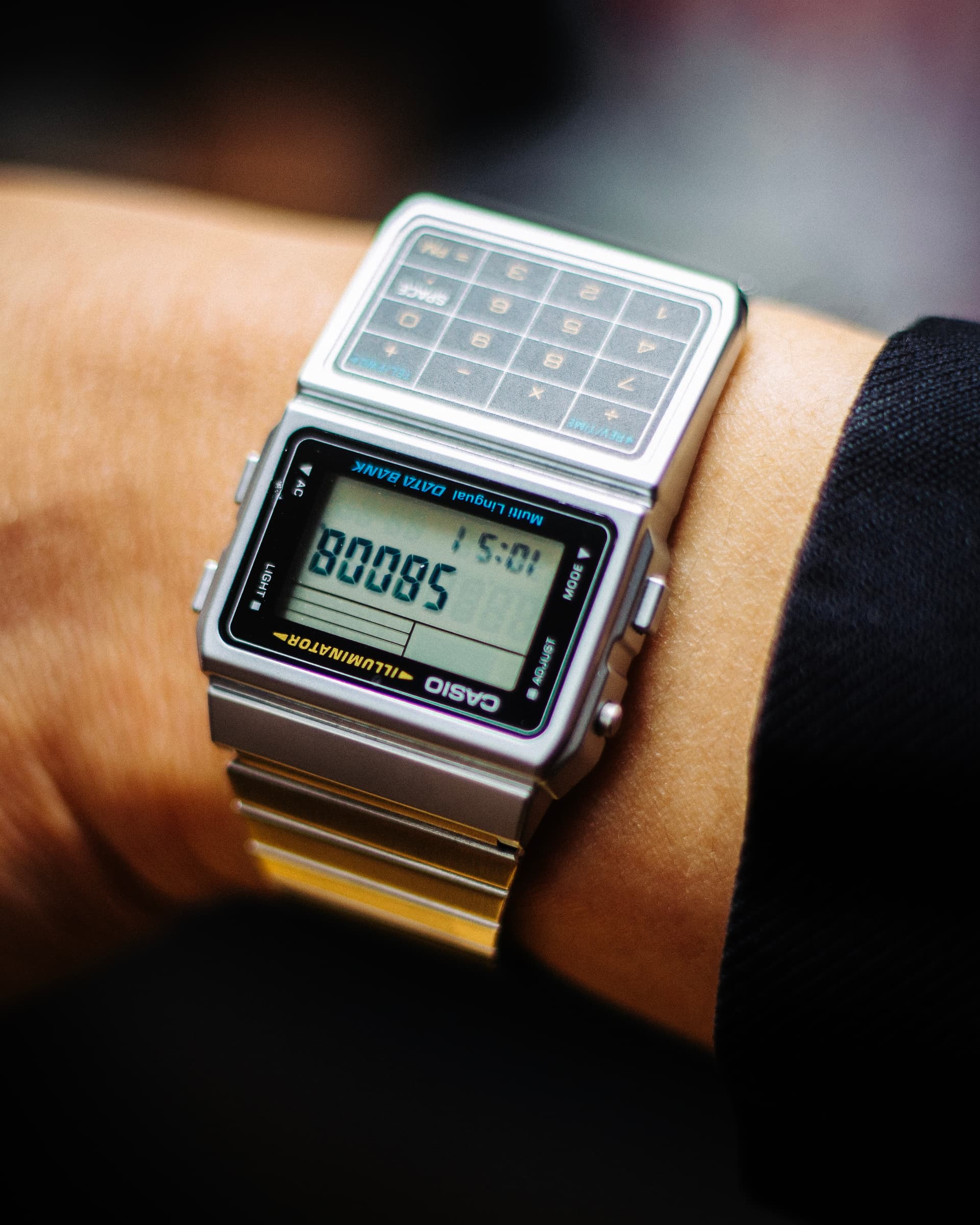
If your laptop ports are broken, you can use this Hub&Dock. All you need is a free USB-C port.
You can also connect 13 devices to your smartphone.
Real Universal

A must-have for every editor and worm researcher.
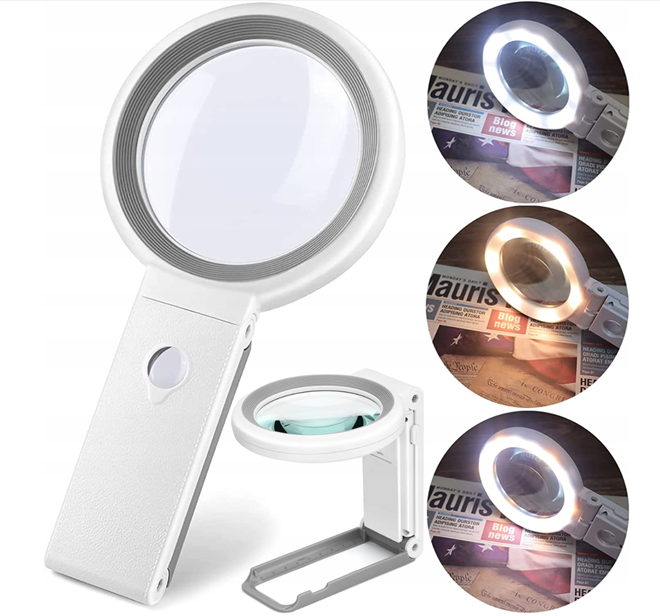
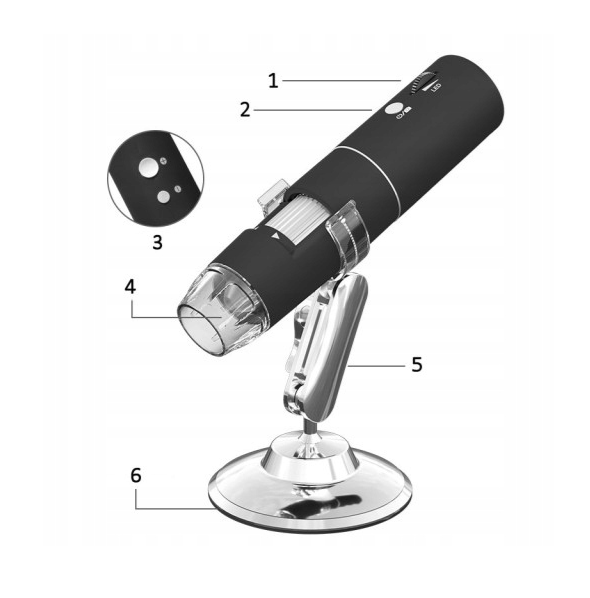
Illuminated magnifying glass and USB microscope.
This kit is used to read IFPI and Matrix code.
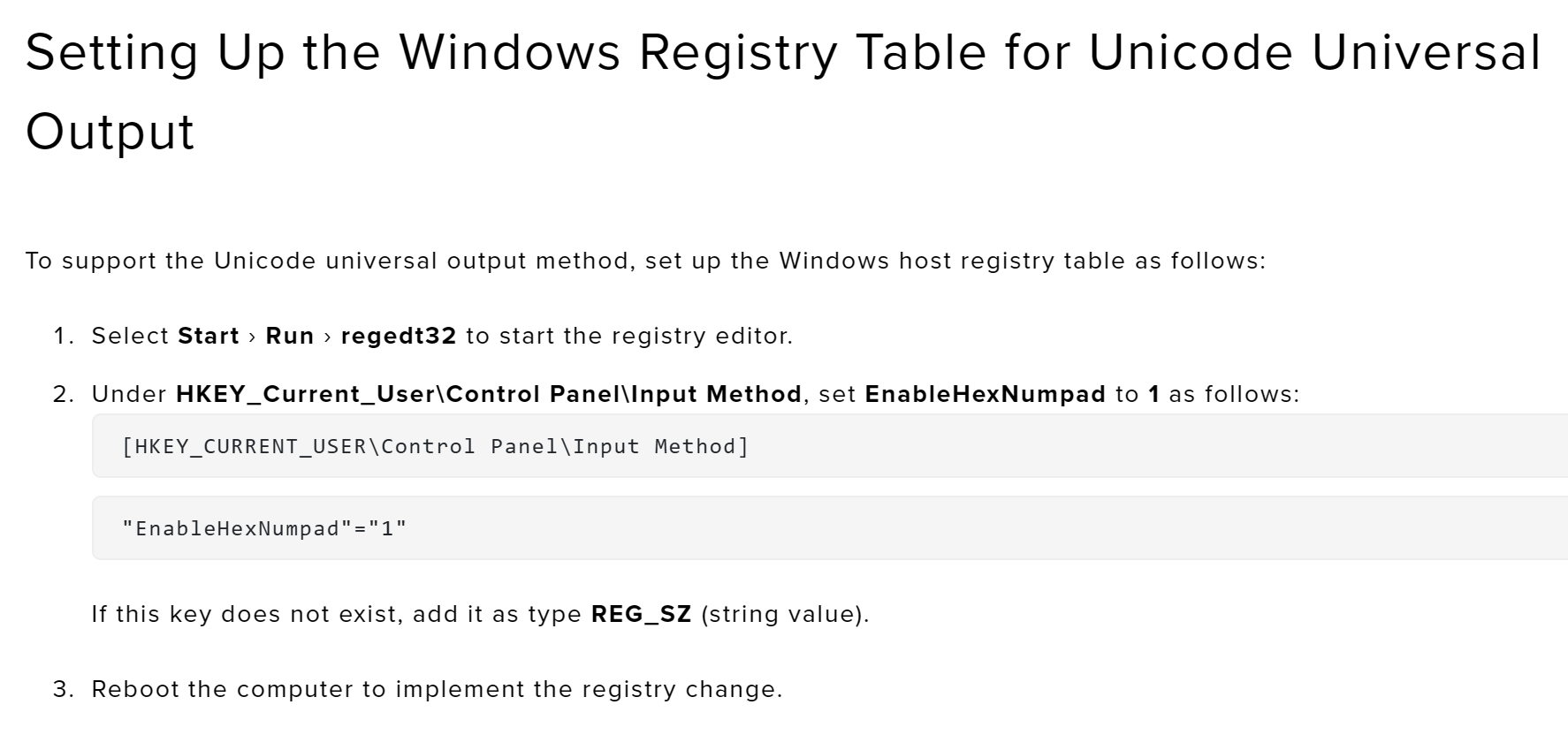
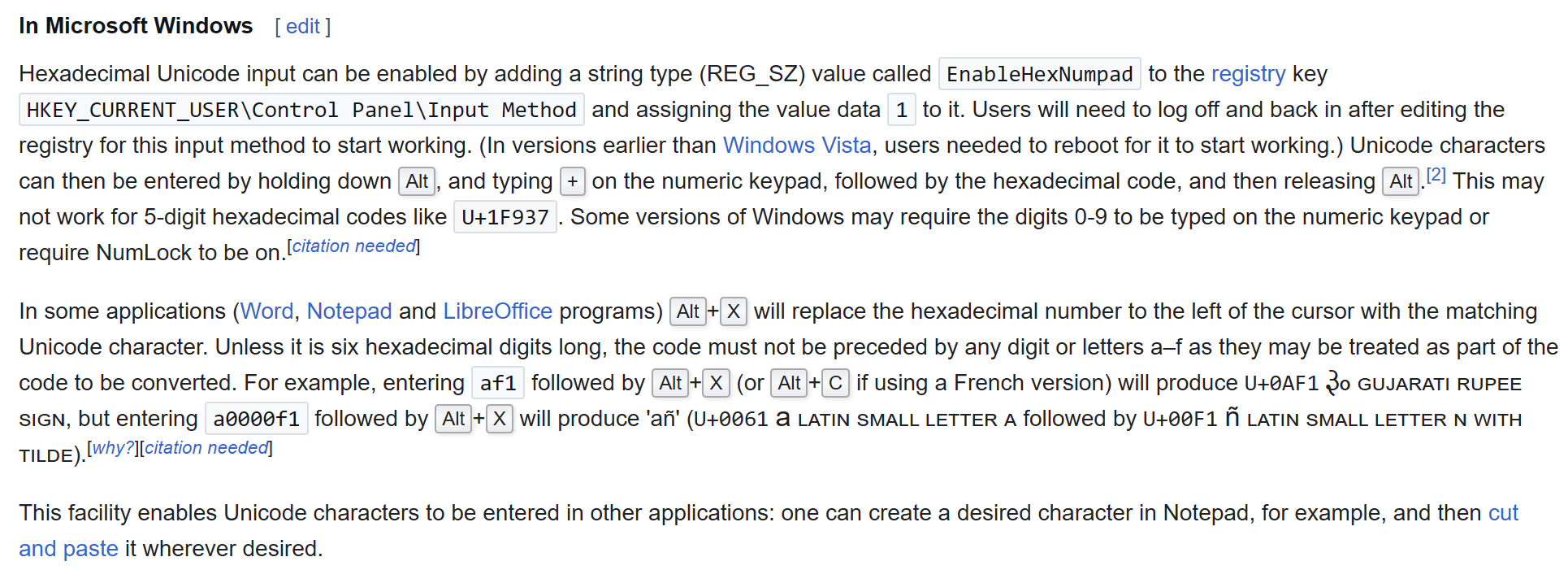
You can use this trick on Windows to simplify Unicode inputs…
1 Like