|
|
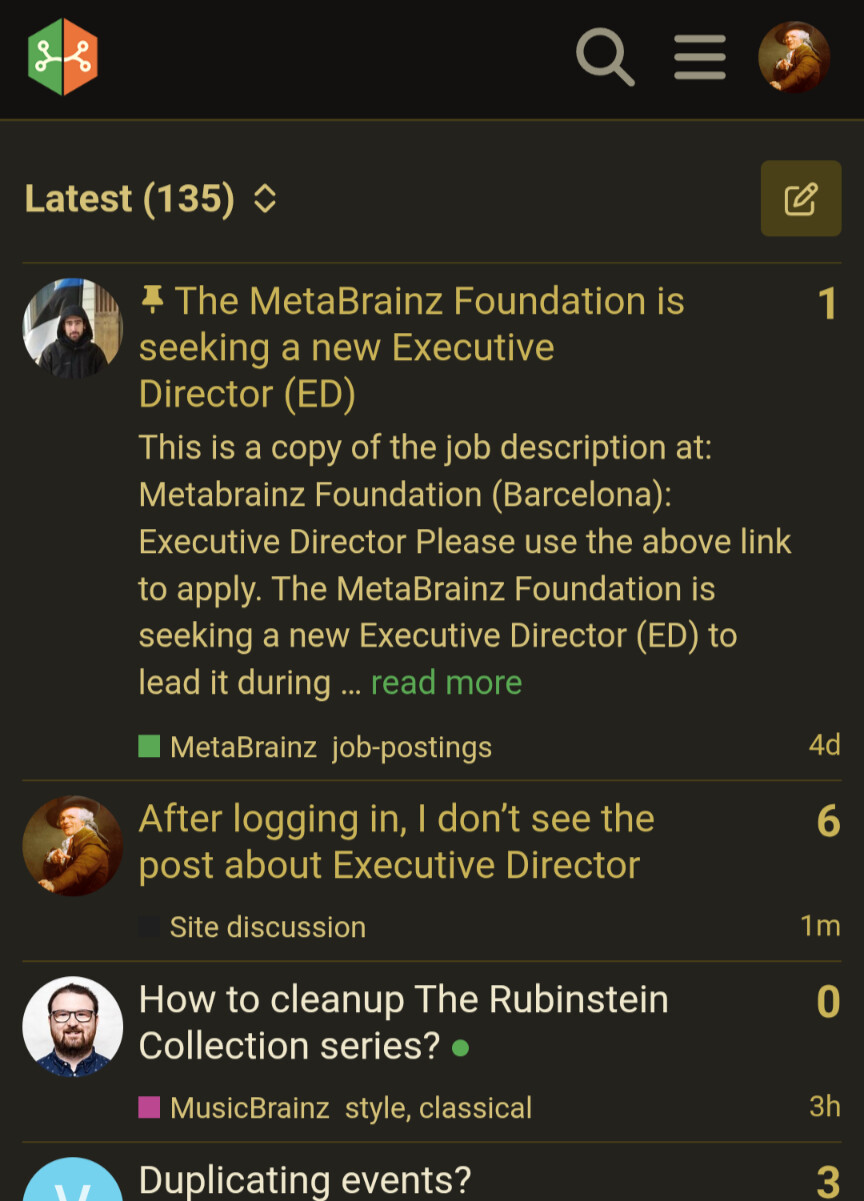
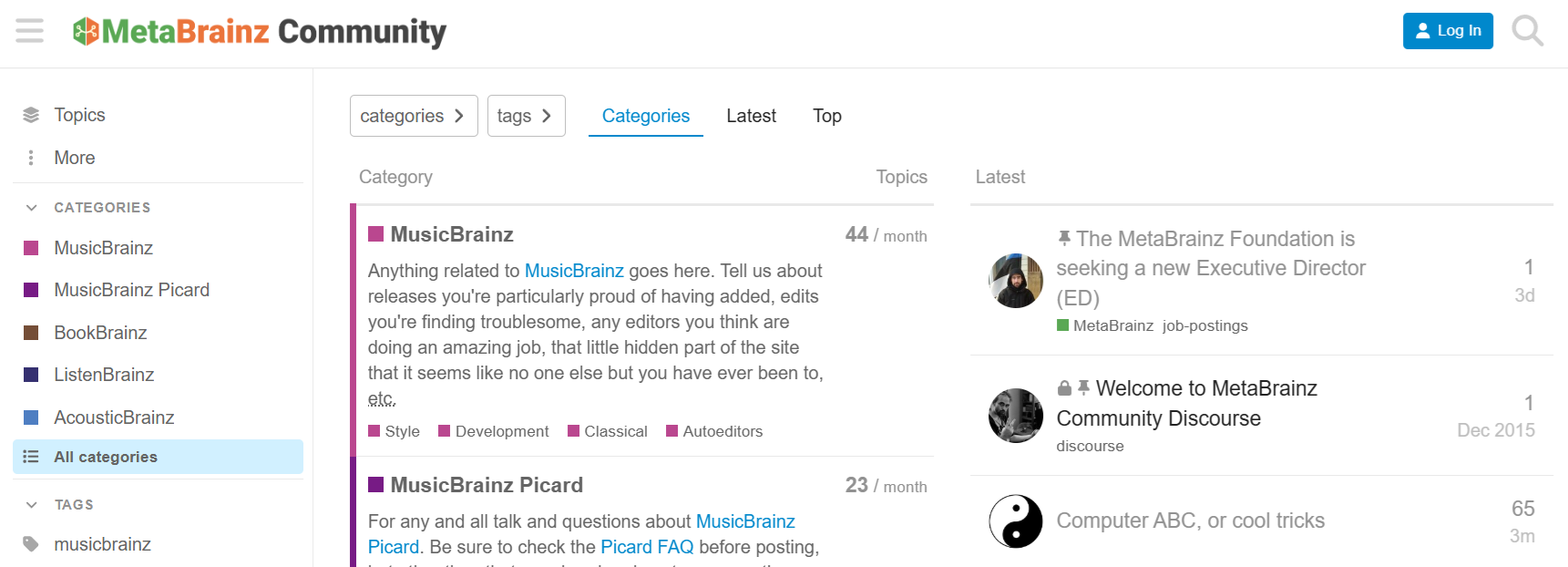
You have already seen it before as a logged in user, and hence it is no longer pinned to the top for you.
yeah, I think that’s the default behavior, but I believe you can change it in settings if you’d like
Hey guys 
If someone is logged in all the time, they will never see this job posting.
Of course you will see it, especially as it got pinned. But after it has been read it stops being pinned to the top for that user.
Unfortunately, you’re wrong. I’m sorry.
I saw it when it was posted and still see it on top, since I did change that setting I mentioned
(on mobile, but still, should be about the same on desktop)
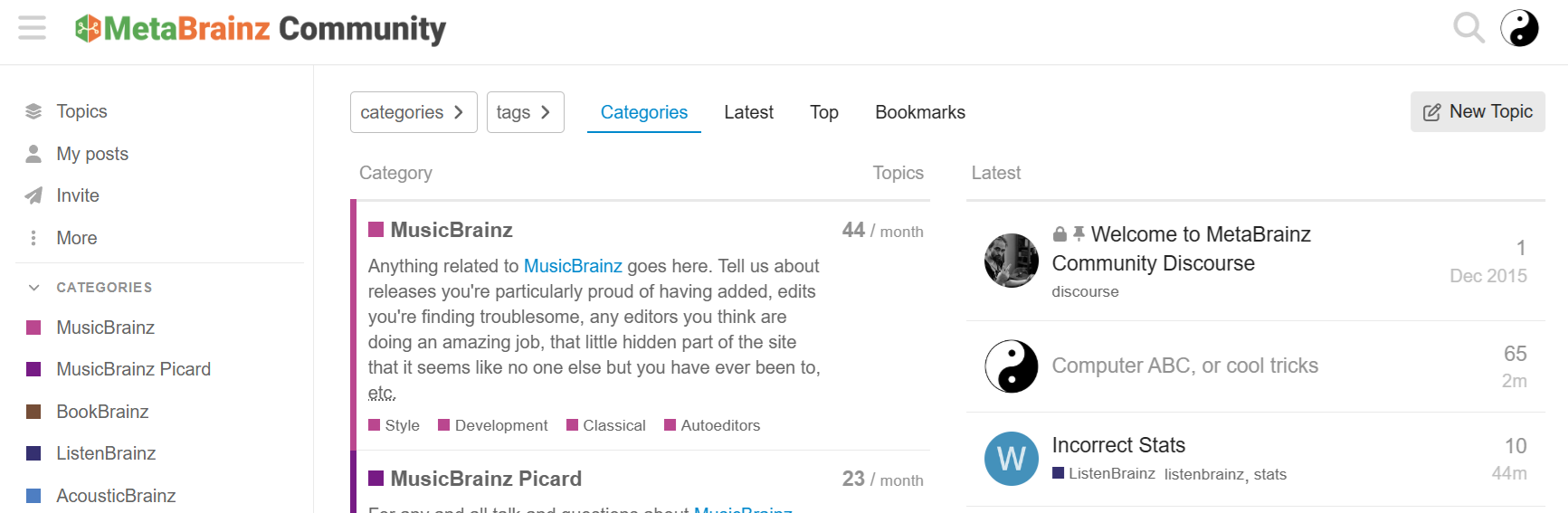
That is a choice as to how you configure viewing the forum. Not a MusicBrainz issue. Just a forum software choice. It is also on the front page news items
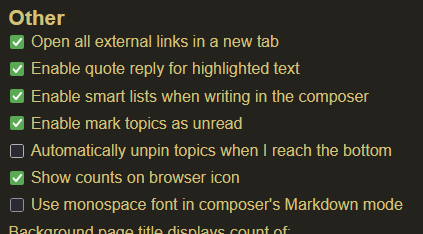
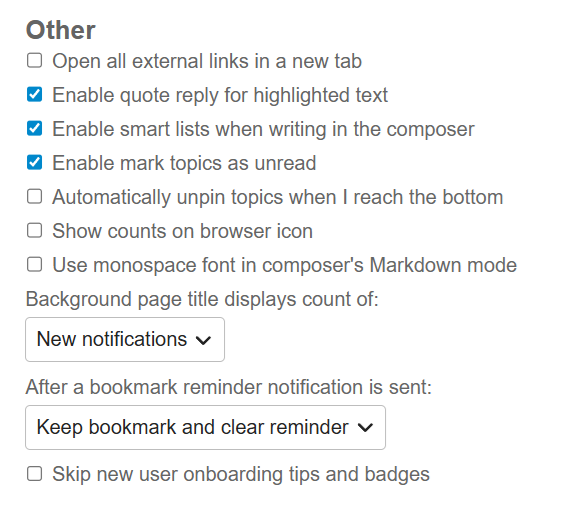
found the setting, under the menu with your avatar (top right on desktop), go to Profile → Preferences → Interface → Other → uncheck Automatically unpin topics when I reach the bottom (or leave it checked to leave this behavior as-is)
As I said before, the topic is already unpinned for you because you have already read it. If you deactivated this setting now it will no longer automatically unpin future pinned posts, but it will not pin again what you already got unpinned.
That’s essentially how this is. You don’t see the welcome topic on top all the time when you log in right? That’s because it is pinned to the top and you’ll see it on top the first time you are logged in after the topic was created, but once you have read it by default it gets unpinned for you. Or if you have disabled the automatic unpin option you can also manually unpin it for you.
That’s just how Discourse works, The pinning is per user, and every user can unpin the topic for them again. Which generally is a good thing, because as someone being in these forums basically daily I don’t need a topic like the welcome message in my face every day.
Filip, first thing:
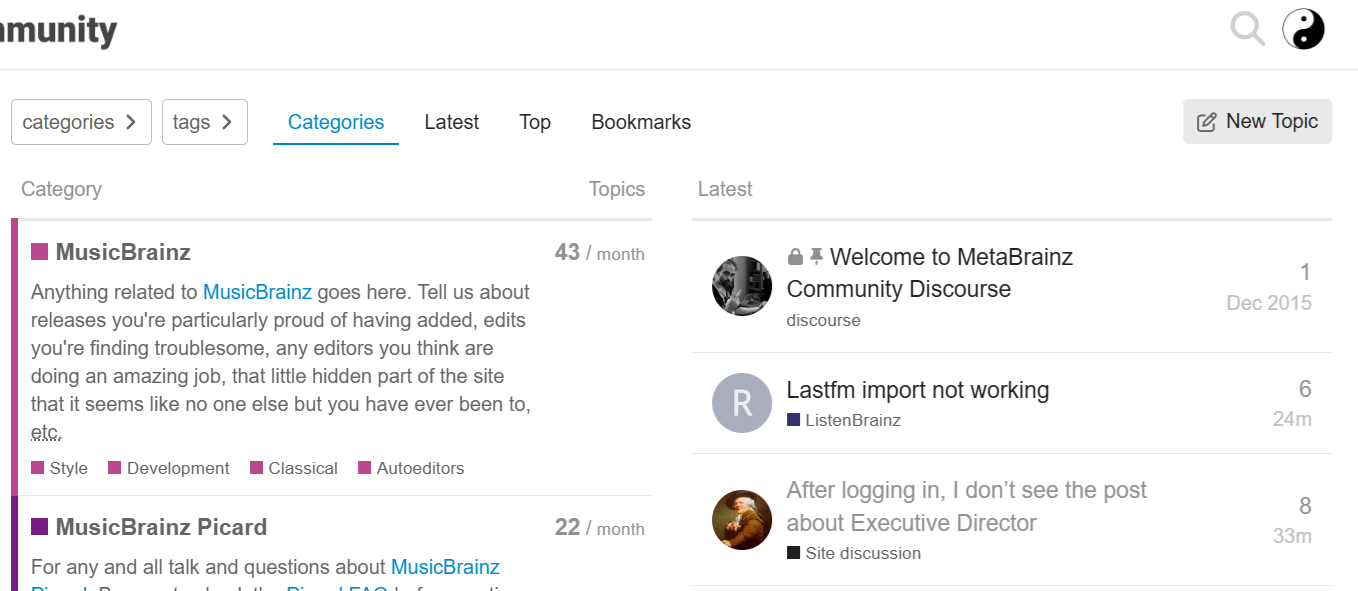
The welcome thread is always at the top for me, whether I’m logged in or not.
Second thing:
If I clear my cookies, will the ED thread return to the top?
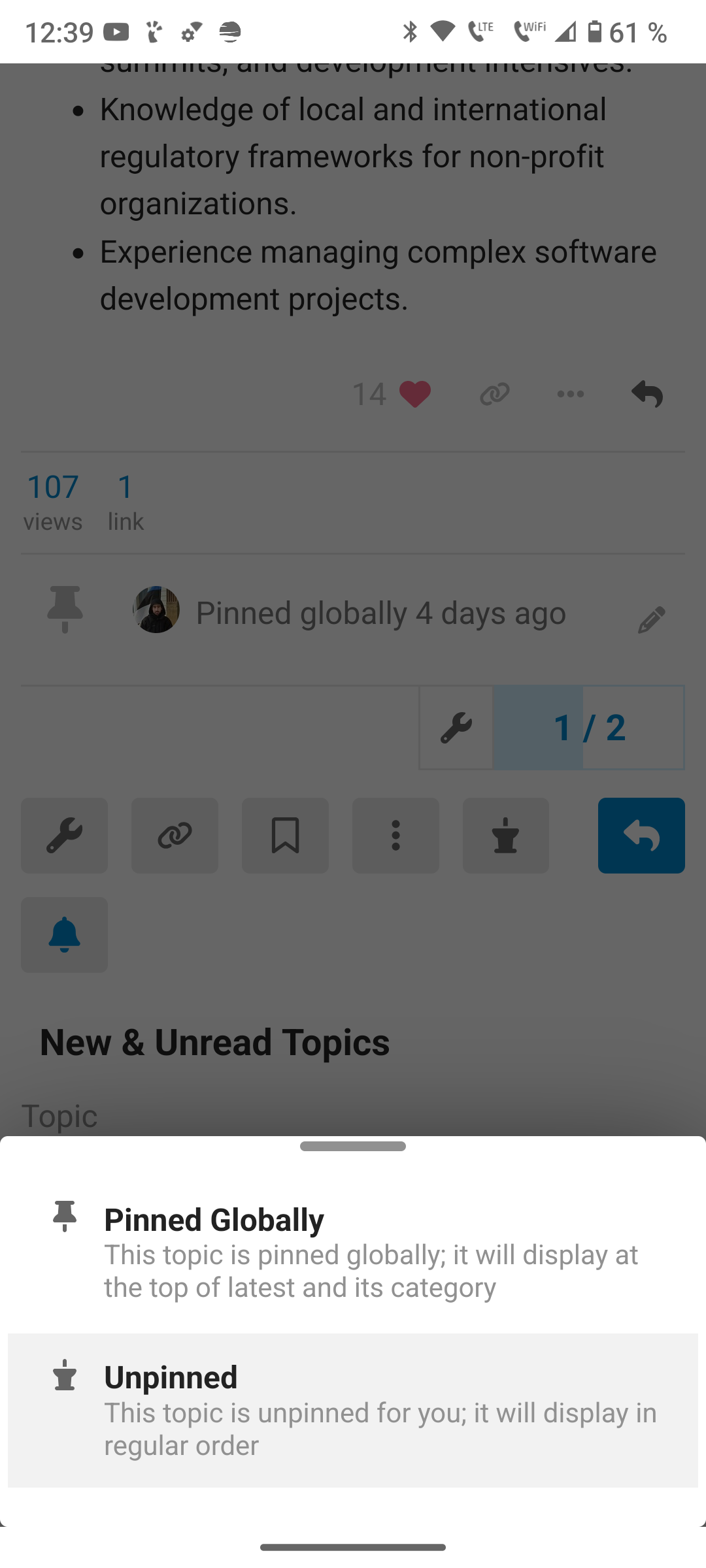
Clearing the cookies won’t helped. Whether the topic is pinned for you is stored server side. But you can open the topic and click on the pin icon. It will let you choose between globally pinned and unpinned for you.
Finally, some progress.
Somehow, we’ve come to an agreement.
It works.
Of course.
But I had to explain it.
It looks like you have not read that post. Which is the crucial difference when it comes to:
Still have any doubts?
Everything’s cleared up now.
I read everything, but it doesn’t matter if the thread is unpinned or not.