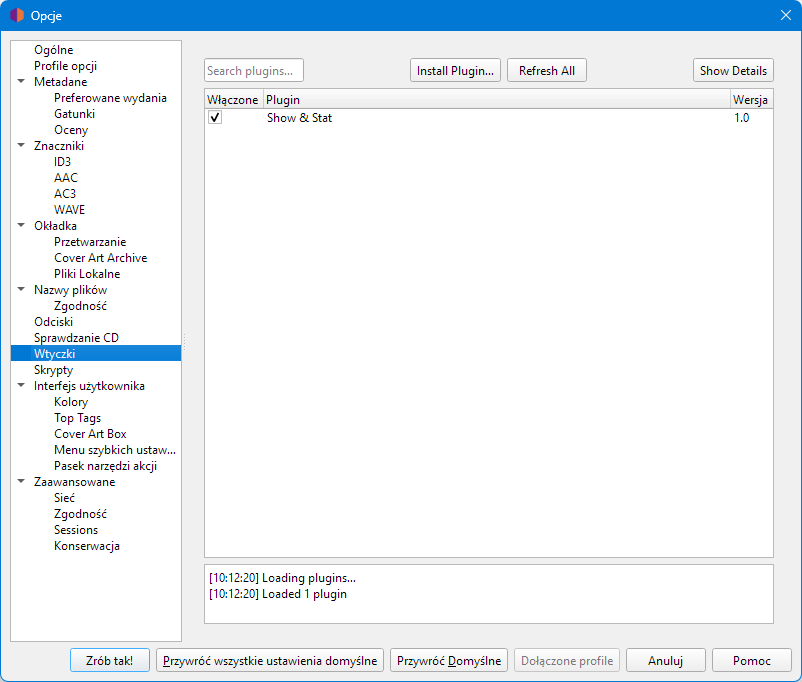
In this directory:
C:\Users\yourname\AppData\Roaming\MusicBrainz\Picard\plugins3\
you create a directory the same as the plugin name, e.g. show_and_stat and put two files MANIFEST.toml and init.py in it.
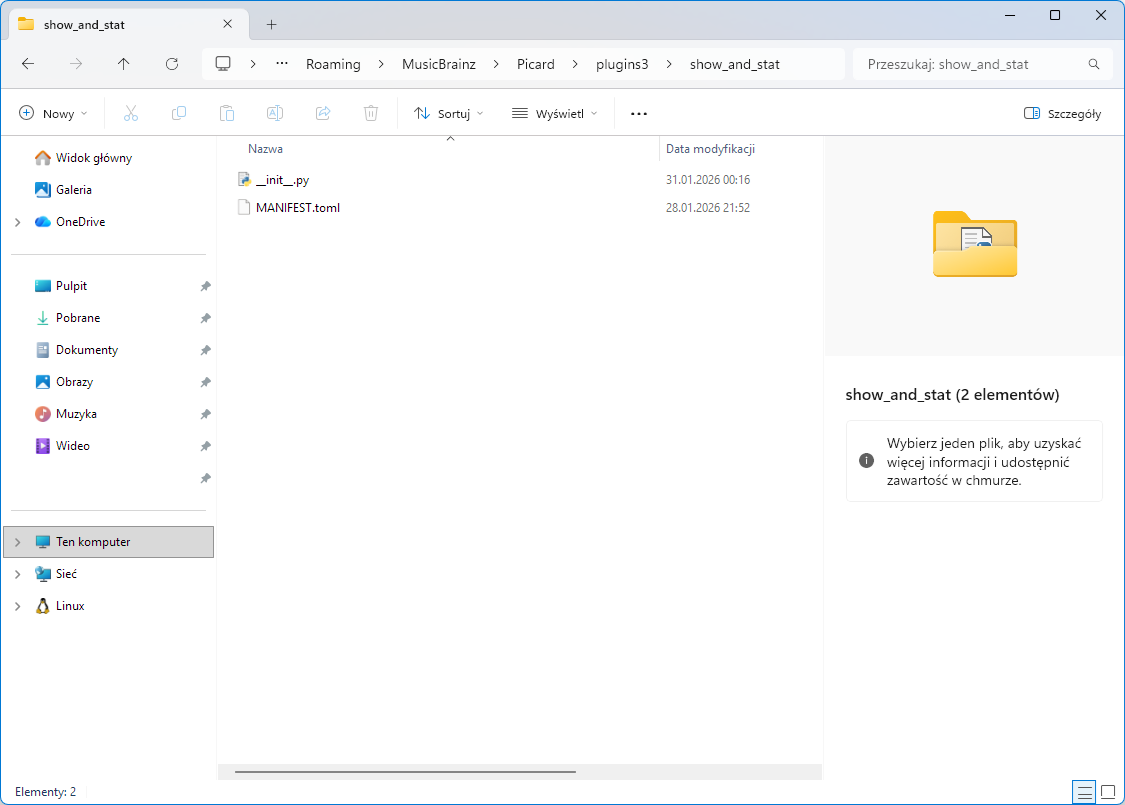
Make up your own uuid in MANIFEST.
id = "show_and_stat"
uuid = "*****"
name = "Show & Stat"
description = "Filters the right panel and counts albums."
api = ['3.0']
version = "1.0"
author = "Echelon"
license = "GPL-2.0-or-later"
license_url = "https://www.gnu.org/licenses/gpl-2.0.html"
categories = ["ui", "metadata"]