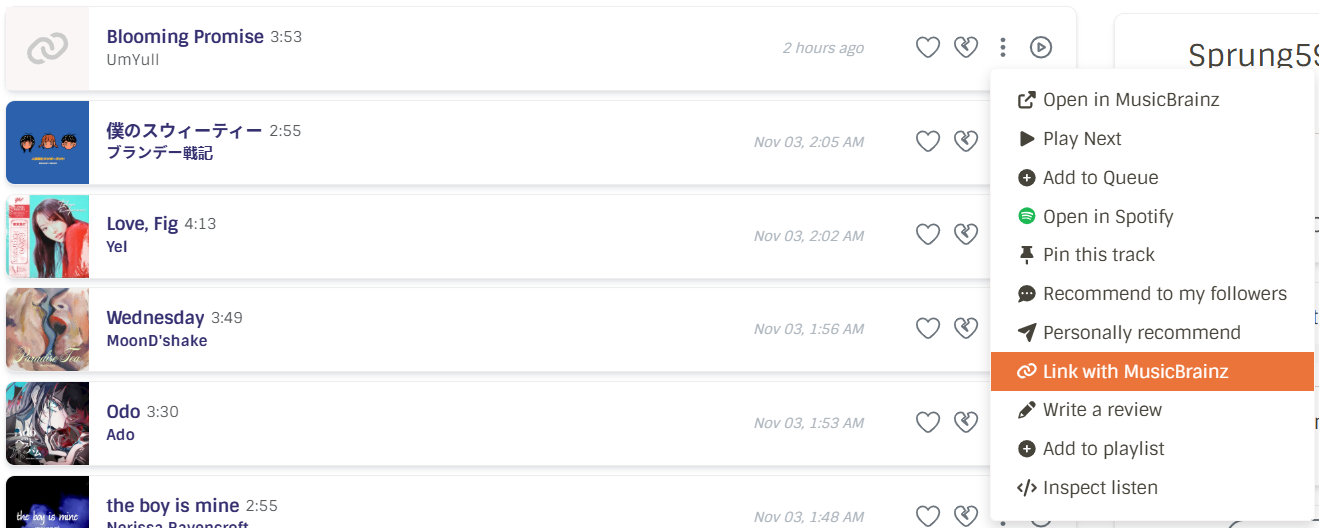
Album in question:
Clicking on them leads to 404
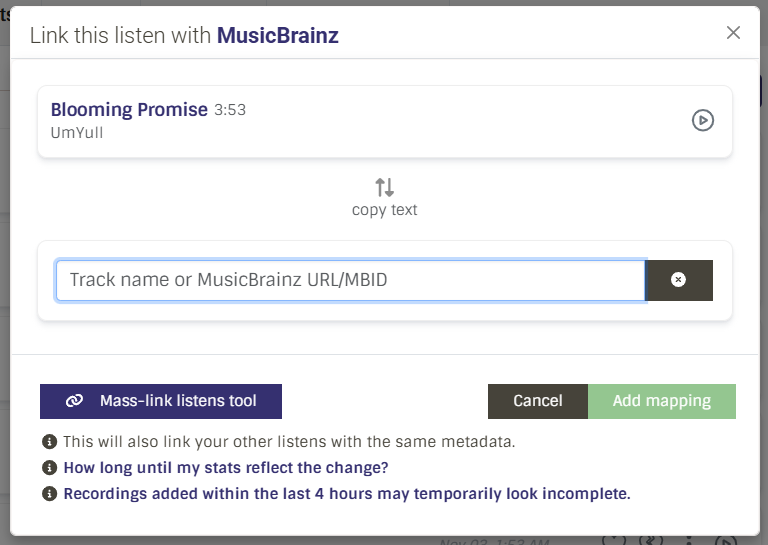
You can manually map the recordings and they’ll be mapped automatically in the future.
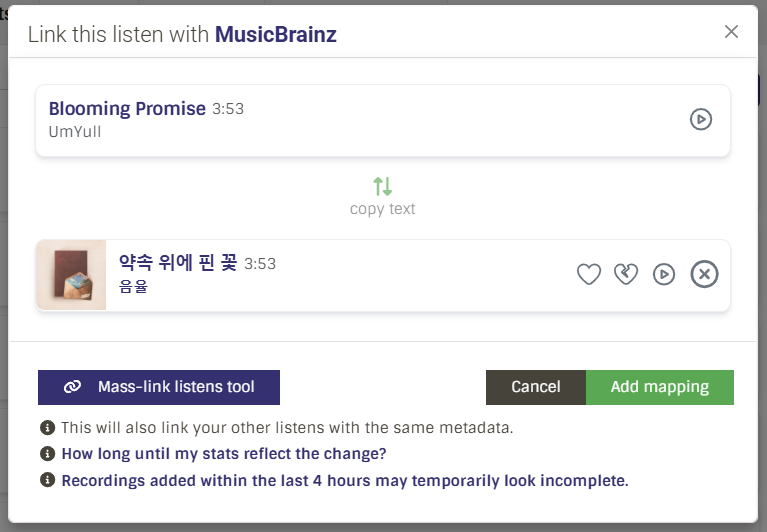
Click Add mapping and it should remember it for the future. Do this for any tracks that aren’t mapped already.
(They won’t pop up if you search the english titles, so copy the recording urls from here)
–
As a side note, I’m not sure why these scrobbles aren’t being mapped, since recording aliases are set for these tracks in MusicBrainz.
Actually, looking at the scrobble metadata, it seems to have been submitted with an invalid MBID (b4df3784-b51a-4e49-973e-f8ff9bfd57e9), but it’s from Spotify so it shouldn’t be a tagging issue. Perhaps someone with better access to the DB could see what that MBID was linked to, if anything?
It is about other problem. As you can see on screenshots, titles are blue which means tracks are linked already to the MusicBrainz releases. The problem is if you try to open these linked tracks in ListenBrainz, you get 404 error instead of usual track/album page, you should get usually.
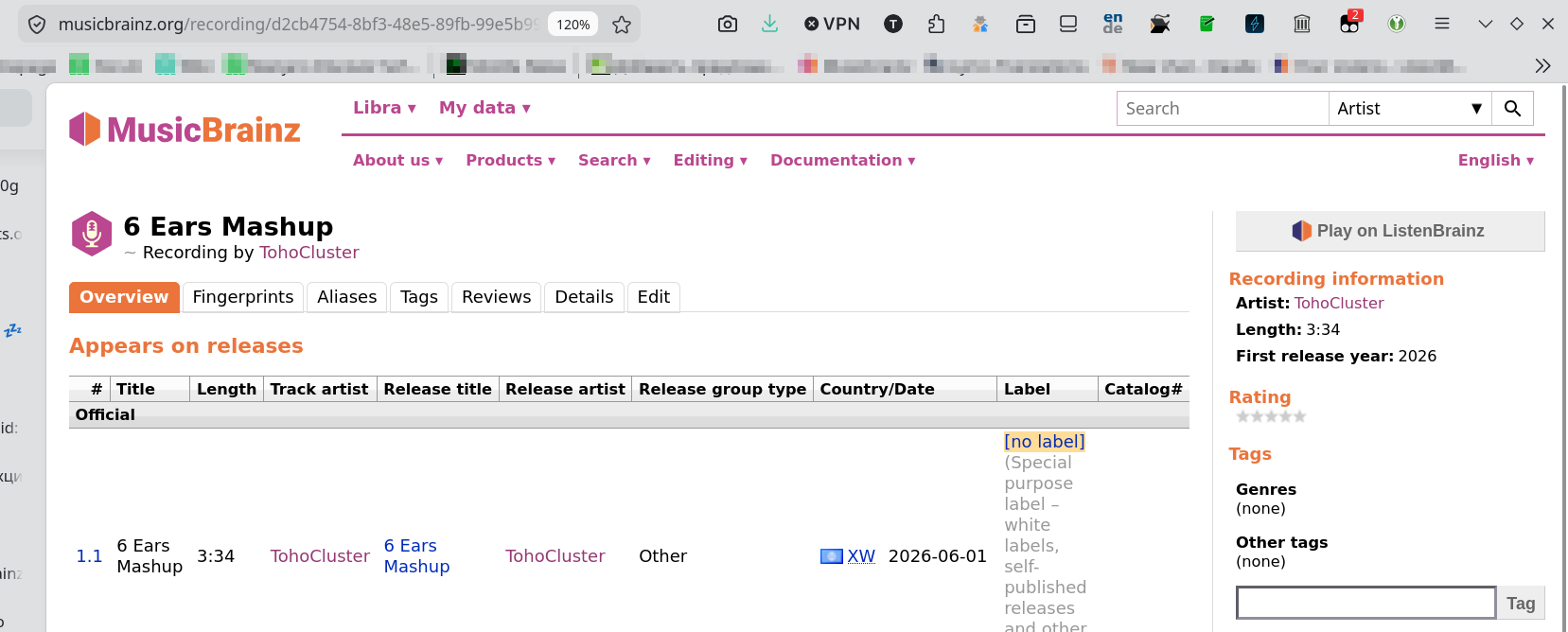
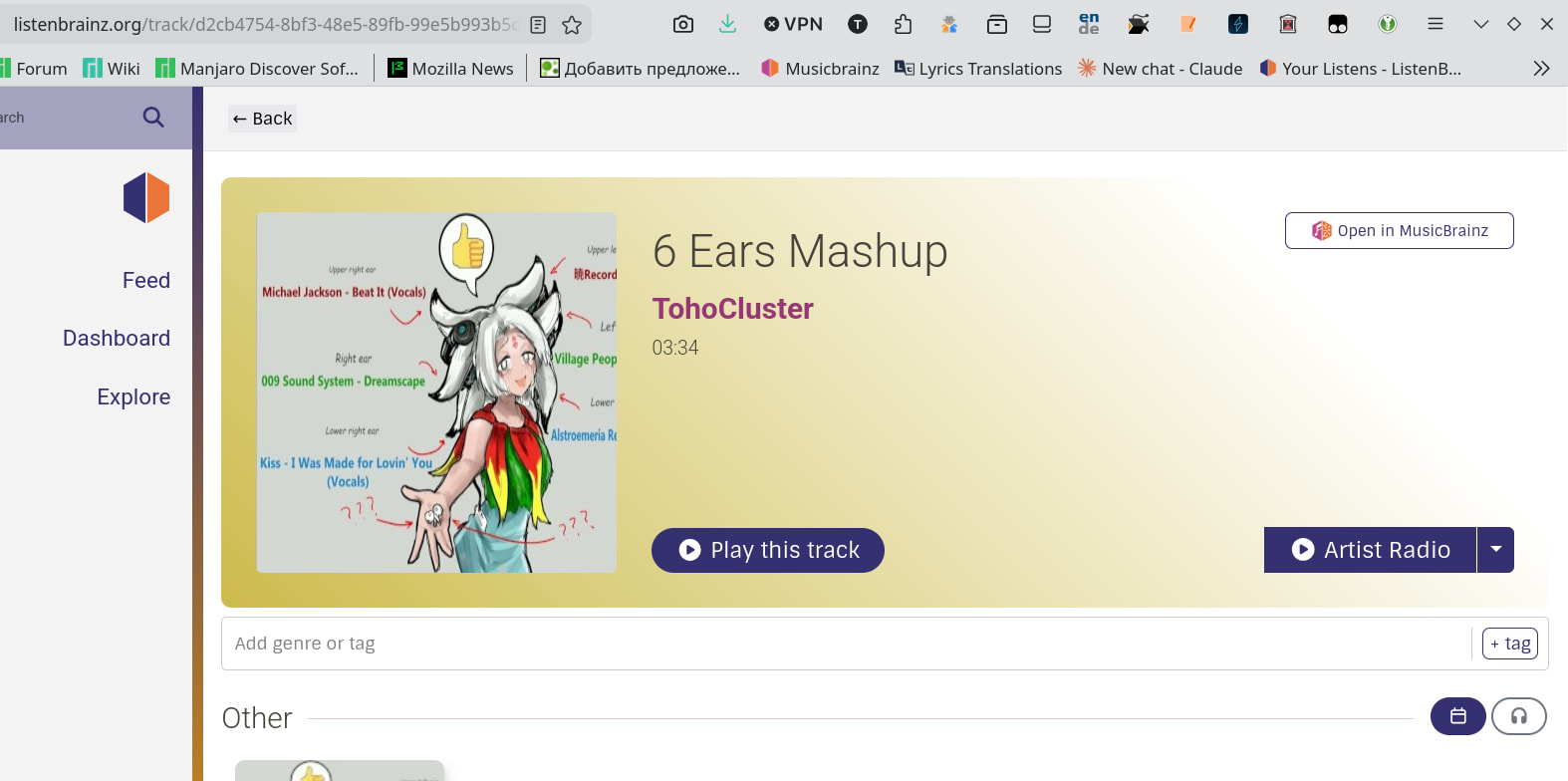
Normally, for instance, this track has both MusicBrainz and ListenBrainz pages:
MBID: d2cb4754-8bf3-48e5-89fb-99e5b993b5d2
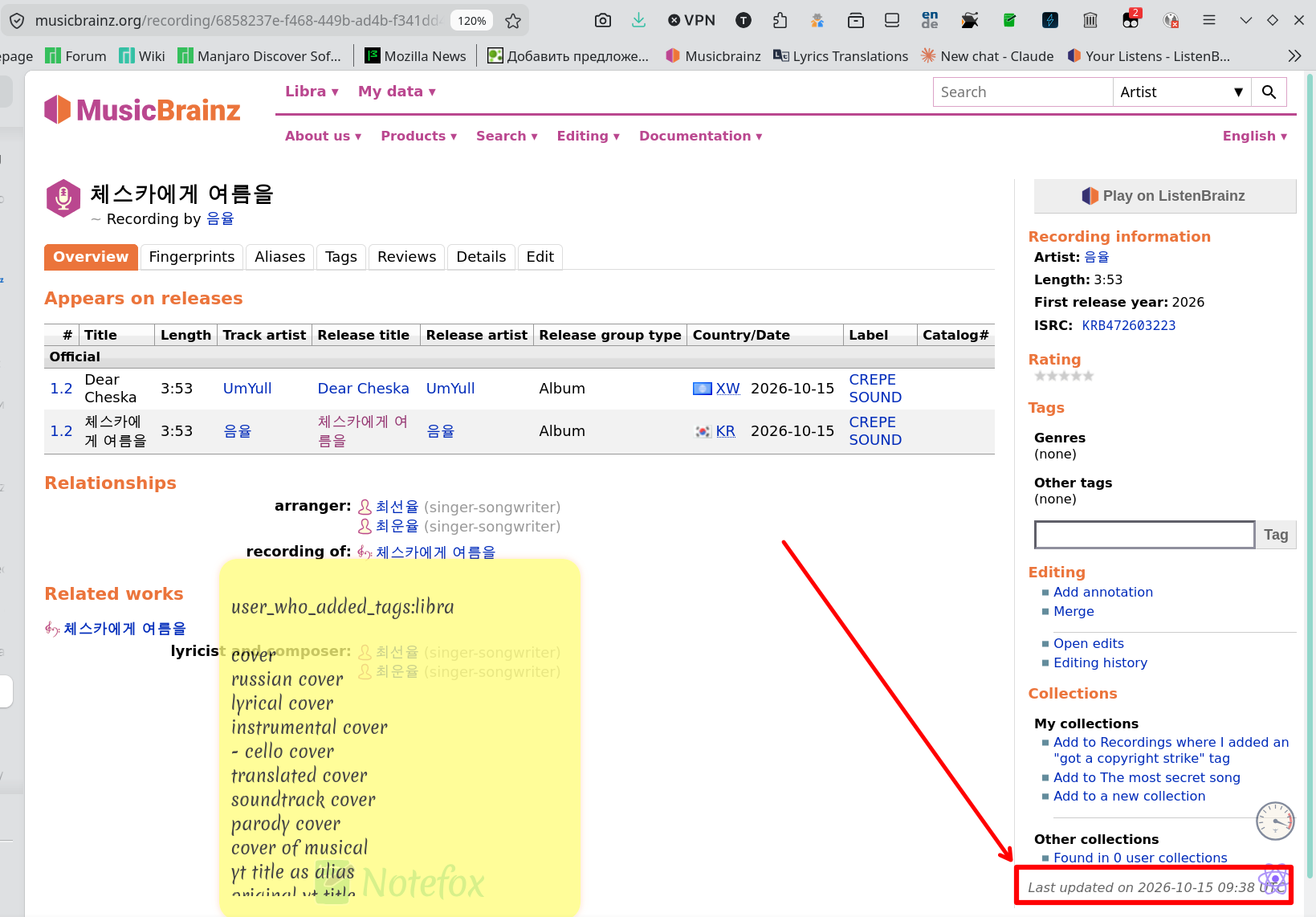
In this case (topic starter’s example) ListenBrainz page doesn’t exist at all even after month after it was added on MusicBrainz:
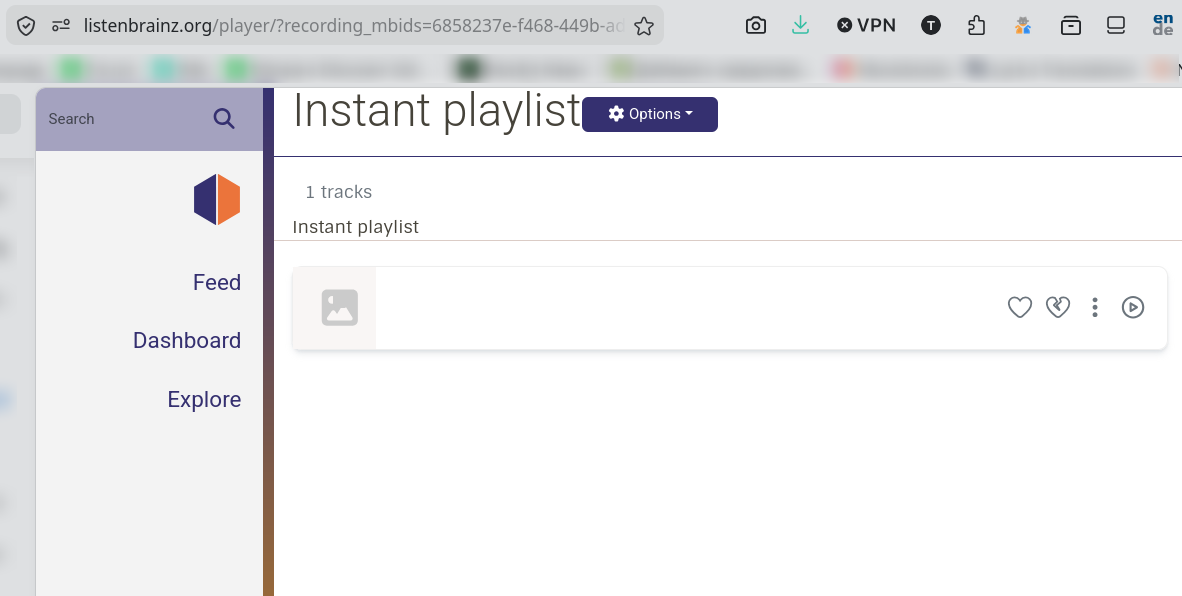
I have checked and ListenBrainz’s pages actually don’t exist for this release and its tracks.
MBID for release: 4c62aacc-0b98-4e96-8c21-0f6b23fc8b07
MBID for track in my example:
I personally met another issue when added releases are not displayed for months after adding on discography page, but here these pages don’t exist at all.
Not sure if it is linked to this infrastructure change, but it is definitely a problem.
OK, in fact I haven’t read your answer until the end before trying to answer to it. Sorry!
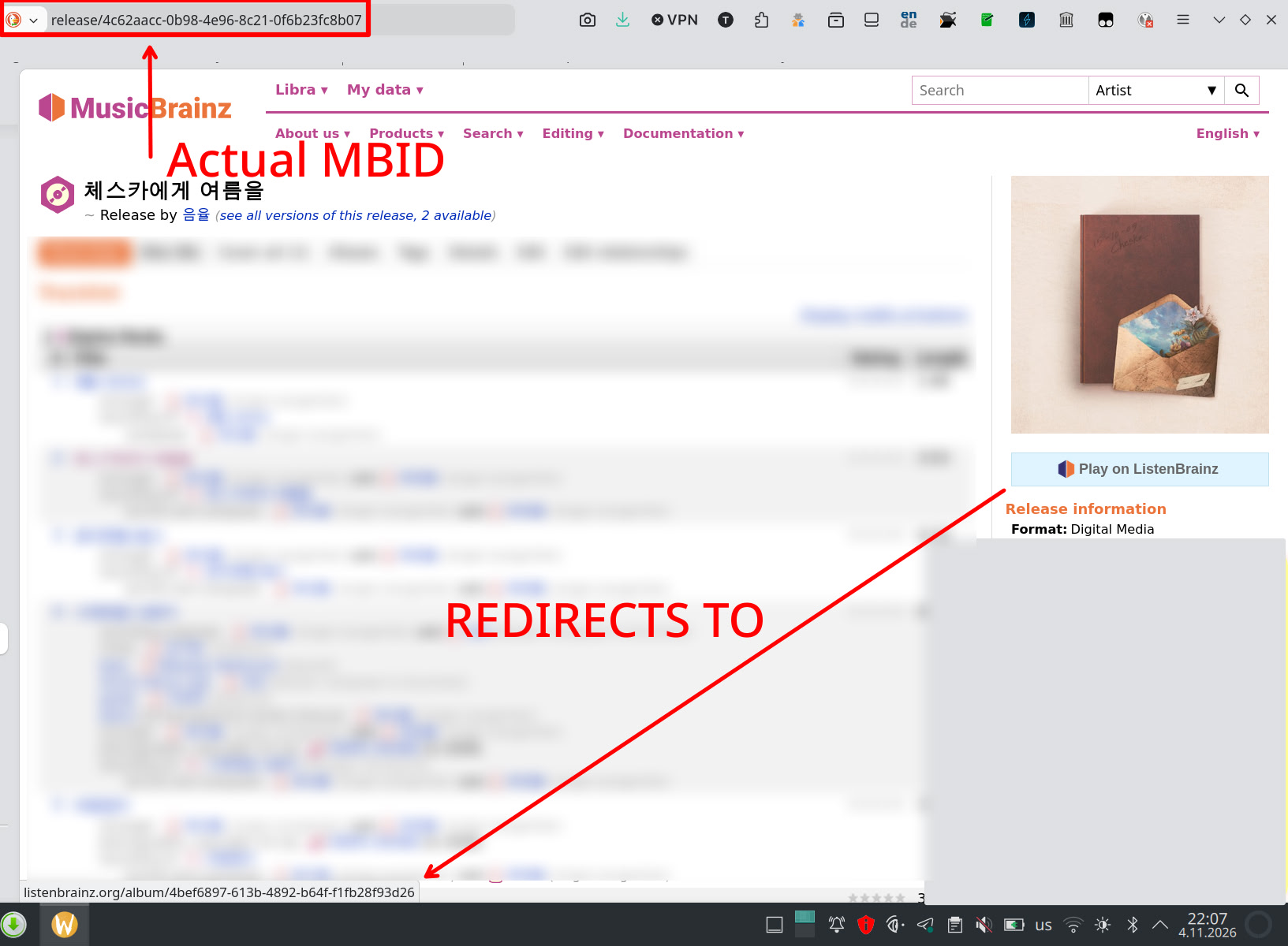
You’re right, redirections go to absolutely another MBIDs:
MBID release on MusicBrainz:
https://musicbrainz.org/release/4c62aacc-0b98-4e96-8c21-0f6b23fc8b07
MusicBrainz page redirects to this ListenBrainz page:
https://listenbrainz.org/album/4bef6897-613b-4892-b64f-f1fb28f93d26
Trying to insert MusicBrainz ID to ListenBrainz URL manually doesn’t work. So I guess manual mapping will not work too, exactly because of that. Seems these pages aren’t generated at all?
This is very weird… maybe ListenBrainz is caching an old MBID instead of using the current one? Either that, or the ID in ListenBrainz was never correct.
Ironically, I just noticed a similar caching issue here:
The LB entry hasn’t been updated to show the new date for the album’s release. I wonder if these issues are related to the current LB server issues?