Just tried that, didn’t work either.
Single value or multi-value. I guess either works. I’m using MusicBee and Plex, which Plex doesn’t really show composer anyways.
Disabling the other scripts and plugins (Neither of which touch composer) leaves Picard telling me there’s no change outside of album cover art. Both Musicbee and MP3tag still show the composer as having a / between the names. Doing Hiccups suggestion and copying the symbol from the composer tag into the script doesn’t work either.
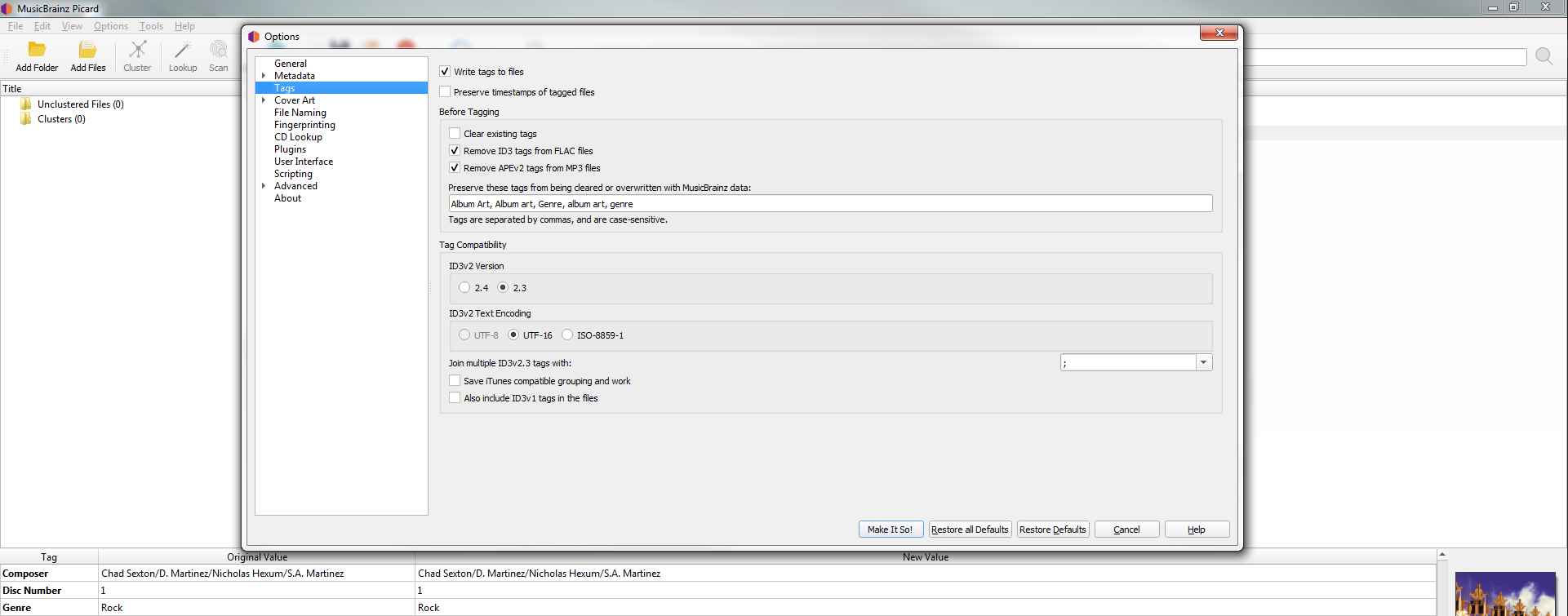
My offer to take a look at one of your files still stands.
Small chance, but there might be some oddity there.
Are they showing the raw value, or is the “/” their way of denoting a multivalue split?
MP3tag shows raw values and Musicbee uses semicolons to split multiple values, which is why I’m looking to change it into a semicolon.
I know this is an old topic, but I came here in search of an answer, as I was banging my head against the wall for a few hours before a solution finally presented itself. What ended up working for me was actually going in, editing the tag itself and separating the names to different values. My guess is either someone or something along the line entered the names as one globule masquerading as a slash separation. It was almost embarrassing how easily I overlooked that little quirk, thinking it must be something within the UI. Anyways, I hope this helps someone out there struggling with the same issue. 
2 Likes