Today we have officially released Picard 3.0, see the announcement on the blog:
Overall it has taken longer then I had hoped for, with the last stable release 2.13.3 being over one and a half year ago. But it was a huge effort with nearly 400 tickets addressed and large changes, especially around Qt6 and the new plugin system. This was only possible with the help of many people. We had overall 44 people contributing to the code and 61 translators working on 31 languages. Thanks to everyone involved!
We never did as many and as frequent pre-releases as this time. But it was worth it for all the feedback we received and the issues we were able to resolve before the final release. Thanks for the help with testing.
I am sorry I didn’t try the CLI during the RCs, so I don’t know if this is new:
C:\Users\henry> "\Program Files\MusicBrainz Picard\picard-cli.exe" --help
Traceback (most recent call last):
  File "__main__.py", line 22, in <module>
  File "picard\cli\__init__.py", line 186, in main
  File "picard\cli\__init__.py", line 163, in build_root_parser
  File "picard\cli\__init__.py", line 175, in _register_subcommand
  File "importlib\__init__.py", line 88, in import_module
  File "<frozen importlib._bootstrap>", line 1406, in _gcd_import
  File "<frozen importlib._bootstrap>", line 1371, in _find_and_load
  File "<frozen importlib._bootstrap>", line 1335, in _find_and_load_unlocked
ModuleNotFoundError: No module named 'picard.cli.completions'
[PYI-25728:ERROR] Failed to execute script '__main__' due to unhandled exception!
I clicked on “Stable” next to Debian (I’m using Linux Mint 22.3) on the download page, and the latest version appears to be 2.13. I tried “Testing,” and it also only has 2.13.
I have the musicbrainz-developers/stable PPA installed, but I don’t see v3 there either.
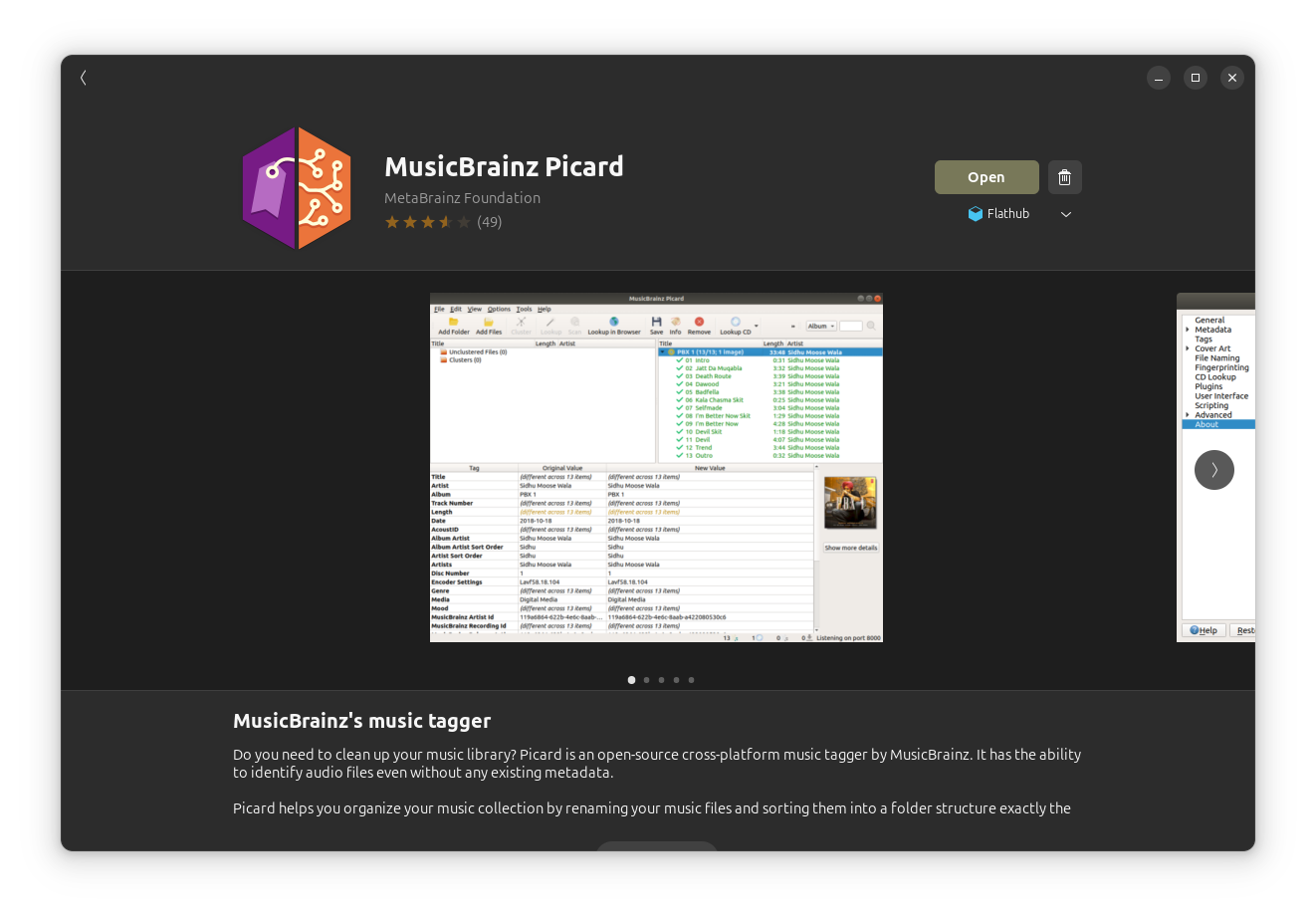
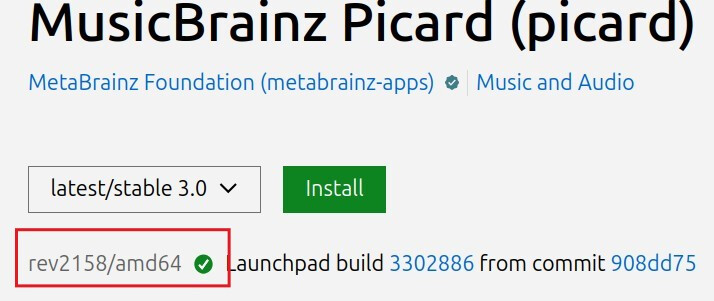
At the moment, it looks like Snap is the only option.
The MB download page has links to the distribution package pages. The packaging on the distribution side is all handled by their package maintainers.
The PPA we do control. That is providing packages for Ubuntu, currently for Ubuntu Resolute and the upcoming Stonking. If any of those work on Debian I can’t say, but you can try.
Excited to try out the new dark mode and screen scaling options. Hopefully the folk over at NixOS package this one up sometime soon. Thank you for your continued work on Picard!
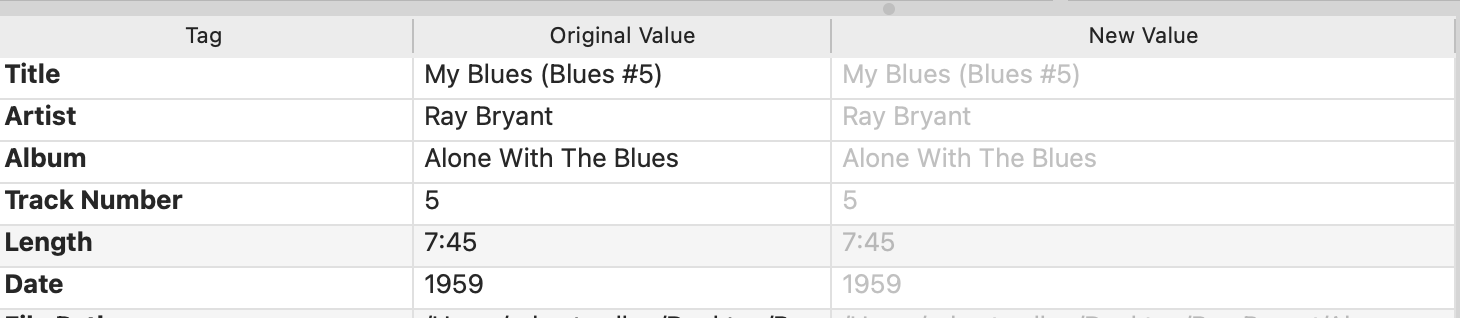
The text in the New Value column isn’t very visible because it is the same as the one in the Original Value column.
Once you change it, it becomes black (it depends on the theme).
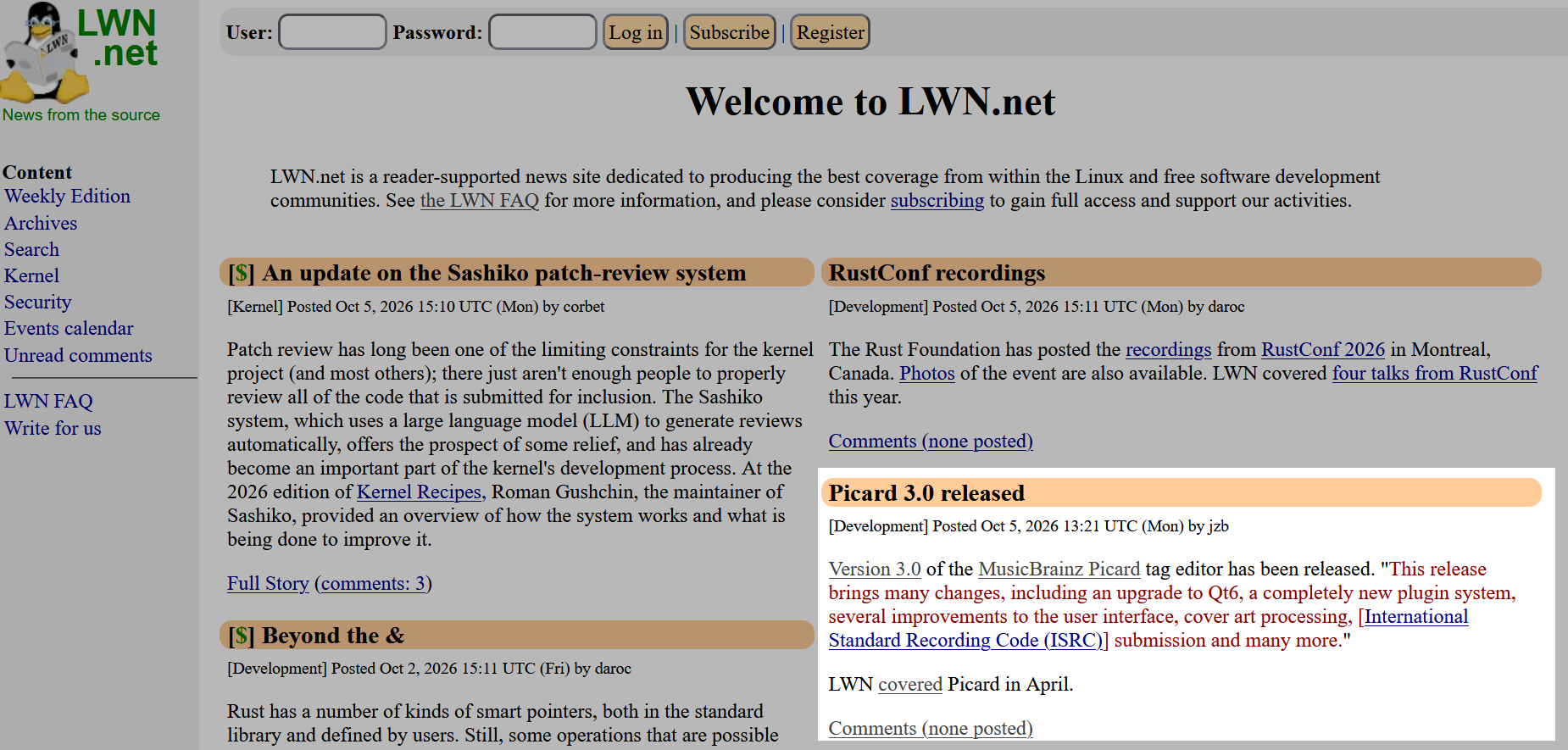
To my delight (and perhaps the delight of others with similar interests outside the MeB ecosystem), the release announcement has made it to the front page of LWN
Thanks for the reply. I see what you’re saying, but I’d still like to have that text be black. Those values are in a different column, so I don’t see how I could mistake them for what’s in the left column. It’s so hard to see/read those values this way. Is there an option to make them black?
Does the Snap version auto-update? I apparently installed the beta some time back, and forgot about it. The Snap Refresh command says there’s no update.
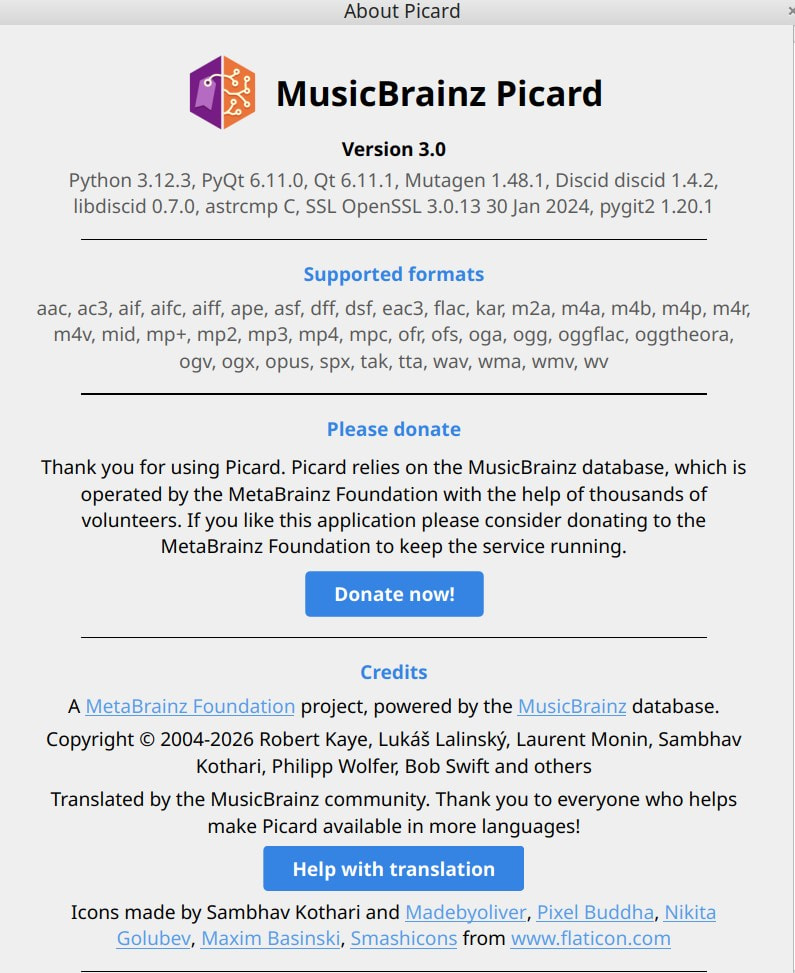
The About box in Picard doesn’t show a revision level, so I don’t know if I have the version I originally installed, or if it updated itself.
 We don’t control distribution packages, this is up to their package maintainers.