I couldn’t tell from your screen shots, but is the album pane the active one (with your release selected)? If it’s not the active pane, that might explain the action being disabled (greyed out).
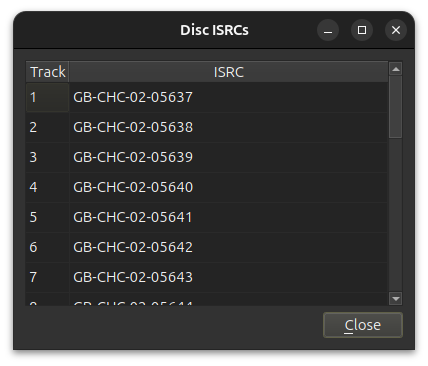
Also, do the ISRCs show up in the metadata list? They should. If not, do you have a setting like “Clear existing tags” enabled without preserving the ISRC tag, or a plugin like “Keep Only Tags” enabled that might be removing the ISRC tags?
Finally, is there anything that shows up in the debug log?
Probably. I just included it in my action toolbar so I don’t have to go looking for it.
It goes with “Submit AcoustIDs”, which is also in the File menu. I guess that’s why.
While we’re at it, I see that the Submit ISRC plugin has been ported to V3. Is this still necessary, or is all the functionality now directly in Picard?
The submit ISRC was actually ported before we had the built-in functionality added to Picard, and was added as one of the first plugins to the registry. Strictly speaking I think it would be no longer necessary.
I keep meaning to confirm that all of the functionality in the plugin is now in the core Picard code. It just hasn’t found its way to the top of my to-do list yet.
If you want to get more insight about what’s happening with ISRC submission, you can enable debug log and especially ISRC debug opt. It will provide details. ISRC submission is very conservative and it doesn’t allow to submit when there are reasonable assumption that they could be incorrect.
I’m confident it the processing. The only thing that I want to confirm is that it will handle ISRCs in the files themselves, even without a CD. For example, sometimes the digital download files from Bandcamp will contain ISRCs, and I want to confirm that the internal Picard processing handles them before I get rid of the plugin.
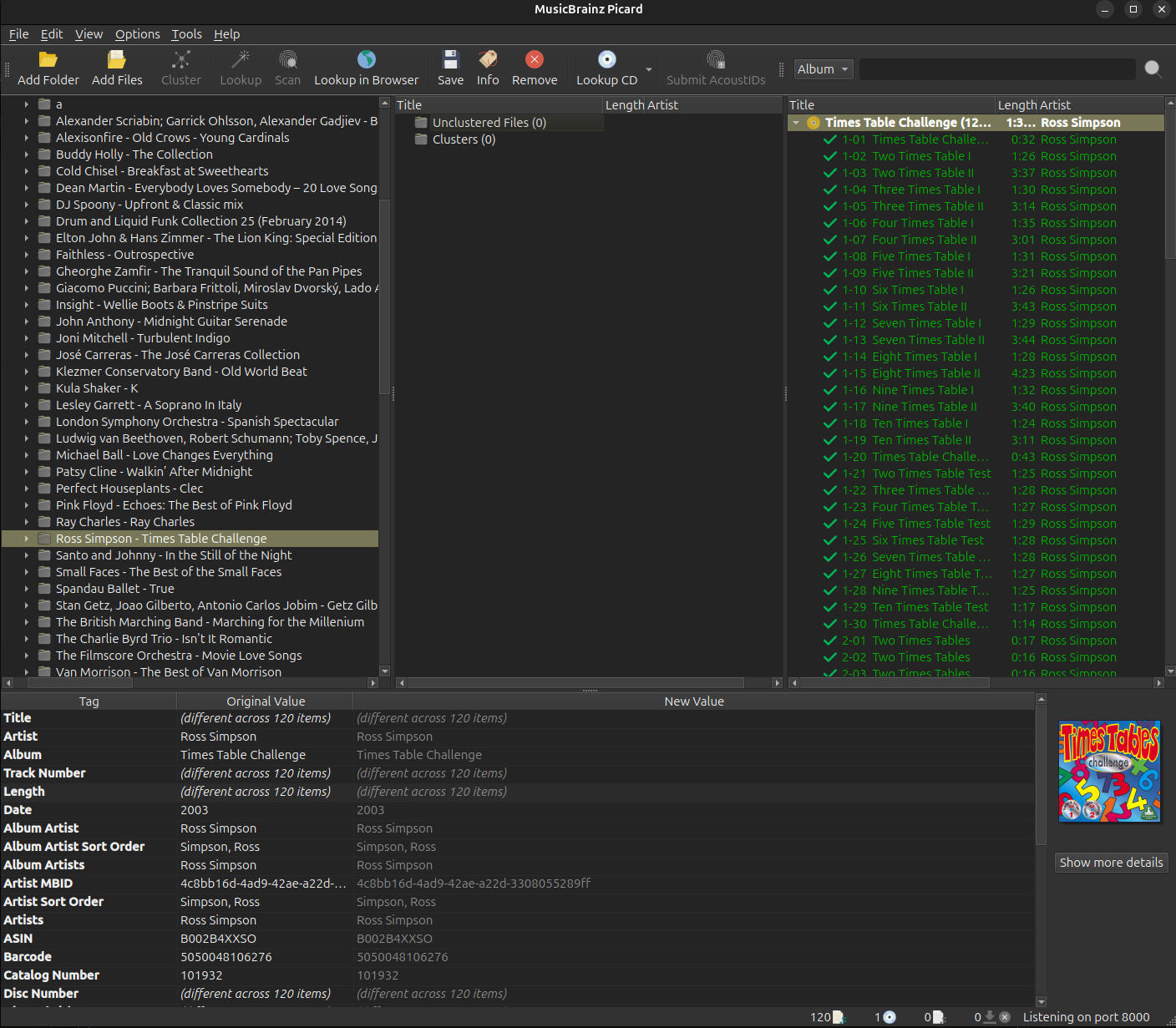
 I just included it in my action toolbar so I don’t have to go looking for it.
 what do you want me to do”
