to roll it over to picard
i dont unstand on what to do please explane i want to use my scrip from AutoRanger with piccard
I, for one, have no idea what you’re actually trying to do.
Do you have a script or plugin from a different application that you would like to use with Picard? Do you have a separate application that you’re trying to use with Picard? Are you trying to convert (or create) a plugin for use with Picard?
Details please, and then someone might be in a better position to provide some advice.
I suspect they mean the file name patterns:


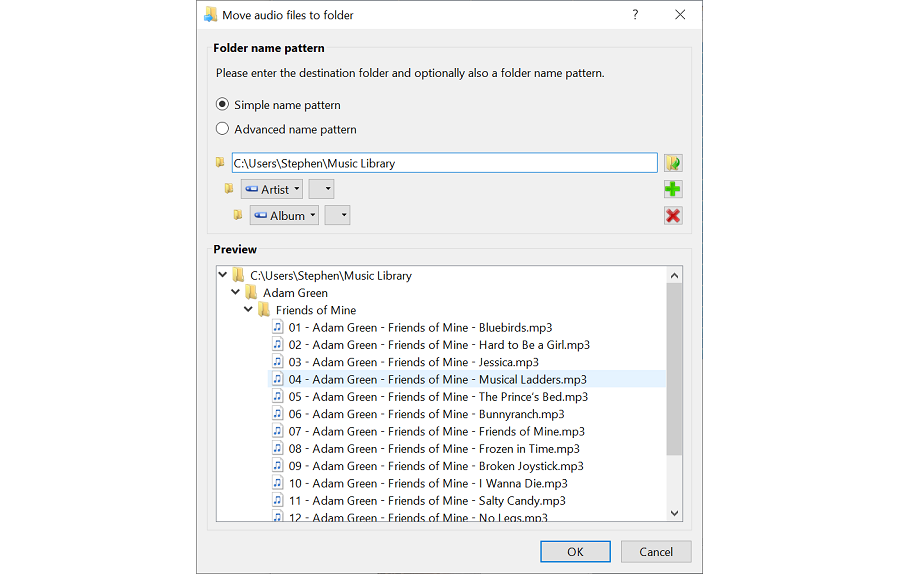
Continuing the discussion from How to get my https://www.audioranger.com scrip:
Continuing the discussion from How to get my https://www.audioranger.com scrip:

I’m sorry, but it is largely unclear what you want to do. I understand you would like to bring over some configuration from AudioRanger to Picard.
There is no direct support for importing any settings from AudioRanger. But if you can explain what you want and what kind of script you have in AudioRanger and what it does, then we can probably help you set up Picard accordingly.
1 Like
If you’re interested in scripting with Picard, you might want to have a look at the Scripting section of the documentation for a general explanation, and the Scripts section for an explanation of the two different types of scripts (tagging scripts which can set or modify the tags in the audio file’s metadata, and file naming scripts which define where the files will be located / moved and the filename assigned when saving). Finally, there is a brief Writing a File Naming Script tutorial available to help get you started.
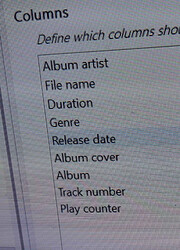
Picard 3 has support for custom columns if you are missing some:
But you have to tell us what exactly you are missing